Hi HN,
I built WhipDesk, an open-source, mobile-friendly remote desktop tool for controlling your full development machine and managing AI coding agents from your phone’s browser.
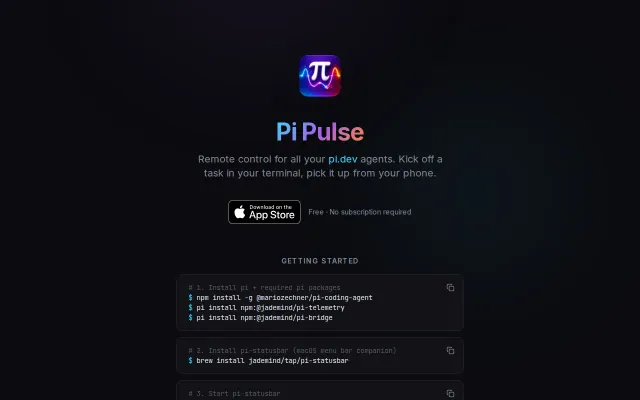
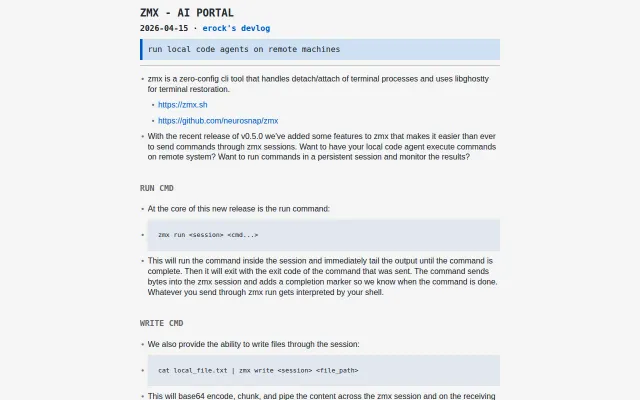
It gives you access to the entire desktop while also adding workflows for monitoring and managing tools such as Claude Code, Codex, GitHub Copilot, and others
The two questions I hear most are: How is it secured, and how is it different from existing tools?
Security
Following the modern approach taken by open-source remote access tools such as RustDesk, WhipDesk is fully open source, so its client, agent, protocol, and security model can be inspected rather than trusted as a black box.
Local connections can run entirely within your network without an account. Remote connections use end-to-end encrypted WebRTC. Most connections are peer-to-peer; when a TURN relay is required, it only forwards encrypted traffic. Each connection also requires the machine’s access PIN as an additional security layer. More details are available in the GitHub README.
Why not Claude Code, Codex, or other agent remote-control tools?
Those tools are useful for interacting with the agent session, but sometimes I need access to the rest of the machine: the IDE, browser preview, emulator, logs, desktop applications, or the UI the agent just changed.
WhipDesk gives you access to the full development environment directly from your mobile browser, regardless of which coding agent is running. That is why I built it: I did not want to be limited to a single agent interface.
Why not TeamViewer, RDP, or RustDesk?
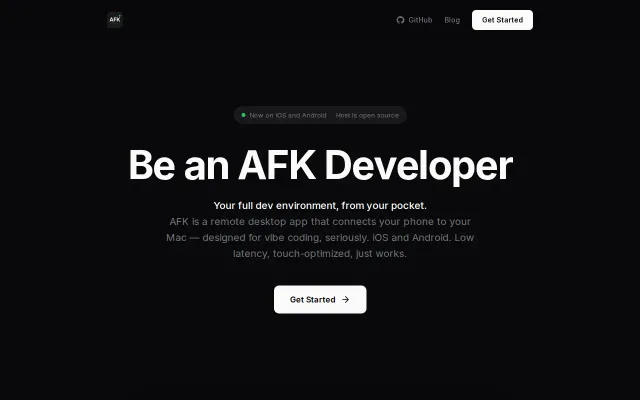
Traditional remote desktop tools work, but they are usually designed for controlling one large desktop from another computer. On a phone, text can become difficult to read, and they do not include workflows specifically designed for monitoring and managing coding agents.
WhipDesk is designed specifically for mobile browsers. It can stream only the selected mobile viewport, keeping text crystal clear when zoomed in and allowing it to work well on lower-bandwidth connections.
I built it because I often need to step away from my desk while agents are still working. I use it to answer prompts, inspect UI changes, review progress, and course-correct from my phone.
Source and installation:
https://github.com/BinaryBananaLLC/WhipDesk
npm install -g whipdesk
I’d especially appreciate feedback on your first impression. Building a tool that requires this level of user trust has been challenging, and I would love to improve it based on honest feedback.