Productivity●●Solid
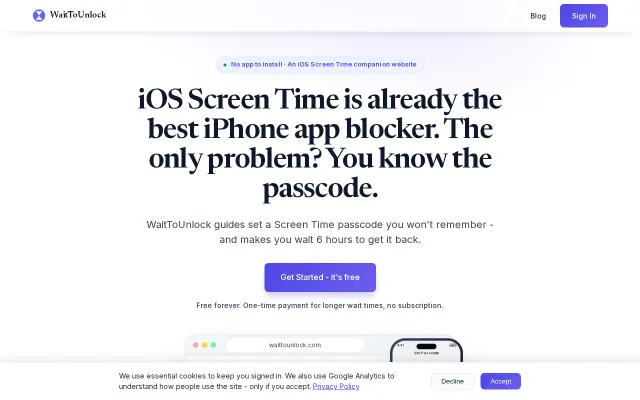
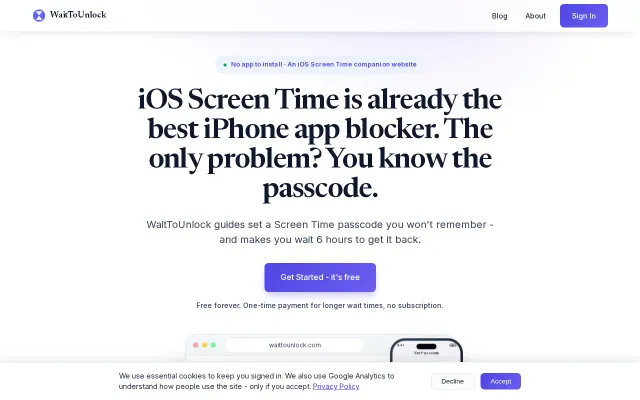
WaitToUnlock – Set a ScreenTime passcode you cannot remember
Behavioral delay kills the impulse to override Screen Time limits when temptation hits.
CozySolve My ProblemBig Brain
shorekey
4016d ago
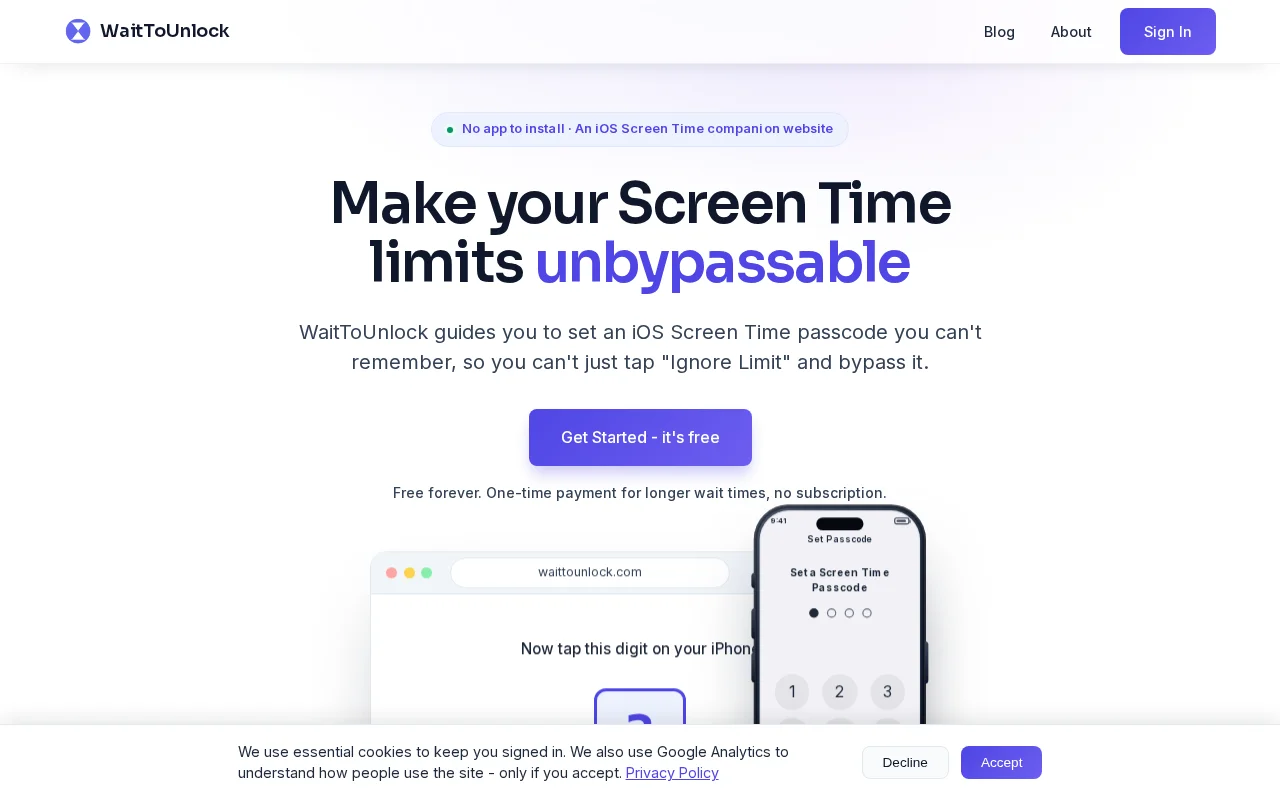
Cleverly exploits iOS's 'Ignore Limit' loophole using a guided passcode entry sequence.
iPhone users struggling with screen addiction or self-control
Opal · Freedom · One Sec
The biggest weakness is the “Ignore Limit” button. You can set a Screen Time passcode, but because you know it, you can always enter it and bypass your own limits.
So I built WaitToUnlock.
It generates a random Screen Time passcode and guides you through entering it in a deliberately confusing sequence (for example: enter 5, enter 8, delete it, enter 2…) so you’re very unlikely to remember it. The passcode is then locked away, and you have to wait at least 6 hours before you can retrieve it.
This makes your Screen Time limits impossible to bypass. Because you no longer know the passcode, you can’t simply tap “Ignore Limit” and enter it whenever you’re tempted. If you want to remove the limits, you have to wait until the passcode becomes available again.
Behavioral delay kills the impulse to override Screen Time limits when temptation hits.
Generates a Screen Time passcode you can't remember so you can't bypass your own limits.
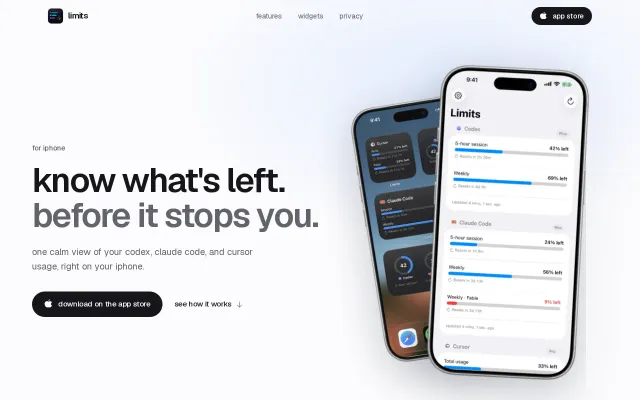
Lock screen widgets for Codex limits beat checking Twitter for reset announcements.
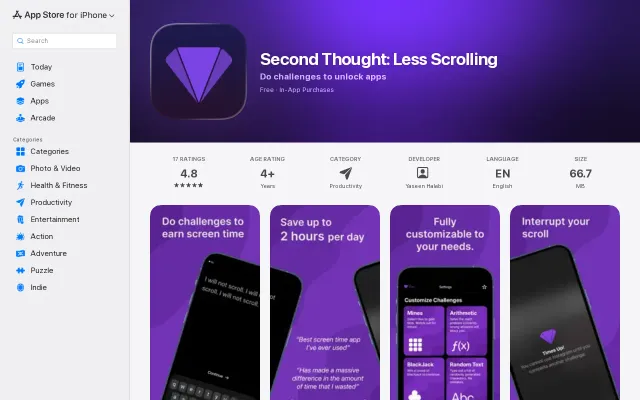
Betting real money on focus challenges is a wild twist on screen time blockers.
Nice visit-limiting mechanic, but LeechBlock already handles schedules and quotas better.
Yet another screen time blocker when iOS already has Screen Time built in.