Productivity●Mid
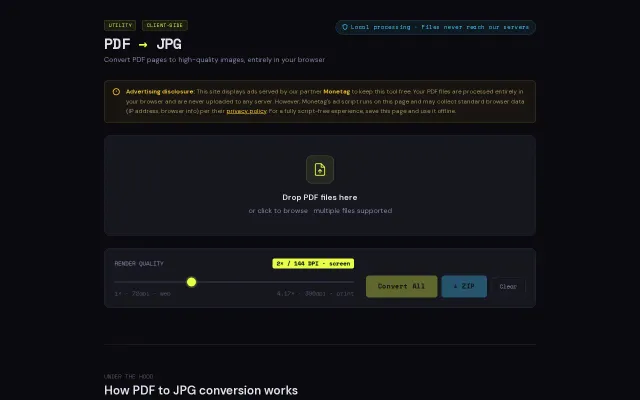
PDF to JPG converter that runs in the browser (no uploads)
Client-side PDF conversion when Smallpdf already does this free.
Cozy
touchsomegrass
202mo ago
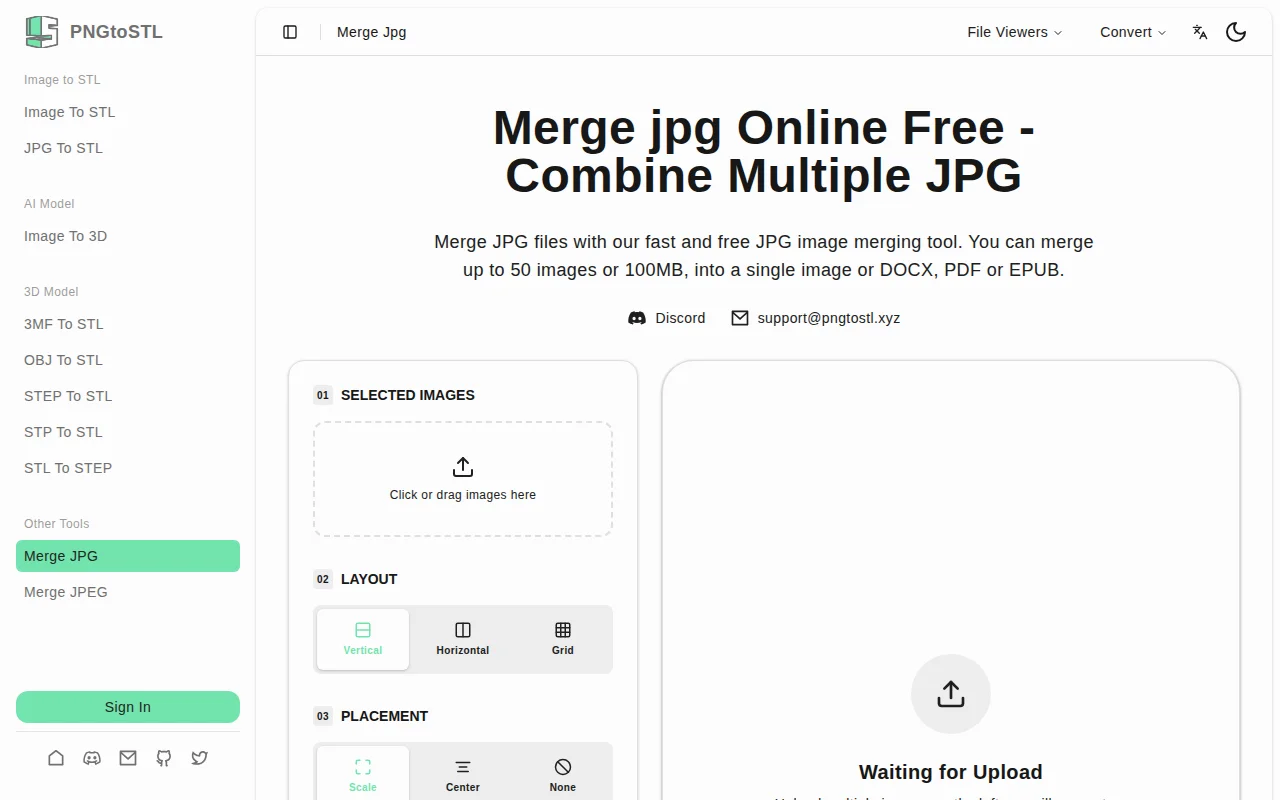
Nice little browser-only JPG merger with drag-and-drop, live preview and layout choices (vertical / horizontal / grid) plus exports to JPG, PDF, DOCX or EPUB — useful for stitching screenshots or photo series fast. It isn't doing anything new: the UX and local-processing claim are practical, but power users will miss per-image sizing, margin/DPI controls and batch presets.
General users, content creators, marketers, students and anyone needing to combine images quickly
Client-side PDF conversion when Smallpdf already does this free.
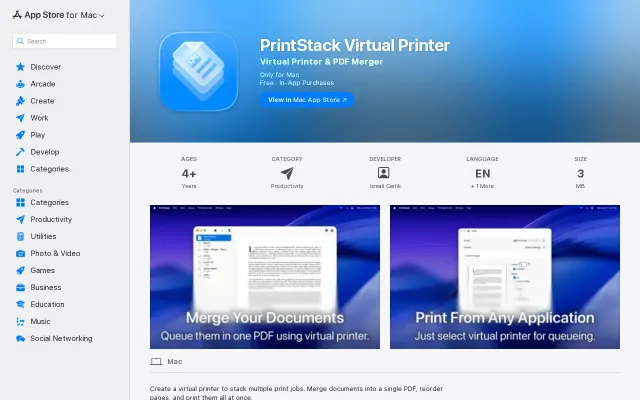
You send prints to a local virtual printer, inspect a smart queue (rename items, check page counts), drag in extra PDFs and then merge or print the whole stack — exact workflow-level tooling that saves annoying manual merging. The app is small, privacy-friendly (developer claims no data collection) and includes useful extras like a log viewer, but the core idea is familiar and the free tier’s 5-document limit feels deliberately gating without compelling advanced features shown on the listing.
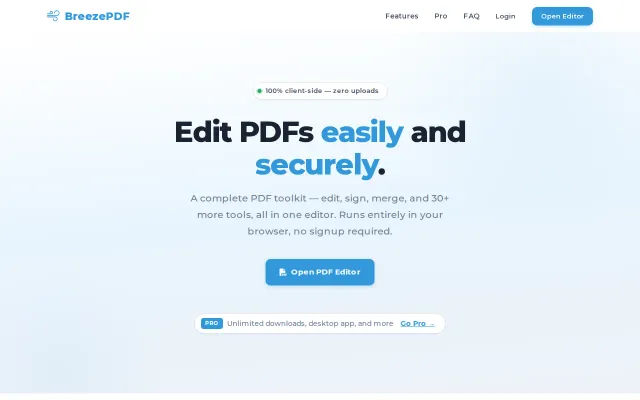
Privacy-first PDF editor running locally, but Smallpdf and PDF24 already do this.
Client-side PDF toolkit when most competitors upload your files to their servers.
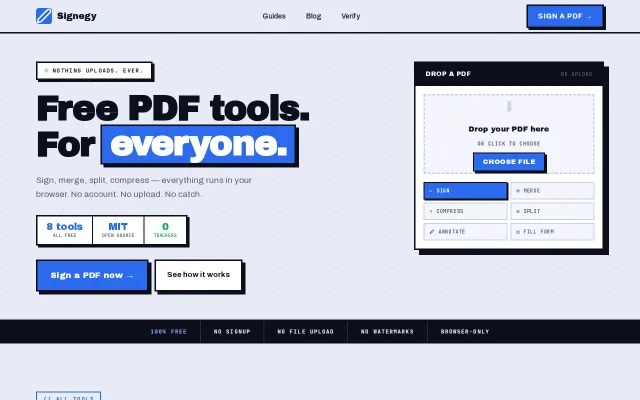
Free browser-only PDF tools with audit trails, but iLovePDF and CyberChef already dominate.
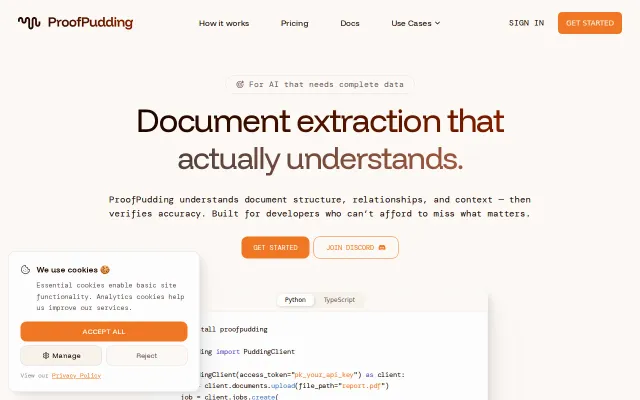
ProofPudding returns extraction results with explicit links back to the exact page and source text, supports native and scanned PDFs plus DOCX/images, and ships Python/TypeScript SDKs — handy for agents that need auditable facts. It’s a pragmatic product (per-extraction pricing and confidence scores are nice), but the market is crowded; I want clarity on underlying models, real-world accuracy numbers, and how it compares to Document AI/Textract in edge cases.