Other●Mid
A demo video of Effected Keyboard 2
Visual gimmick for typing that wears off after five minutes of use.
Eye Candy
vitalipom
2013d ago
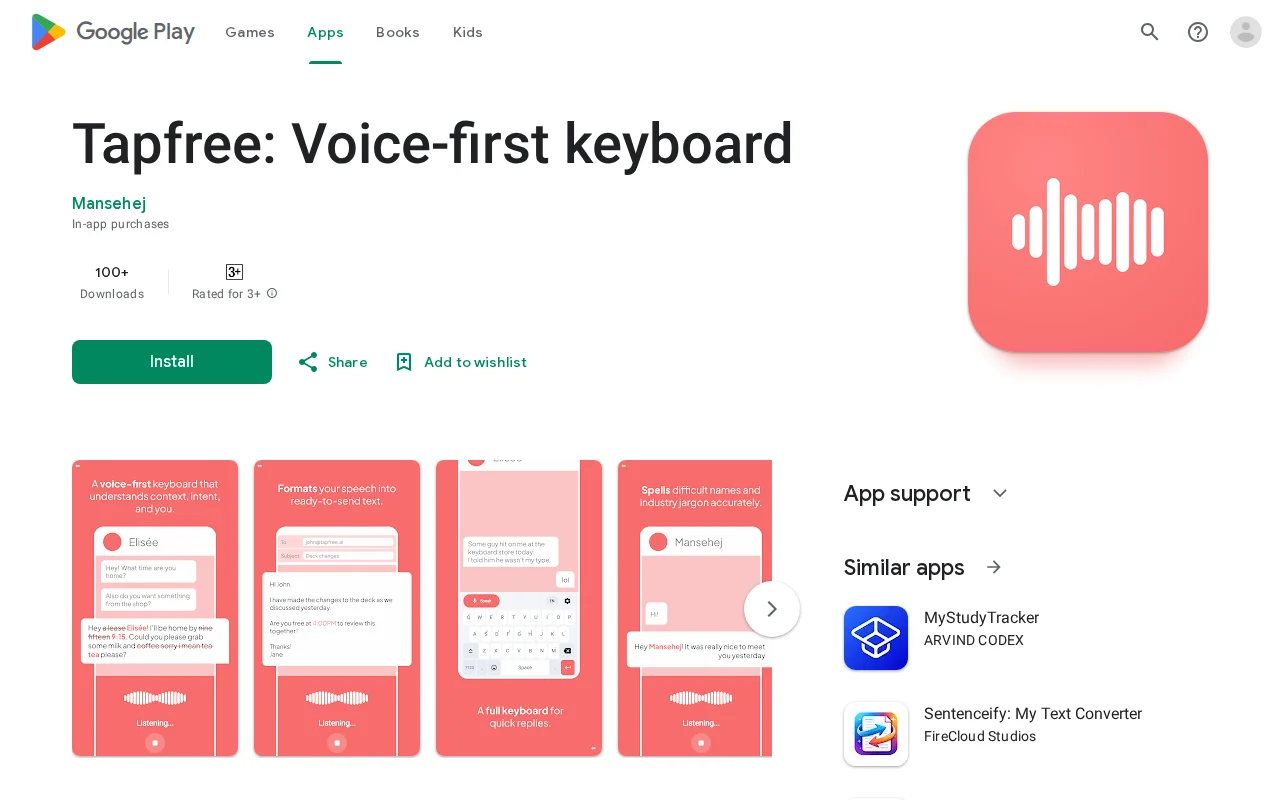
Voice keyboard with context awareness, but Gboard's voice typing and Otter already solve this well.
Android users, mobile-first writers, people with accessibility or mobility needs
Google Gboard · Otter.ai · Google Docs Voice Typing
Most keyboards and dictation tools don’t help much. They transcribe words literally, miss context, butcher names, and leave me fixing formatting by hand. Writing an email, a chat reply, or a document all need very different handling.
What makes Tapfree different is how it understands context. Tapfree uses on-screen context (the text field and surrounding UI), not just the app you’re in, to produce cleaner, more relevant dictation.
It also handles the way people actually talk. You say "Could you get some coffee... sorry, tea on the way back?" and Tapfree writes: "Could you get some tea on the way back?". It catches your corrections mid-sentence so you don't have to go back and fix them.
If you give it a try, I’d love specific feedback: - Which app or scenario felt noticeably better (or worse) than usual dictation? - Any "wow" moments with the context understanding? - What would make it even more useful for you?
I would love all kinds of feedback, as this is very much a side project and I’m still shaping it.
Visual gimmick for typing that wears off after five minutes of use.
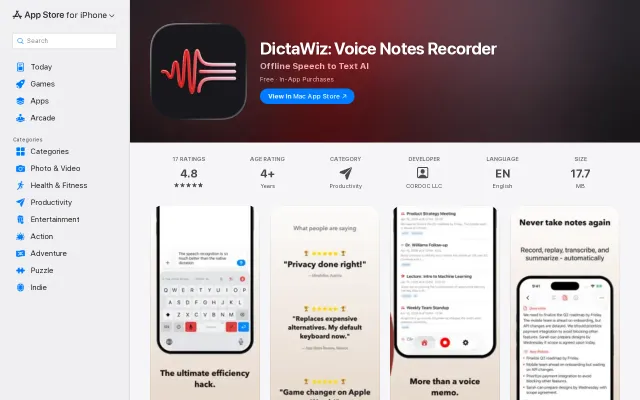
Finally, a Wispr Flow alternative that runs entirely offline with a lifetime price tag.
Comprehensive list, but static curation—dozens similar repos exist on GitHub.
Another voice cloning platform when ElevenLabs already dominates this space.
Context-aware local AI that reads your screen and documents without cloud calls.
Voice-in/voice-out Discord bot on free-tier Groq and Google APIs, self-hosted.