Productivity●Mid
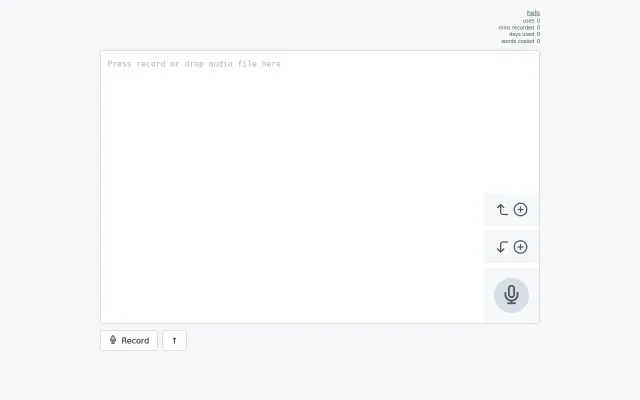
list55: PWA to transcribe into a plain text list
Speech-to-list PWA with home screen access when voice memos require manual transcription.
CozySolve My Problem
emadda
3014d ago
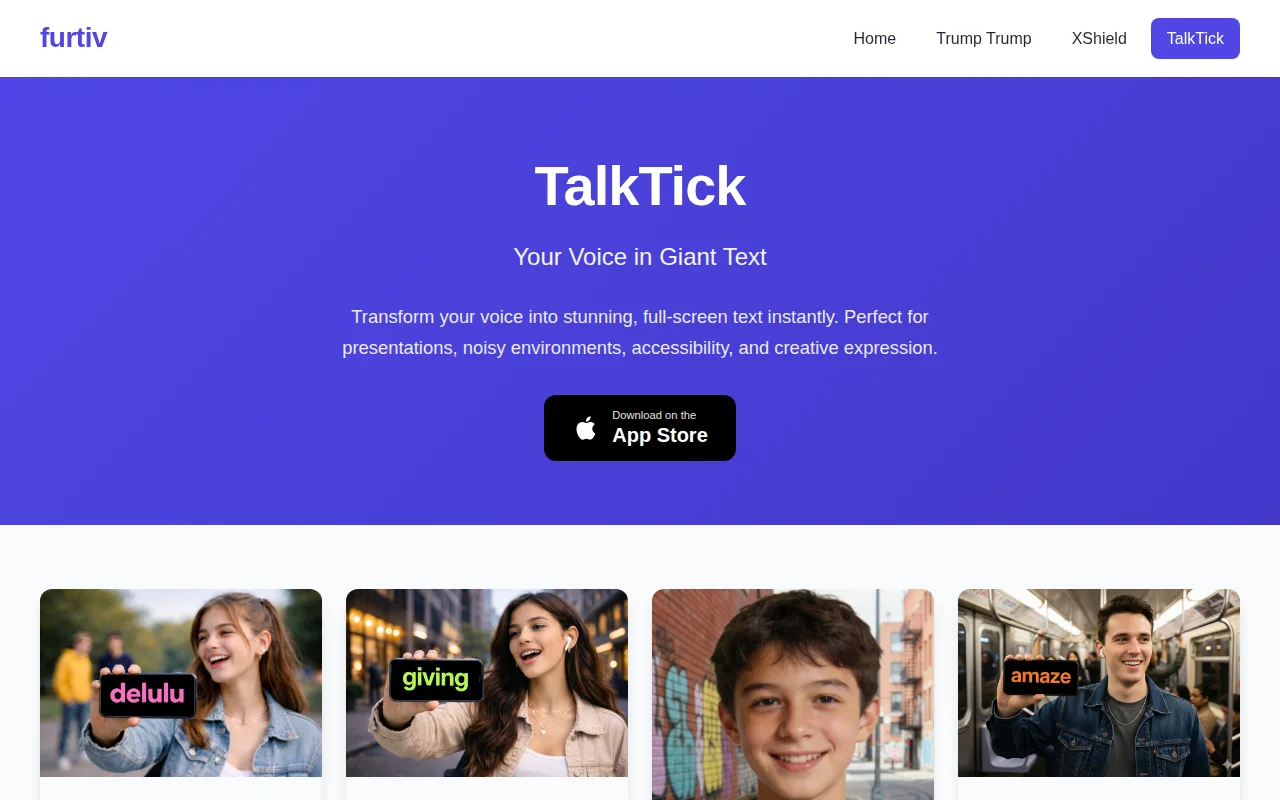
On-device speech-to-giant-text for presentations and accessibility, but limited to iOS.
Presenters, accessibility users, language learners, people in noisy environments
Otter.ai · Google Live Translate · Speechify
You can use the app to communicate at a distance, during presentations, when learning a language, or if you have difficulty hearing. Some unexpected use cases we’ve found: ad hoc captions when the TV subtitles are already set to another language, a backup when people can’t hear me on Zoom calls, captions while listening to the radio, or trying to figure out what Bad Bunny is singing about. The haptics help you "feel" the words that are displayed when your screen is pointed away from you.
Let me know if you find other interesting uses for this app. Also, please let me know how it works on an iPad (I'm too cheap to buy one and you can't speech to text in the emulator).
Speech-to-list PWA with home screen access when voice memos require manual transcription.
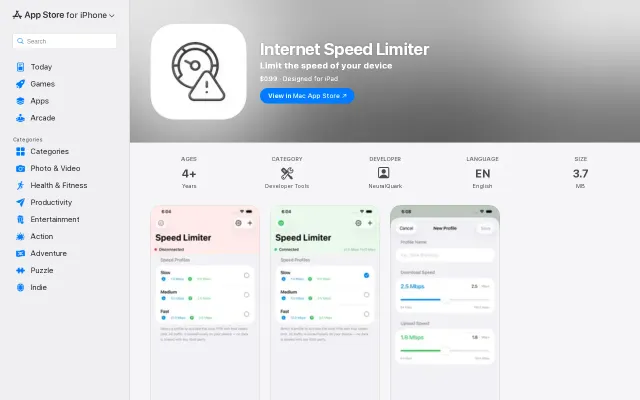
Finally test slow 3G on iPhone without tethering to a Mac.
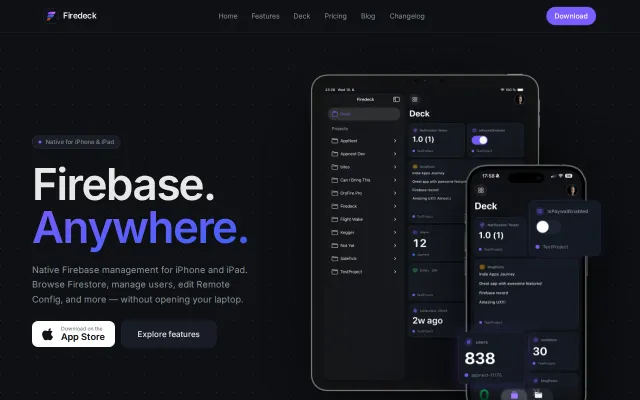
Finally, a way to hotfix production data from the couch without firing up Xcode.
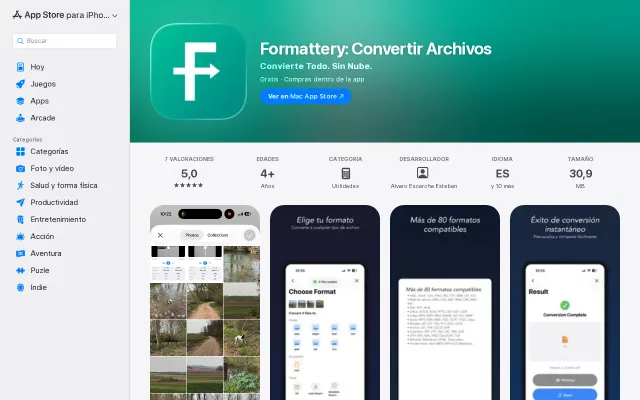
80+ formats converted on-device with no subscriptions, unlike CloudConvert or Zamzar.
The core idea is neat: put an RPN stack into a spreadsheet-like grid so you get both terse, stepwise entry and immediate dependency updates when you change an input. That combo feels like a thoughtful mobile-first answer to cramped phone spreadsheets. Main caveats: it's niche (RPN devotees) and the demo page gives little evidence about export, collaboration, or how complex formulas are expressed.
Anti-gamification journal that treats entries like a memoir, not a streak.