Back to browse
Preview CoreML video models on any video feed

Preview CoreML video models on any video feed

by fasecharmer·Feb 13, 2026·1 point·0 comments

AI Analysis

●●SolidWizardrySlickNiche Gem
The Take

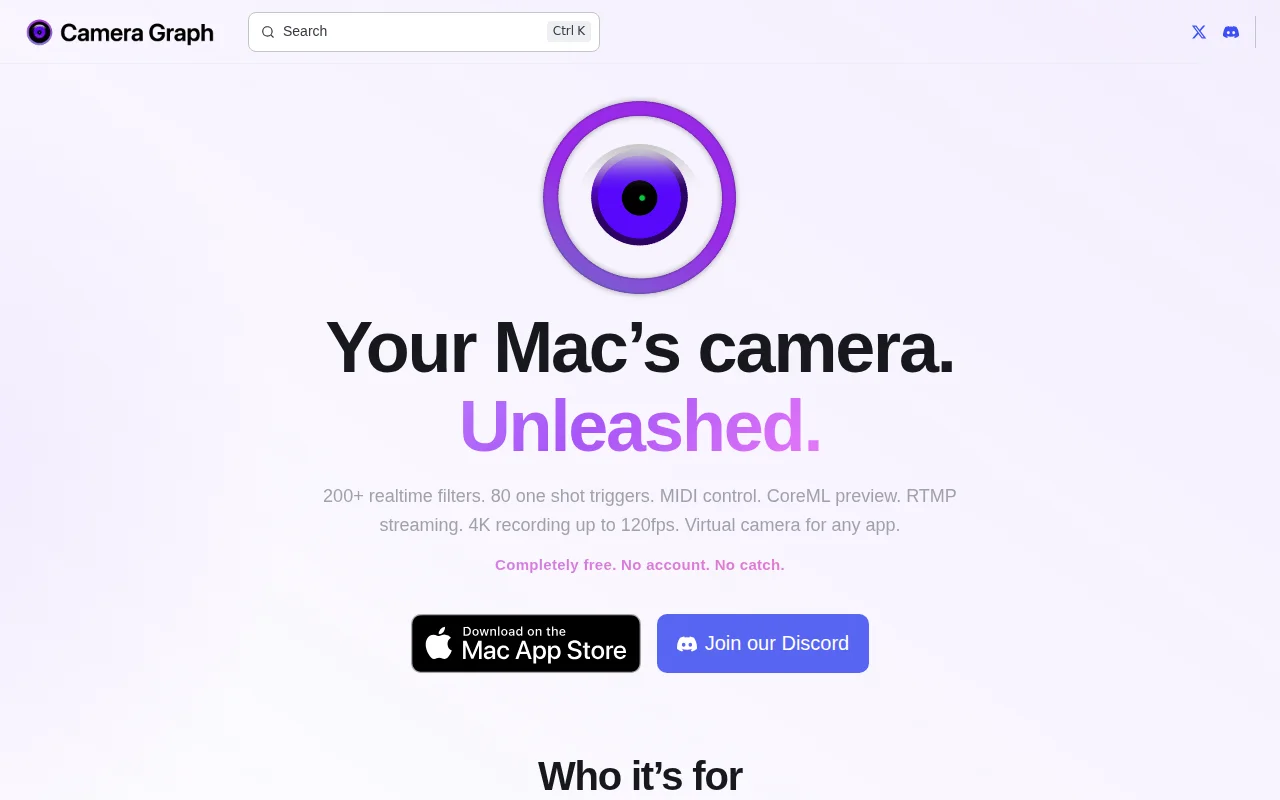
You can grab a CoreML model from Hugging Face and see inference applied to a live camera feed in realtime while stacking cinematic effects, firing one-shot triggers from MIDI, and streaming out via a virtual camera or RTMP. The combo of local CoreML preview + unlimited sources and CSS-overlay widgets is a clever, practical playground for both creators and researchers — the real test will be model compatibility and performance across consumer Macs.

Category
Target Audience

Streamers, content creators, macOS power users, and developers who want to test or demo CoreML video models

Post Description

Hello everyone -- my name is Chase, the creator of Camera Graph. Frustrated by lack of customizable video tools out there for macOS that aren't OBS, I built Camera Graph. The latest update surfaces the ability to download CoreML models directly from Hugging Face and preview them on any video feed.

Similar Projects

AI/ML●●Solid

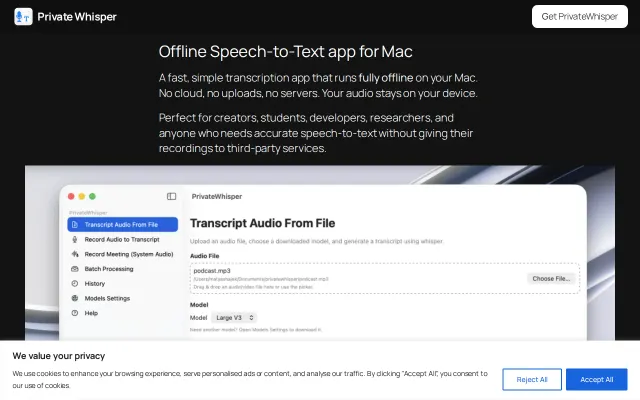
PrivateWhisper – Run Whisper locally on macOS (offline transcription)

Packages Whisper into a one-click Mac app that records system audio, batch-processes files, and exports SRT/MD/DOCX — all kept on-device. Very useful if you hate terminal hacks and want privacy-first transcription, but it’s not novel (several local Whisper GUIs already exist) and the Apple‑Silicon‑only restriction plus limited detail on model sizes and performance hold it back.

Solve My ProblemNiche GemSlick
matyashajek
213mo ago

Bookmarking and AI and Curated RSS feeds in one app

Pairs curated sources (they call out Hacker News) with an AI 'chat' to find saved links in context, plus a scrolling ticker and weekly 'recap' digest — a tidy feature set for obsessive bookmark keepers. It’s useful and focused, but not groundbreaking: the landing page doesn’t explain import/extension support or how the AI ranks relevance, and mobile-only availability will limit adoption unless browser integrations exist.

Niche GemSlick
quinto_quarto
103mo ago
Productivity●●Solid

ScreenStudio Alternative with one-time purchase

Smart Zoom and click/keystroke highlighting are sensible UX-first features that actually matter for tutorial makers — they reduce editing overhead. The one-time $29 license and native macOS build are the selling points here, but nothing on the page suggests a technical leap over ScreenFlow/other tools; it feels like a focused, friendlier alternative rather than a reinvention. Missing cross-platform support and more detail on multi-track audio or sharing workflows keep it from feeling essential.

SlickCrowd Pleaser
lenvl
114mo ago