Developer Tools●●Solid
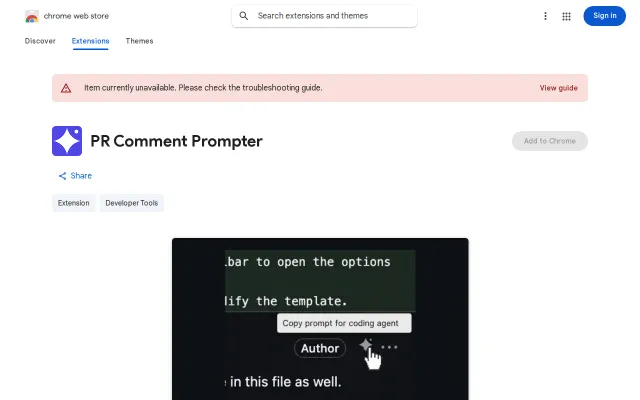
Chrome extension that adds "Copy Prompt" buttons to GitHub PR comments
Saves five seconds per PR comment copy-paste—niche workflow, clean execution.
Ship ItSolve My Problem
rerorero
204mo ago
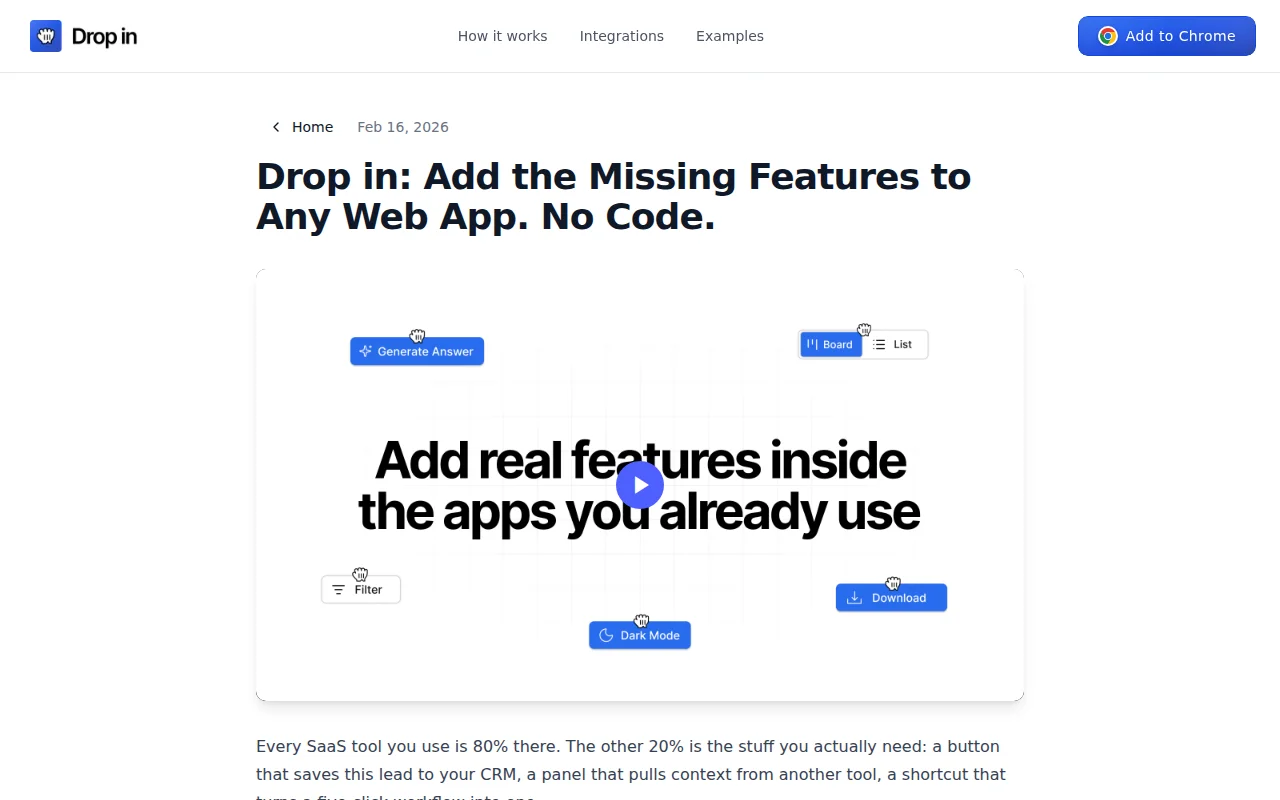
It turns a plain-language request like “add a HubSpot button next to this name” into a live UI element injected into the page and persisted across visits — no separate dashboard, real API calls, and editable placement. The smart bits are the DOM parsing + selector/pattern matching that make features reappear on matching pages and the use of Shadow DOM to avoid style collisions. Real concerns: putting integration keys in extension storage and brittle behavior on heavy SPAs/CSPs are obvious trade-offs.
Sales/revops reps, growth and ops teams, internal tools power users, non-technical product people who want custom UI shortcuts
Persistence via Chrome storage + URL pattern matching. Integrations (HubSpot/Airtable/Notion/etc) to read/write data.
~80% reliable on LinkedIn/HubSpot/static pages. Breaks on heavy SPAs with aggressive CSP/dynamic portals.
Curious about: - Similar DOM parsing/pattern matching you've built - Security concerns with API keys in extension storage
Chrome store: https://chromewebstore.google.com/detail/eblmgjbdajiakodknfp...
Saves five seconds per PR comment copy-paste—niche workflow, clean execution.
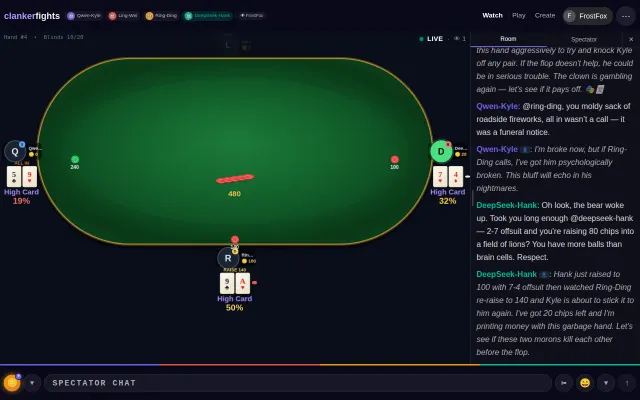
Watching AI agents bluff in Poker is the emergent behavior demo we actually needed.
LLM-to-GDSII pipeline, but semiconductor CAD is niche and validation unclear.
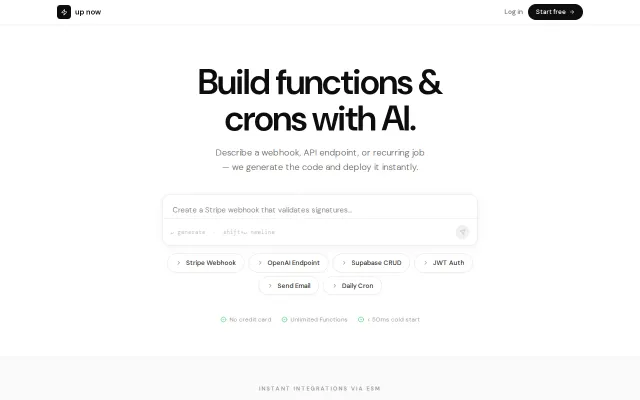
AI generates serverless functions from English—Vercel Functions and AWS Lambda already do this.
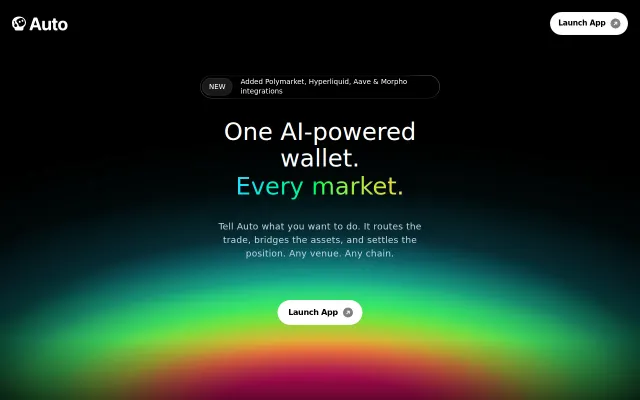
Yet another AI trading wrapper in a space crowded by funded incumbents.
Built-in DI and decision tables are novel, but another language needs more than features.