Productivity●●Solid
AsdPrompt – Vimium-style keyboard navigation for AI chat responses
Vimium for Claude—drill into responses without touching the mouse, action-key shortcuts included.
Solve My ProblemShip It
contrary2belief
203mo ago
Vimium for Claude responses—select and drill-down entirely from keyboard, but narrow audience.
Power users living in Claude/ChatGPT; researchers needing fast context switches; keyboard-first workflows
Vimium · Tridactyl · GhostText
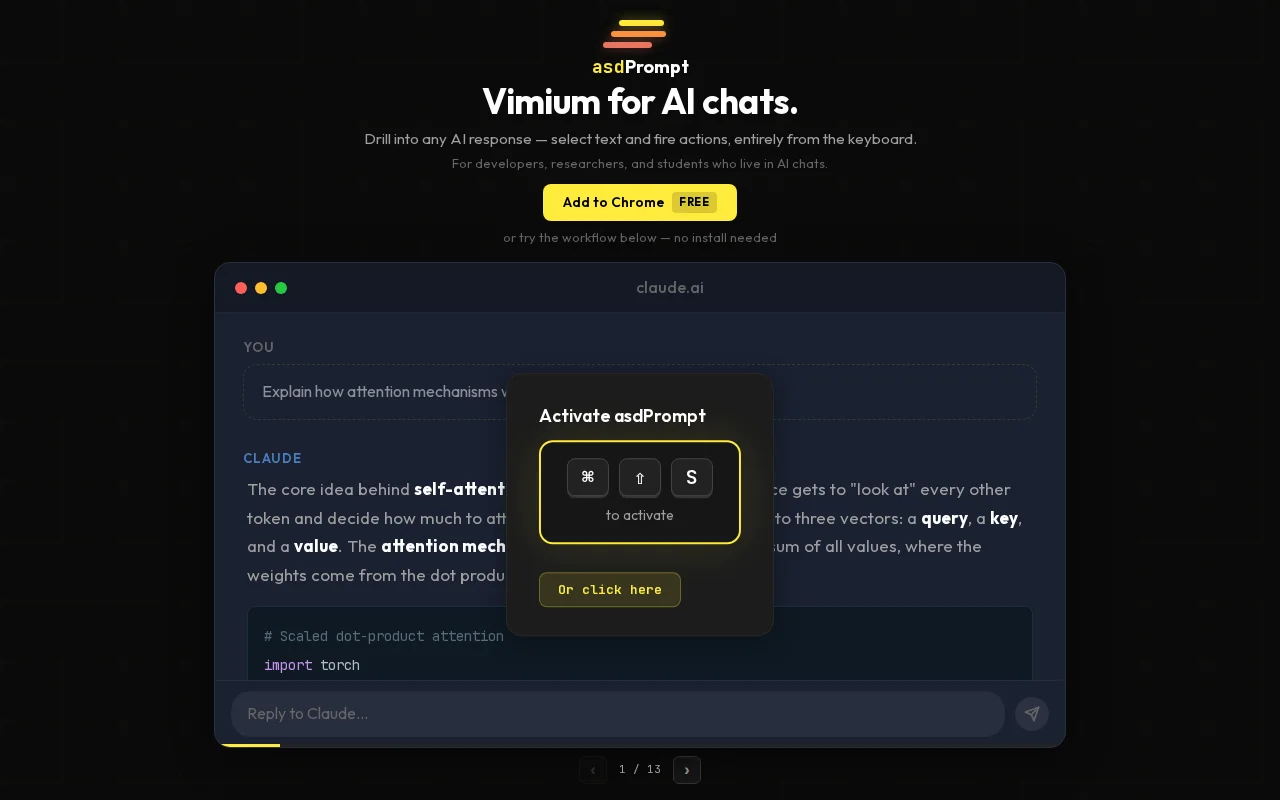
asdPrompt is a Chrome extension that adds hint-based navigation (like Vimium) to AI chat interfaces. Cmd+Shift+S activates the overlay, hint labels appear next to every text block. Type a letter to select a block, then keep typing to drill down: block → sentence → word. Enter copies, or you can press an action key (e, d, x) to inject a follow-up prompt ("elaborate on [selection]") directly into the chat input.
Works on claude.ai, chatgpt.com, and gemini.google.com. Adapts to light/dark themes. Free. Built the initial MVP in 2 days using Claude Code — the adapter architecture, NLP segmentation pipeline, and Playwright test harness would have taken a month without it.
Tech details for the curious: site-specific DOM parsers behind an adapter interface, text segmentation via compromise.js with regex fallbacks for technical content (paths, camelCase break NLP libraries), bounding rectangles calculated via Range API + TreeWalker, overlay isolated in Shadow DOM. Tested with Playwright visual regression.
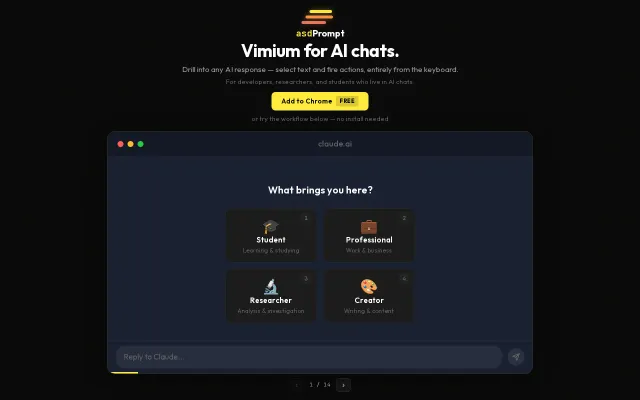
The landing page has an interactive tutorial where you can try the full drill-down mechanic without installing. Happy to talk about the implementation.
Vimium for Claude—drill into responses without touching the mouse, action-key shortcuts included.
Vimium for your entire desktop with Hilbert curve hint distribution.
The label generator prioritizing home-row keys and hand alternation is a clever, practical improvement — typing 'AS' or 'JK' is measurably faster than hunting random letters. Backed by a custom object-pooling engine and explicit Shadow DOM/ARIA support, it tackles the two hard problems for hint-based nav: performance on huge pages and compatibility with modern web components.
Ctrl+B keyboard nav for Notion hierarchies, but extension market already has similar tools.
Novelty parody LLM that injects ads—funny demo, zero staying power or utility.
Yet another markdown editor competing with iA Writer, Bear, and Obsidian.
![[Keyboard Navigator] Navigate any page without a mouse](/screenshots/47045074_thumb.webp)