Developer Tools●●Solid
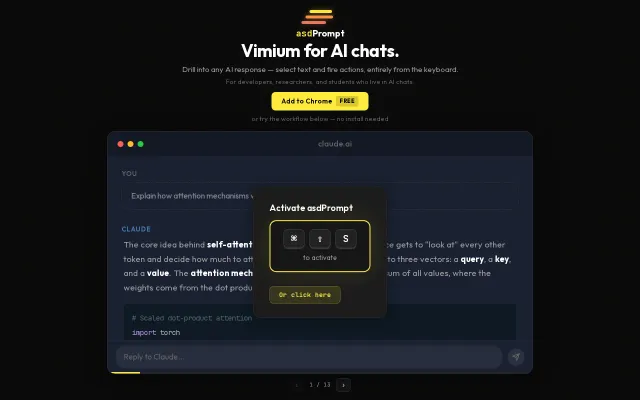
AsdPrompt – Vimium-style keyboard navigation for AI chat responses
Vimium for Claude responses—select and drill-down entirely from keyboard, but narrow audience.
SlickSolve My Problem
contrary2belief
205mo ago
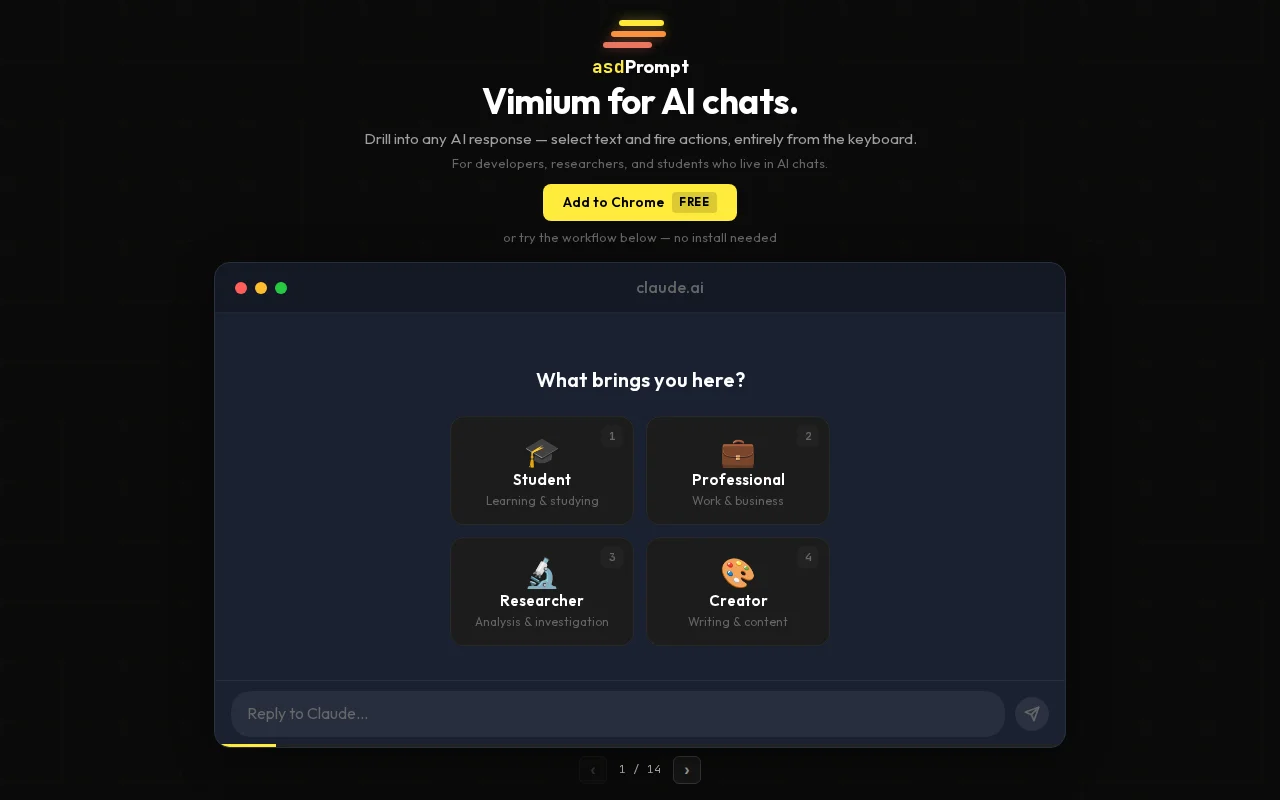
Vimium for Claude—drill into responses without touching the mouse, action-key shortcuts included.
Heavy AI chat users (Claude, ChatGPT, Gemini), especially researchers and developers
Vimium · Vimium-C · Superhuman (for Gmail keyboard nav)
Works on claude.ai, chatgpt.com, and gemini.google.com. Adapts to light/dark themes. Free. Built the initial MVP in 2 days using Claude Code — the adapter architecture, NLP segmentation pipeline, and Playwright test harness would have taken a month without it.
Tech details for the curious: site-specific DOM parsers behind an adapter interface, text segmentation via compromise.js with regex fallbacks for technical content (paths, camelCase break NLP libraries), bounding rectangles calculated via Range API + TreeWalker, overlay isolated in Shadow DOM. Tested with Playwright visual regression.
The landing page has an interactive tutorial where you can try the full drill-down mechanic without installing. Happy to talk about the implementation.
Vimium for Claude responses—select and drill-down entirely from keyboard, but narrow audience.
Vimium for your entire desktop with Hilbert curve hint distribution.
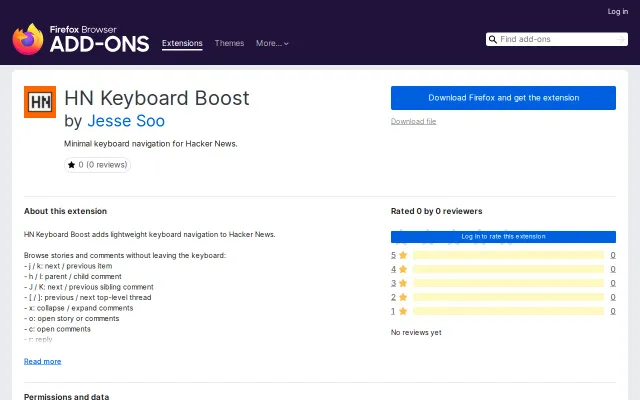
Yet another HN keyboard extension when several already exist.
Ctrl+B keyboard nav for Notion hierarchies, but extension market already has similar tools.
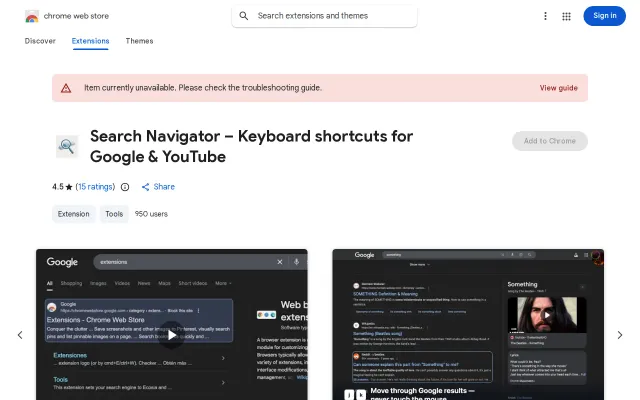
Actively maintained fork of Web Search Navigator that survives Google's DOM changes.
The label generator prioritizing home-row keys and hand alternation is a clever, practical improvement — typing 'AS' or 'JK' is measurably faster than hunting random letters. Backed by a custom object-pooling engine and explicit Shadow DOM/ARIA support, it tackles the two hard problems for hint-based nav: performance on huge pages and compatibility with modern web components.
![[Keyboard Navigator] Navigate any page without a mouse](/screenshots/47045074_thumb.webp)