Productivity●●●Banger
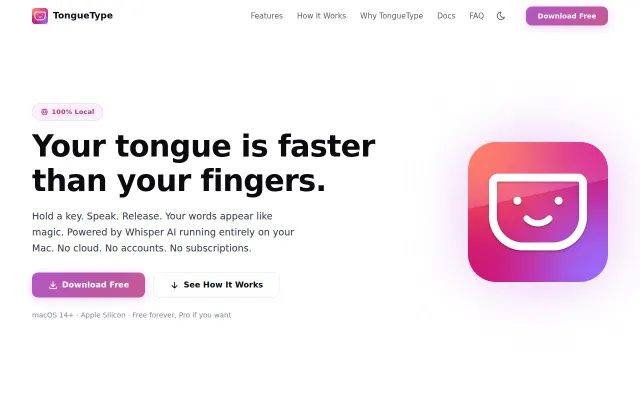
TongueType – Local, privacy-focused Whisper dictation for macOS
Hold-to-talk Whisper dictation that beats Mac's built-in tool for privacy and control.
CozySolve My Problem
claviska
5129d ago
Press ⌥C on anything. Transform with AI, scripts, and shortcuts on any selection. 100% local and private.
It maps seven detected content types to one‑key actions — convert invites to calendar events, jump addresses into Maps, or run custom prompts — and even ships a local MinistraI 3B runtime so nothing leaves your machine. Smart, keyboard‑first ergonomics and app‑aware responses make it genuinely useful; the hard part now is building enough action templates or integrations to outcompete Raycast/Alfred clones.
macOS power users, productivity-focused knowledge workers, and privacy-conscious local-AI enthusiasts
So I built Cai. It sits in the menu bar. Press Option+C, it detects what you copied and shows relevant actions. Ships with llama-server (Ministral 3B) so it works out of the box, or connect Ollama/LM Studio if you already use them.
Free and open source. Would love feedback on what content types or actions to add next.
Hold-to-talk Whisper dictation that beats Mac's built-in tool for privacy and control.
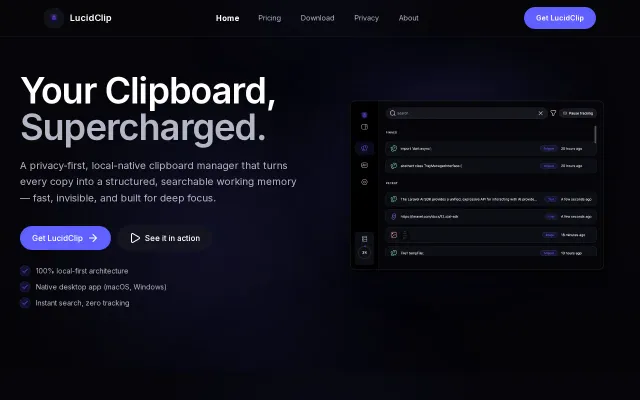
Yet another clipboard manager when Maccy and Raycast already do this free.
Local SQLite clipboard history, no Electron, app exclusions—but Pasty and Clipboard Manager Pro exist.
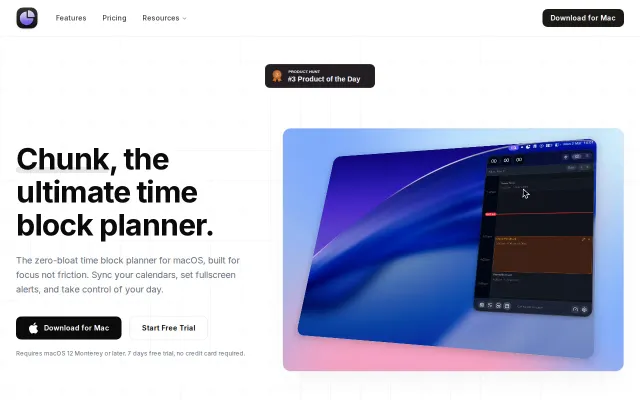
Beautiful macOS timer replaces bloated SaaS competitors, but Toggl and Be Focus already dominate.
Wraps macOS screencapture with JPEG compression—CleanShot X already does this.
Menu bar time-blocking beats dashboard apps, but faces stiff competition from Sunsama.