Back to browse
GitHub Repository

Ranting space for developers that live in terminal

2 starsGo

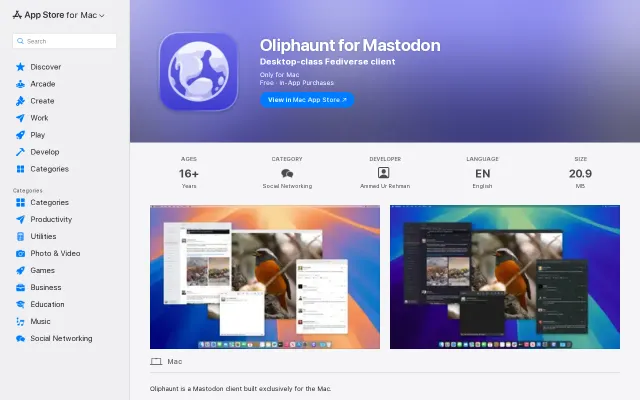
TerminalRant – Mastodon for developers who live in the terminal

by crestniraj·Feb 18, 2026·1 point·0 comments

AI Analysis

●●SolidNiche GemShip It
The Take

The app nails a terminal-native workflow: vim-style navigation, composer backed by $EDITOR, optimistic posting, and per-post media metadata with planned ANSI image thumbnails. The feature list (tabs for hashtag/home/trending, inline moderation, persistent UI state) shows careful UX thinking for keyboard-first use, but this is an evolution of an existing idea rather than a new category — streaming, customizable keymaps, or richer media handling would make it stand out more.

Category
Target Audience

Terminal-first developers, Mastodon users, and keyboard-oriented power users

Post Description

Hi HN,

I kept noticing something slightly ironic: a lot of developers live in their terminal, coding, running tests, pushing commits and then open a browser just to post a rant.

That context switch felt unnecessary.

So I built TerminalRant, a Mastodon client designed for people who prefer staying in the terminal.

It’s written in Go (using Bubble Tea) and focuses on being keyboard-first: fast startup, vim-style navigation, inline editing, and buffer-mode posting through $EDITOR. No mouse required.

It’s not trying to compete with full-featured GUI clients. It’s just meant to make reading and posting feel native to a terminal workflow.

You can install it with: `go install github.com/CrestNiraj12/terminalrant@latest`

There’s also Homebrew and Scoop support.

I’d really appreciate feedback, especially on the UX and posting workflow. I’m sure there are things power users would want that I haven’t thought of yet.

Repo: https://github.com/CrestNiraj12/terminalrant

Thanks for taking a look.

Similar Projects

Productivity●●Solid

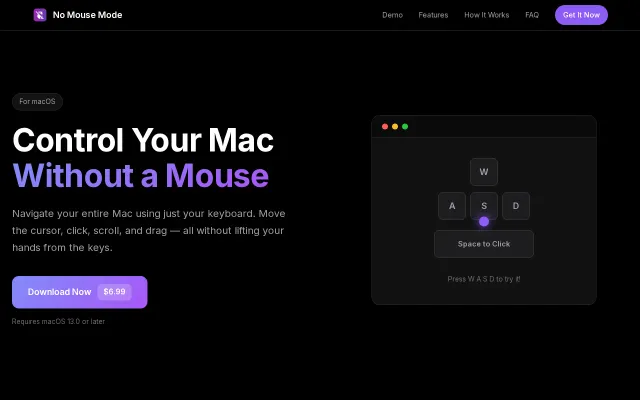
Nomousemode – keyboard window switcher for macOS

Maps intuitive WASD movement, Space/Return clicks, and an on/off global hotkey into a lightweight, menu-bar macOS app — the core feature set is focused and practical. The product's custom key bindings, speed-boost modifier, and native Intel/Apple Silicon support make it genuinely useful for people who hate reaching for the mouse, though the idea isn't groundbreaking and requires Accessibility permissions which may scare casual users.

Niche GemSolve My ProblemSlick
ahalurooji
103mo ago