Developer Tools●●Solid
A native Compose Desktop host for macOS
Replaces Compose Desktop's AWT window with a real native macOS SwiftUI host.
Niche GemWizardry
letmutex
101mo ago
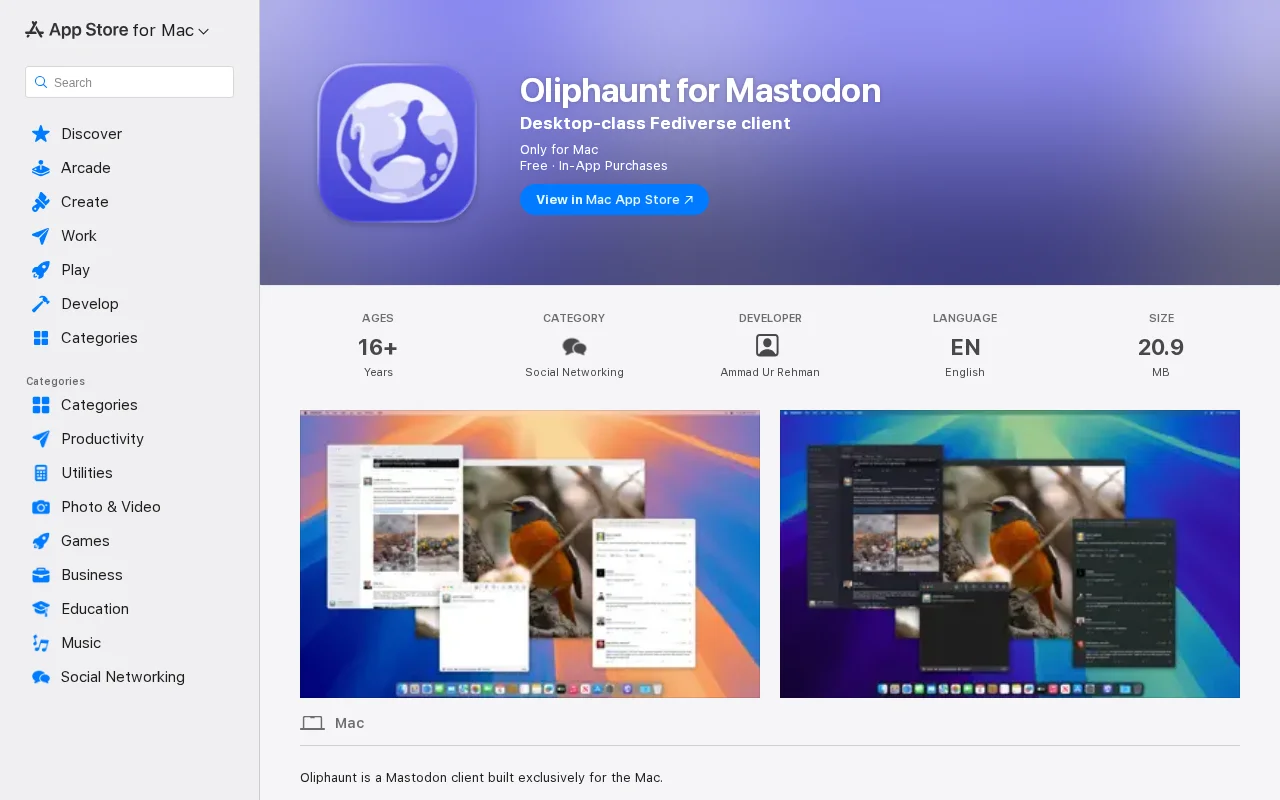
AppKit-native Mastodon client when 10 cross-platform alternatives already exist.
macOS users interested in decentralized social networks
Toot! · Ivory · Mona
If you’re familiar with X (Twitter) or Bluesky, Mastodon will feel immediately recognisable. It’s a federated social network built on the ActivityPub protocol, where independent servers (“instances”) interoperate while remaining decentralised.
The motivation behind this project was fairly simple: I wanted a Mastodon client that behaves like a well-behaved macOS application.
Many desktop apps today are effectively scaled-up mobile interfaces or cross-platform ports. They can work well, but they often ignore macOS conventions. My goal was to build something that feels like a native citizen of the platform.
Oliphaunt focuses heavily on macOS design principles:
• built with system-native UI components (AppKit with some SwiftUI) • follows macOS design language and interface idioms • supports proper multi-window workflows • keyboard shortcuts • respects macOS interaction patterns rather than reinventing them
A lot of the work went into the details that make Mac software feel “right”: window behaviour, menus, keyboard navigation, sidebar structure and integration with system features.
The goal isn’t to introduce a new interface paradigm but to adopt the conventions Mac users already understand.
If you’re a Mastodon user or someone who appreciates carefully built native Mac software, I’d love to hear your feedback.
App Store: https://apps.apple.com/app/id6745527185
Replaces Compose Desktop's AWT window with a real native macOS SwiftUI host.
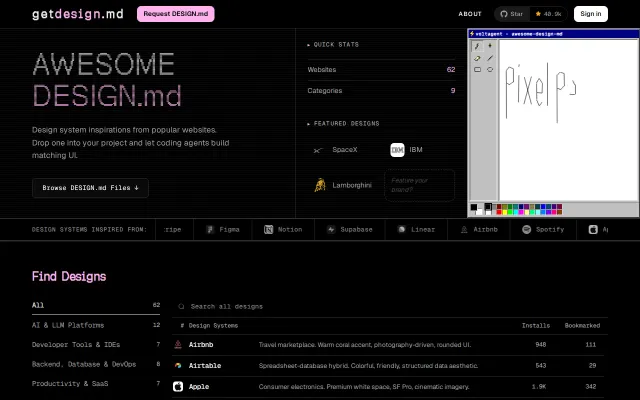
Text-based design specs stop AI agents from hallucinating your UI style.
Zero dependencies, native macOS rendering beats Electron markdown viewers on speed and polish.
Color-coded Space pill with fuzzy jump—solves real multi-agent context switching, niche audience.
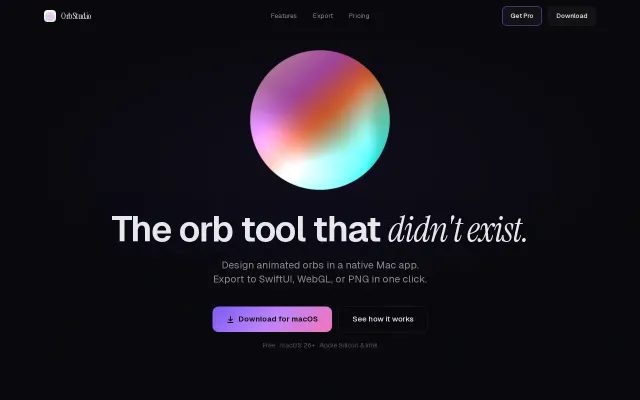
Exports dependency-free SwiftUI and WebGL code, not just PNG screenshots.
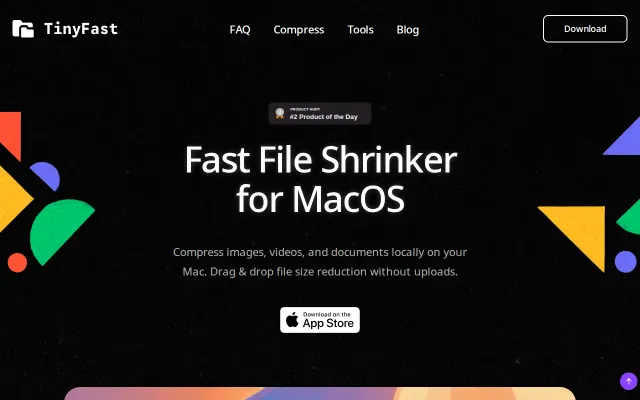
Local drag-and-drop compression with batch/folder support and resolution resizing is immediately useful if you don't want to upload assets to third‑party sites. The feature list (25 file types, 100% local, lifetime purchase option) shows focus and honesty, but there’s nothing here that overtakes existing tools like ImageOptim, HandBrake or ffmpeg — and the site omits concrete details about codecs, quality presets and speed/quality tradeoffs. Add CLI/Quick Action automation and transparent benchmarks and this would be a no-brainer utility for pros.