Productivity●Mid
Tmpo – CLI time tracker with automatic project detection
Git-based auto-detection is nice, but toggl and timewarrior already do this.
CozyNiche Gem
dylandevelops
222mo ago
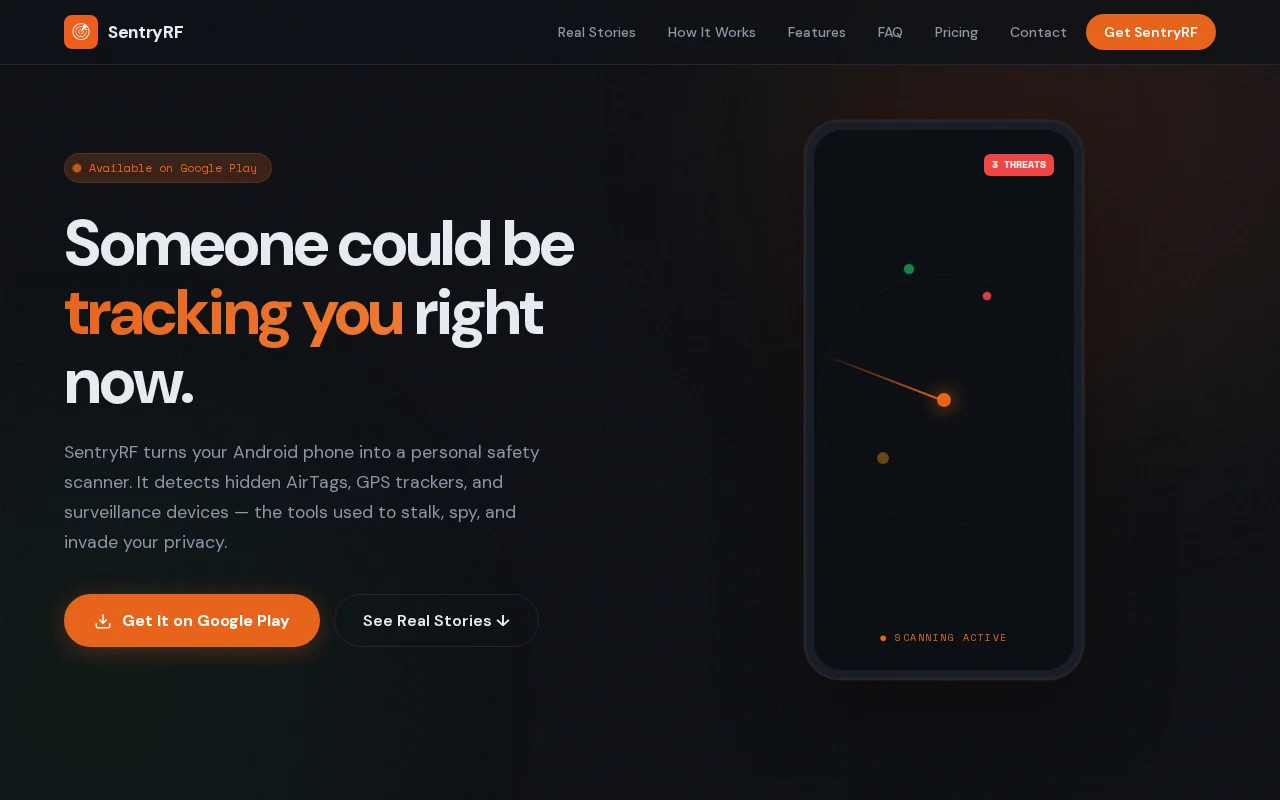
Uses RSSI time-series and sensor fusion — BLE plus magnetometer and ambient-light hints — to separate a 'passing' AirTag from a likely 'following' device, and then guides you to it with an audio 'Geiger counter' beacon. Smart, pragmatic feature choices (timeline, background protection, strictly local processing) make this actually useful in tense situations; caveat is hardware limits — claims about finding truly 'dead' GPS units or infrared cameras will depend heavily on your phone's sensors and will produce edge cases and false positives.
Privacy-conscious Android users, victims/survivors of stalking, security-minded travelers, and investigators/OSINT hobbyists
I built SentryRF because I was frustrated by the lack of granular control on Android for identifying unwanted tracking devices. While Google's native "Unknown Tracker Alerts" are a good start, they often feel like a black box with limited diagnostic tools.
The Tech:
Signal Analysis: Instead of just listing every BLE device, SentryRF uses signal strength (RSSI) and temporal patterns to distinguish between a "passing" device (someone walking by with an AirTag) and a "following" device (a tracker on your vehicle).
Hardware Sensors: I’ve integrated the magnetometer and ambient light sensors to help find non-broadcasting devices (like "dead" GPS units or wired pinhole cameras) by detecting magnetic anomalies and infrared emissions.
Sound Locator: I implemented an audio-guided proximity algorithm that increases beep frequency as you approach the source. It’s essentially a Geiger counter for Bluetooth signals.
Privacy (The most important part):
Zero Cloud: There is no backend. No scan data, location data, or telemetry ever leaves the device.
No Accounts: You don’t need to sign up. I don't want your email or your name.
Permissions: It requires Location/Bluetooth (obviously), but I’ve documented exactly why each is needed in the app’s onboarding.
Why I’m showing it here: I’m looking for technical feedback on the signal smoothing I’m using for the proximity tracker and any edge cases I might have missed regarding the rogue cell tower (IMSI catcher) detection.
The app has a 7-day free trial so you can test the "Pro" features (like the Sound Locator) without paying a cent.
I'll be around all day to answer questions about the stack or the detection logic!
Git-based auto-detection is nice, but toggl and timewarrior already do this.
Monitors internal latent collapse before tokens are sampled, not output semantics.
Detects hallucinations via latent space geometry instead of text analysis, but 54% detection rate is incomplete.
Detects hallucinations via hidden state geometry in under 1ms with no training required.
First tool addressing Cursor spend blind spot; anomaly detection catches agent runaway loops.
Detects hallucinations mid-generation via hidden state geometry, not output analysis.