Productivity○Pass
macOS PDF Organizer Using Apple Intelligence
App Store link returns 404 error, can't verify the product exists.
abu_ameena
403mo ago
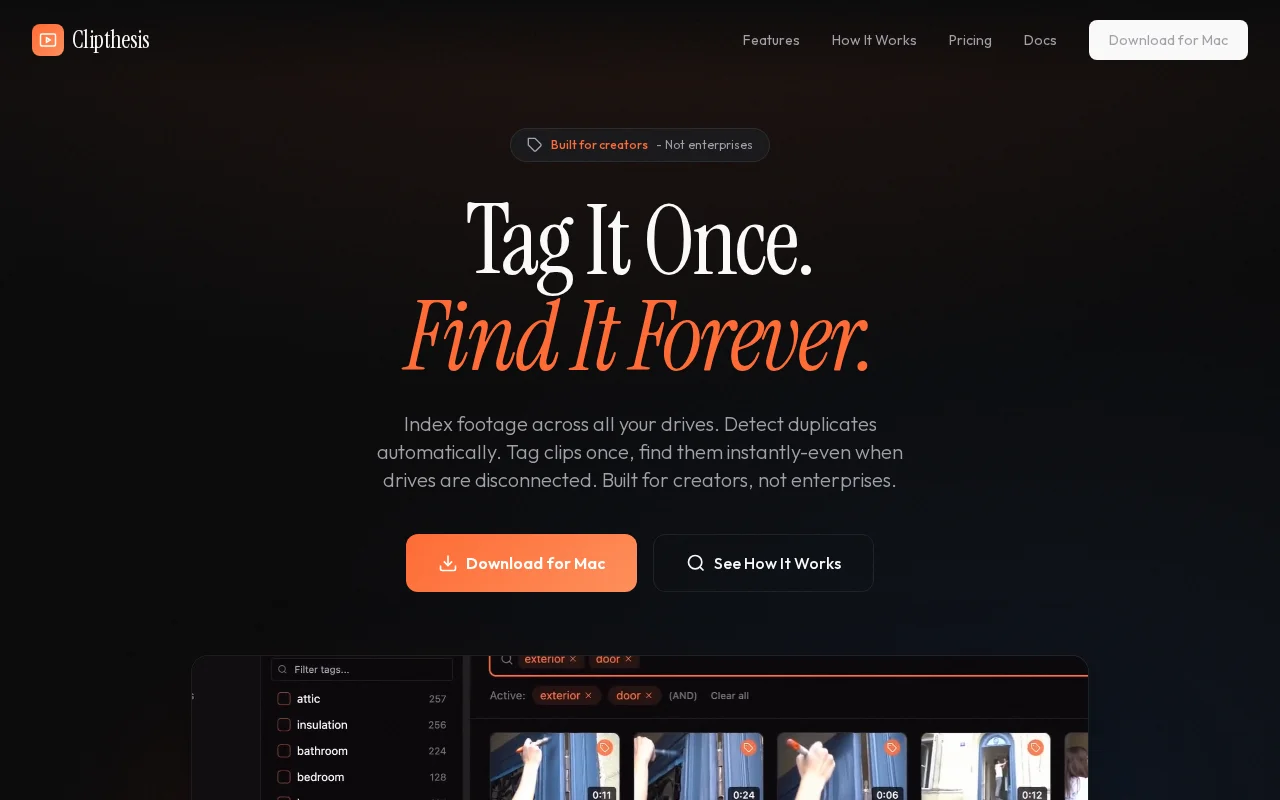
The neat trick here is indexing and deduplicating footage while still letting you search tags and preview clips when drives are disconnected — that UX quirk alone solves a real pain for solo editors. Hover-scrub thumbnails, AND-tag searches, and import helpers (select new only) show the author actually used this workflow, but it's not reinventing DAM software — it's a focused, locally-run tool for a specific audience. Mac-only and no team/cloud features limit its scope, but for one-person workflows this hits the right marks.
Independent video creators, freelance editors, hobbyist filmmakers, and anyone who manages footage across multiple external drives
I tried the usual recommendations (NeoFinder, Lightroom, various DAM tools) but nothing fit how I actually work with video. The online alternatives seemed to charge an arm and a leg, which is hard to justify when you're not running a production studio.
So I built a thing for a free Mac app that indexes all your drives into one searchable video library even when those drives aren't plugged in. What it actually does
- Index any drive or folder — point it at your external drives and it catalogs every clip with thumbnails, metadata, duration, resolution, etc. - Tag + search — tag clips however you want (b-roll, drone, interview, whatever), then combine tags to find exactly what you need - Duplicate detection — content hashing finds the same clip across multiple drives and groups them under one reference. Tag once, applies everywhere. - Smart import — plug in an SD card and it instantly shows new vs. already-indexed files. One click to import only new stuff. - Working drive — mark your fast SSD as your editing drive, then one-click copy clips from archive drives when you're ready to cut - Offline browsing — search, browse thumbnails, and tag clips from disconnected drives. It remembers everything. - DaVinci Resolve integration — send clips straight to Resolve's media pool with tags as keywords
I built it for myself and I'm putting it out there to see if it helps anyone else. You will probably hit bugs. Actively working on it and genuinely want feedback, what works, what's broken, what's missing.
App Store link returns 404 error, can't verify the product exists.
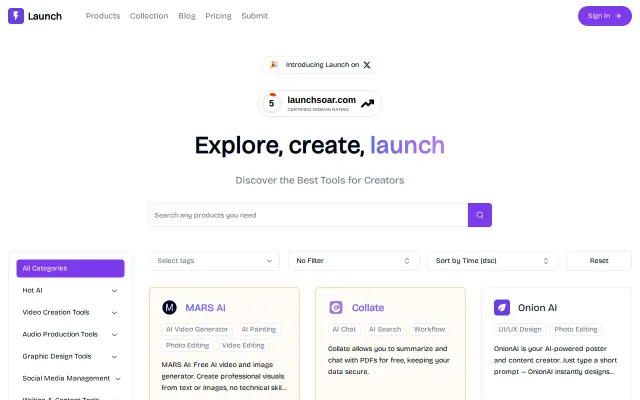
Handpicked AI directory, but curated lists already exist (ProductHunt, Indie Hackers).
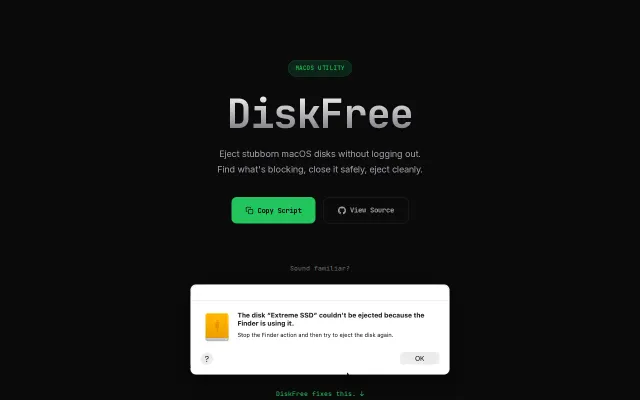
macOS disk ejection without the logout dance—identifies exactly what's blocking.
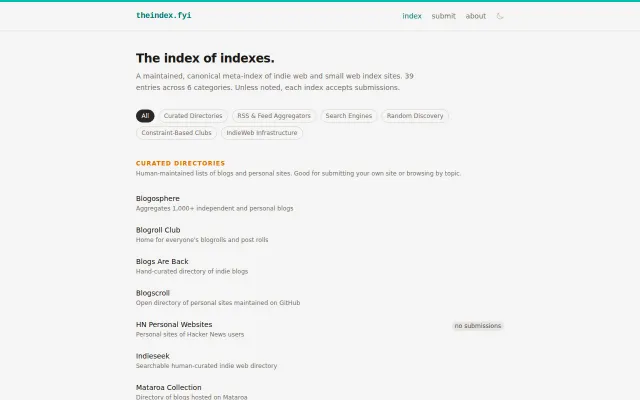
Finally, a single place to find all those scattered indie web directories.
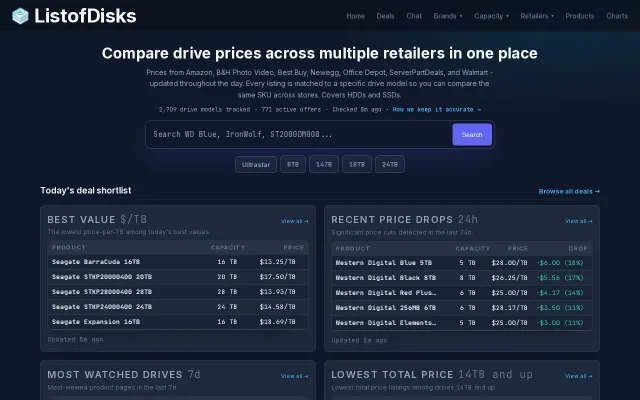
Multi-retailer drive pricing when others just scrape Amazon APIs.
Background macOS automation without cursor theft beats VM workarounds.