SaaS●Mid
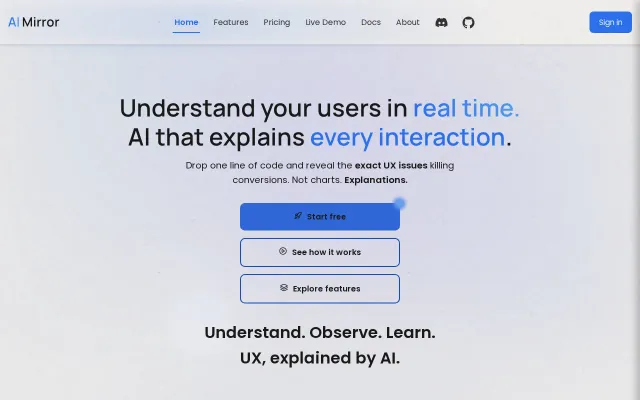
AI-Mirror - Self-optimising ranking engine for modern web applications.
AI UX analyzer promising explanations over charts, competing with Hotjar and FullStory.
Slick
michaelcuneo
1021d ago
Code visualization for non-programmers. A docent for your codebase.
Visual code navigator for non-programmers—niche but solves real manager/designer onboarding pain.
Managers, PMs, non-technical stakeholders reviewing codebases; also onboarding developers
GitHub Copilot explain (text-only) · Source{d} Engine · Merico
Point it at a folder, get nested colored blocks showing the structure (directories → files → classes → functions). Click to drill down. AI generates summaries written for humans, not programmers. Architecture mode shows a dependency graph so you can see how modules connect.
Built the whole thing in ~30 hours using a multi-node AI workflow: Claude for planning/decisions, Claude Code for implementation, five other models for adversarial security review (42 fixes across 6 rounds). I made every design decision; AI wrote every line of code.
Cloud AI (OpenAI/Groq) or local AI (Ollama) — your choice. pip install codedocent and run the setup wizard.
MIT licensed. Would love feedback from people who actually write code — does this help when onboarding onto unfamiliar codebases?
AI UX analyzer promising explanations over charts, competing with Hotjar and FullStory.
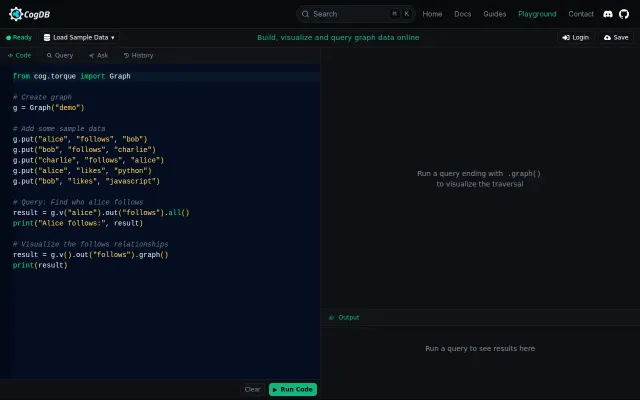
Pretty graph playground, but unclear why vs existing tools like Neo4j sandbox.
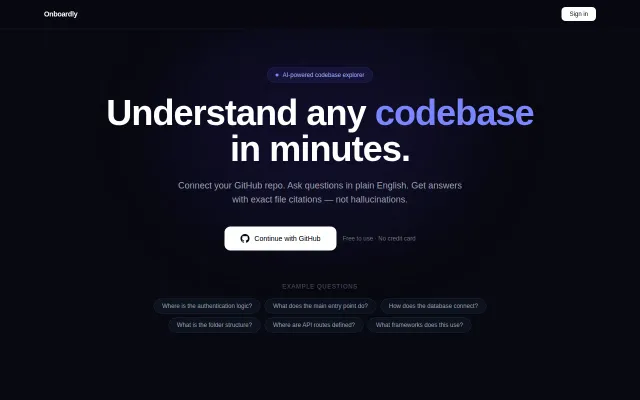
Yet another codebase Q&A tool when Cursor and Continue already do this.
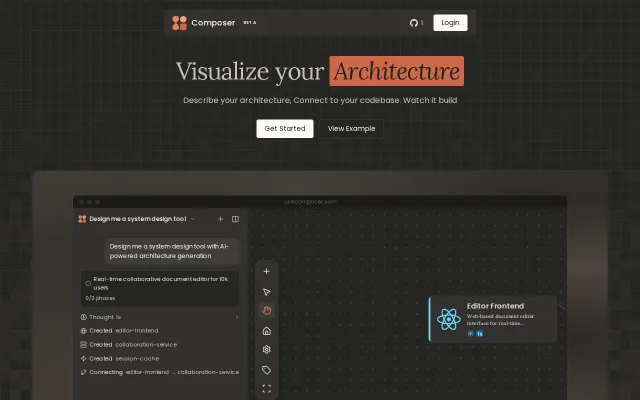
MCP wrapper around codebase diagramming when Mermaid and PlantUML already exist.
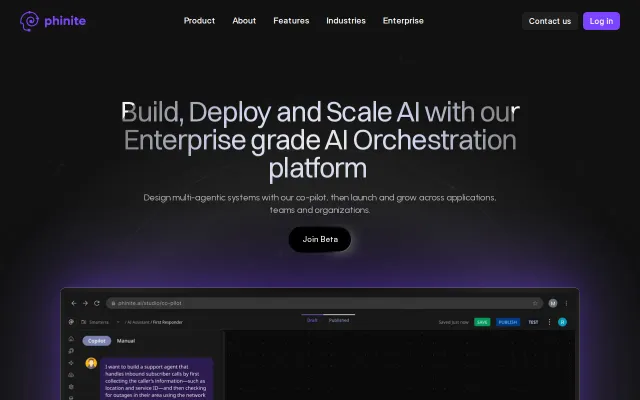
Workflow-to-agents translator, but visual multi-agent builders already exist (Langflow, Zapier AI).
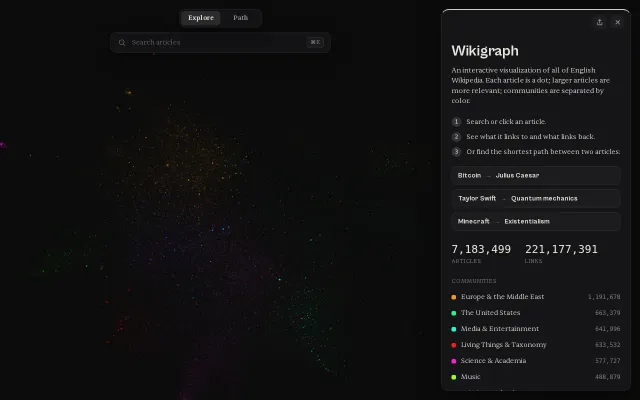
GPU-accelerated layout renders 7M articles with shortest-path finding between any two.