Developer Tools●●Solid
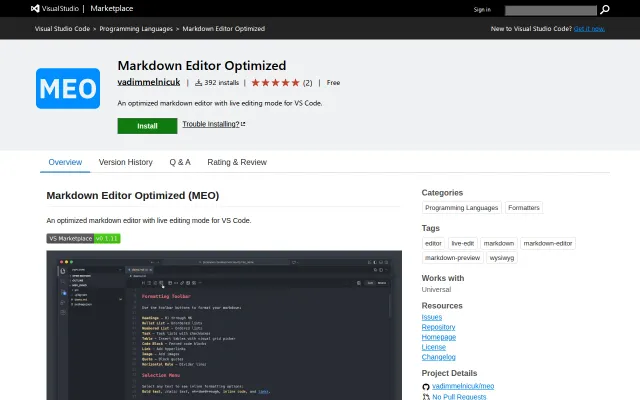
MEO – Markdown Editor Optimized for VS Code and Cursor
Solves real VS Code markdown friction with table editing and diff preservation.
Solve My Problem
vadimmelnicuk
104mo ago
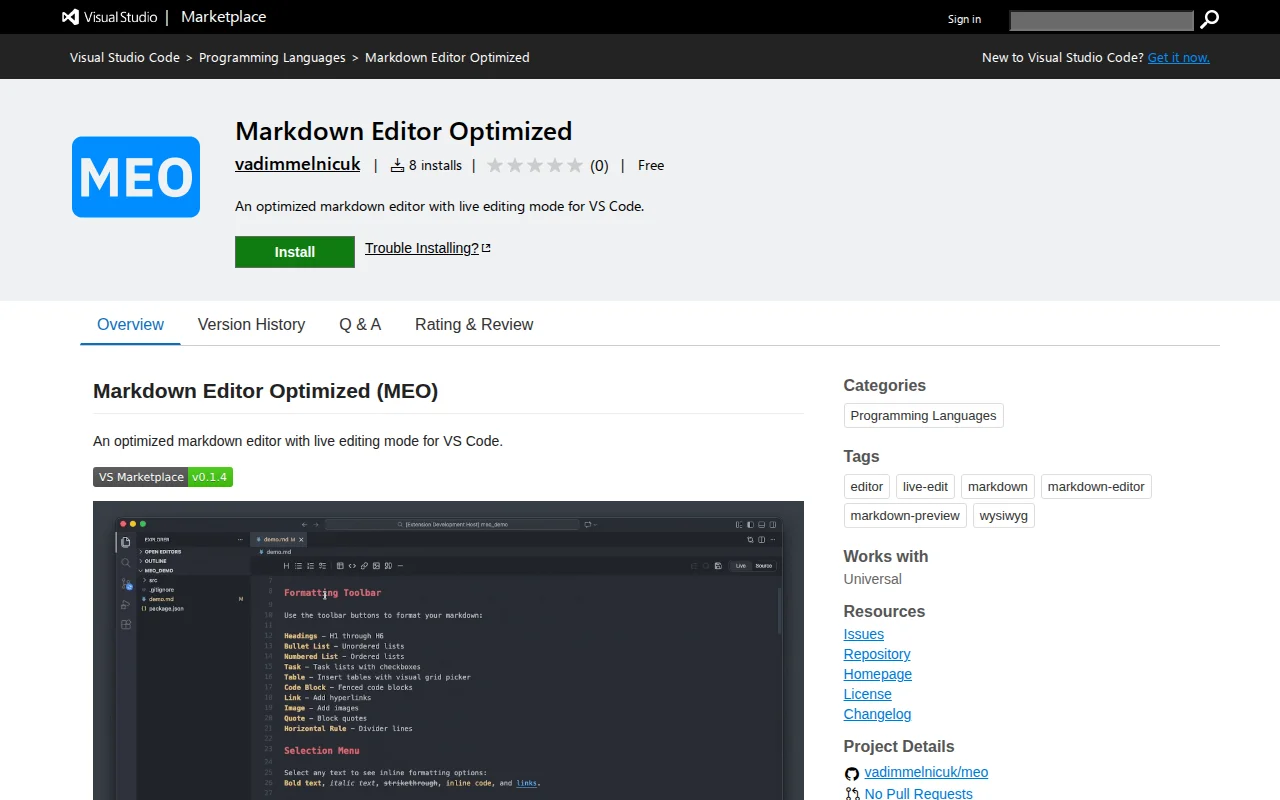
Live/source toggle for markdown in one tab beats VS Code's split-pane hell.
Developers writing documentation, engineers managing READMEs and specs in VS Code
Markdown All in One · Markdown Preview Enhanced · Obsidian (inspiration)
MEO adds a proper editing mode to VS Code. You get a live/source toggle in a single tab, a floating toolbar for formatting, inline table editing, full-screen Mermaid diagram rendering, a document outline sidebar, and optional auto-save. No new app to switch to, no split pane.
One thing most markdown extensions miss: it preserves VS Code's native diff view, so reviewing git changes in a markdown file still works exactly as expected.
Built on VS Code's webview API.
Happy to answer any questions about it.
VS Code marketplace: https://marketplace.visualstudio.com/items?itemName=vadimmel...
GitHub repo: https://github.com/vadimmelnicuk/meo
Solves real VS Code markdown friction with table editing and diff preservation.
Rust core hits 0.2s cold start while competitors like Obsidian are still checking for updates.
GitHub URL swap for markdown editing when GitHub already has built-in editor.
Inline diffs for AI edits when other editors show static previews only.
Collaborative markdown editing when Notion and GitHub wikis already exist.
Token-efficient Google Docs editing for AI agents when gws and gogcli struggle with meaningful changes.