Developer Tools●●Solid
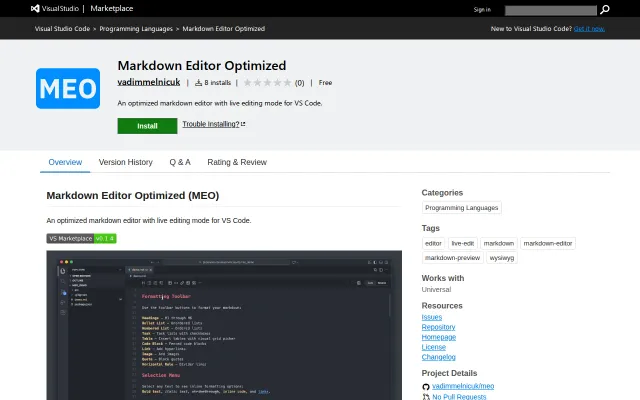
MEO – a Markdown editor for VS Code with live/source toggle
Live/source toggle for markdown in one tab beats VS Code's split-pane hell.
Solve My ProblemNiche Gem
vadimmelnicuk
103mo ago
Solves real VS Code markdown friction with table editing and diff preservation.
Writers, engineers, technical documentarians using VS Code/Cursor daily
Obsidian · Notion · Marked 2
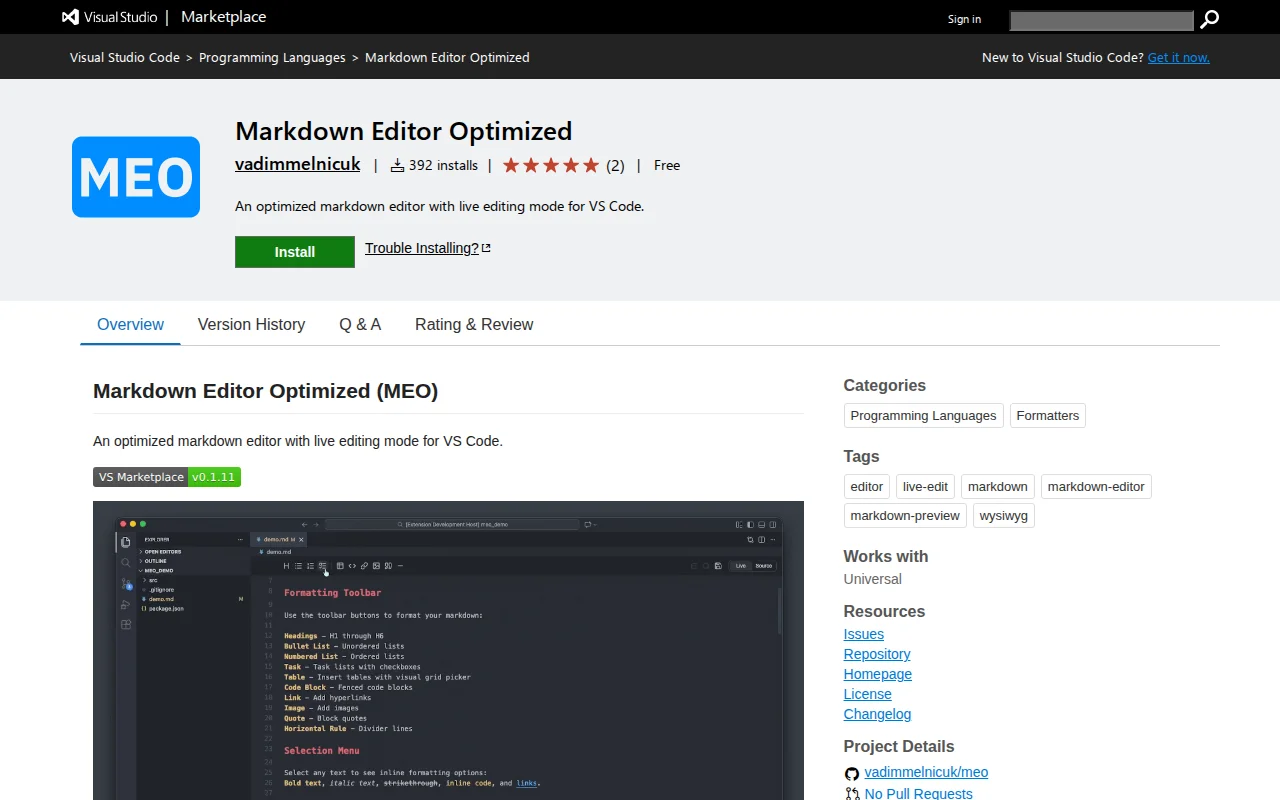
MEO adds a proper editing mode to VS Code. You get a live/source toggle in a single tab, a floating toolbar for formatting, inline table editing with live cell previews, full-screen Mermaid diagram rendering, a document outline sidebar with drag-and-drop section reordering, and optional auto-save. No new app to switch to, no split pane.
One thing most markdown extensions miss: it preserves VS Code's native diff view, so reviewing git changes in a markdown file still works exactly as expected.
Git diff and vim keybinding support are coming soon.
Built on VS Code's webview API and CodeMirror.
Happy to answer questions.
GitHub: https://github.com/vadimmelnicuk/meo
VS Code Marketplace: https://marketplace.visualstudio.com/items?itemName=vadimmel...
Live/source toggle for markdown in one tab beats VS Code's split-pane hell.
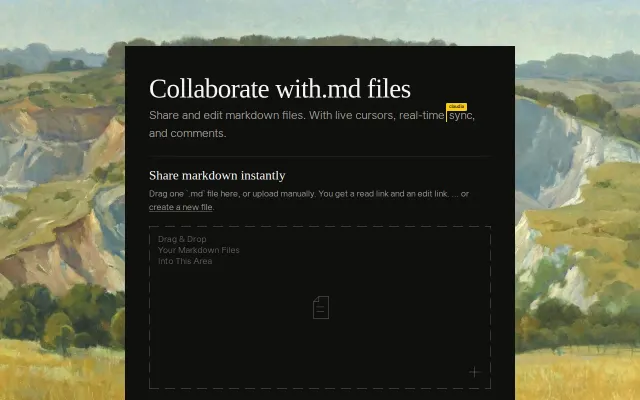
GitHub URL swap for markdown editing when GitHub already has built-in editor.
Collaborative markdown editing when Notion and GitHub wikis already exist.
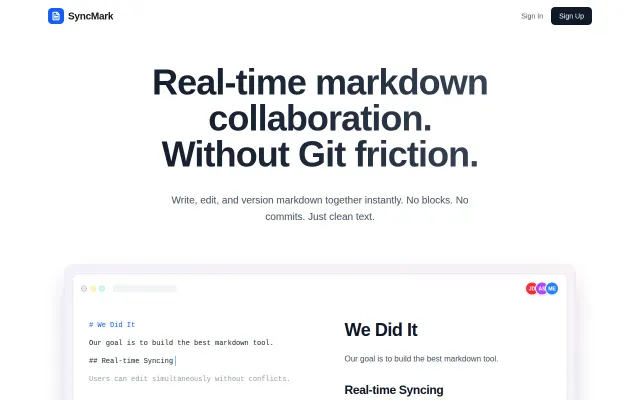
Live markdown without Git friction, but Notion, HackMD, and Obsidian already do this.
Astro-specific frontmatter UI beats hand-editing YAML, but audience is narrow.
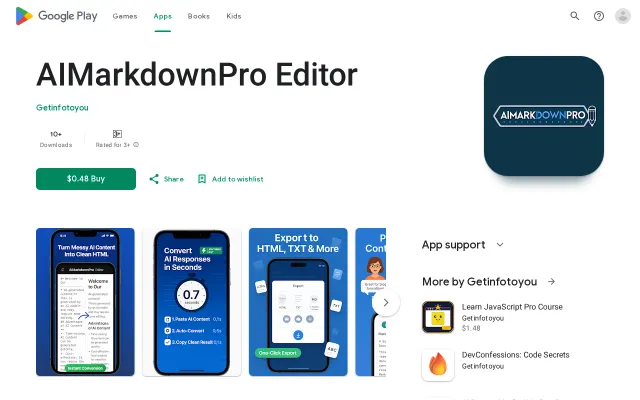
Paid Markdown editor competing against free, established tools like Obsidian.