Productivity●●Solid
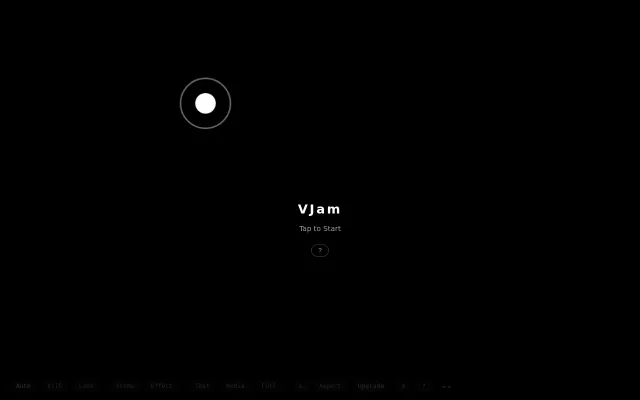
VJam – Browser-based VJ app with 180 beat-reactive visuals
Beat-reactive VJ app on your phone beats $200+ Resolume for projector gigs.
Crowd PleaserEye CandySolve My Problem
infoHiroki
103mo ago

Click tester, but MouseTest.com and hardware vendors already have this.
Users troubleshooting mouse hardware issues, support technicians, QA testers
MouseTest.com · Online-stopwatch mouse tester · Built-in Windows Device Manager mouse diagnostics
Beat-reactive VJ app on your phone beats $200+ Resolume for projector gigs.
Pretty WordNet graph visualization, but static data exploration without novel semantic insights.
Runs Qwen2.5 locally to visualize token entropy without sending data to a server.
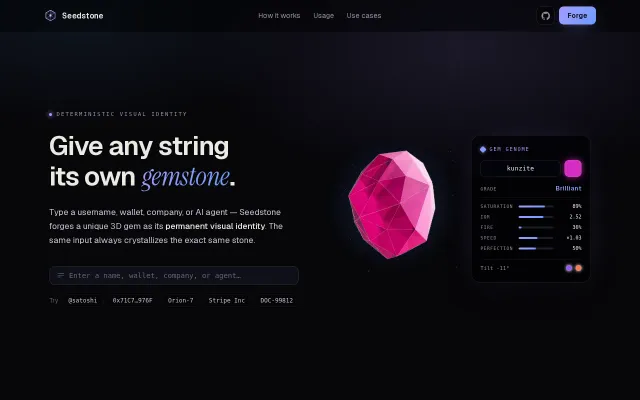
3D gemstone identicons with gem genome properties beat pixel-art Identicons visually.
If you run multiple LLM sessions in tmux, this stops the annoying habit of constantly switching panes by surfacing state through pane borders, window-title colors and status-bar icons. It hooks into Claude Code and Codex lifecycle events (or accepts calls to agent-state.sh), offers a one-command installer, a Knight Rider running animation, and a process-detection fallback — small, clever tmux trickery that actually improves day-to-day ergonomics for its niche.
Mouse-shake trigger is cute, but $9 is steep for a $3 utility.