AI/ML●●●Banger
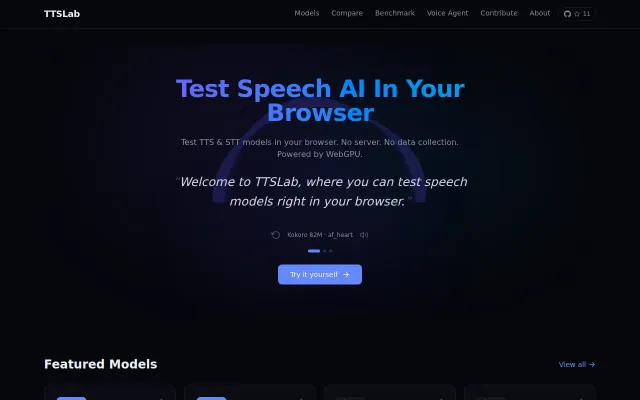
TTSLab – A voice AI agent and TTS lab running in the browser via WebGPU
Full voice agent (STT→LLM→TTS) runs locally on GPU, no backend needed.
WizardryZero to OneShip It
MbBrainz
534mo ago
Whisper + Kokoro entirely in-browser via WebGPU, no API keys or network requests.
Developers, researchers, and product teams evaluating TTS/STT models; privacy-conscious users.
OpenAI Whisper (browser demos) · Piper TTS · Google Colab speech notebooks
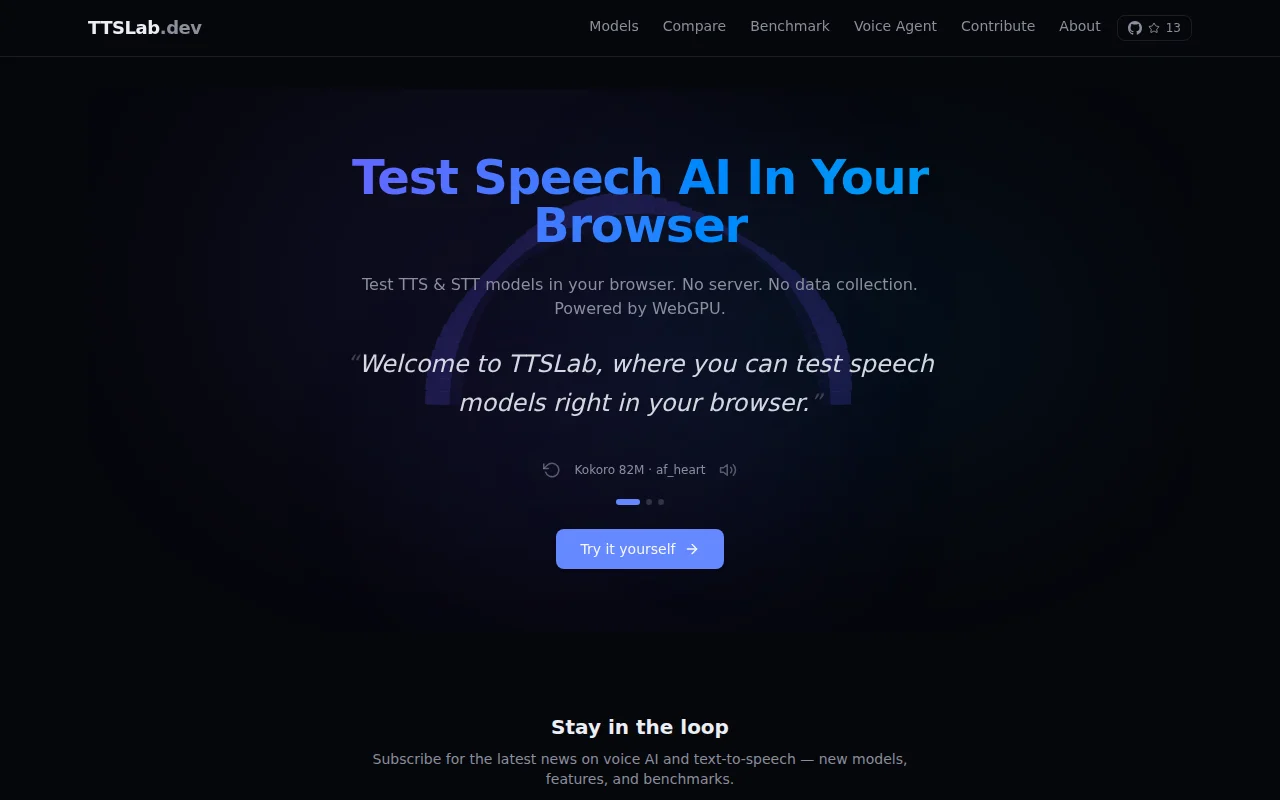
When you open the site, you'll hear it immediately — the landing page auto-generates speech from three different sentences right in your browser, no setup required.
You can then try any model yourself: type text, hit generate, hear it instantly. Models download once and get cached locally.
The most experimental feature: a fully in-browser Voice Agent. It chains speech-to-text → LLM → text-to-speech, all running locally on your GPU via WebGPU. You can have a spoken conversation with an AI without a single network request.
Currently supported models: - TTS: Kokoro 82M, SpeechT5, Piper (VITS) - STT: Whisper Tiny, Whisper Base
Other features: - Side-by-side model comparison - Speed benchmarking on your hardware - Streaming generation for supported models
Source: https://github.com/MbBrainz/ttslab (MIT)
Feedback I'd especially like: 1. How does performance feel on your hardware? 2. What models should I add next? 3. Did the Voice Agent work for you? That's the most experimental part.
Built on top of ONNX Runtime Web (https://onnxruntime.ai) and Transformers.js — huge thanks to those communities for making in-browser ML inference possible.
Full voice agent (STT→LLM→TTS) runs locally on GPU, no backend needed.
772 MB model runs entirely in-browser with no backend, API calls, or telemetry whatsoever.
48 ASR models + WebGPU TTS offline beats Whisper-only alternatives like Otter.ai.
Fully client-side ML inference; 6 tools share one cached model—but remove.bg and Cleanup.pictures already own this.
Side-by-side model comparison eliminates guessing which speech engine fits your hardware.
Yet another on-device speech wrapper, but iOS-only with Android still coming soon.