Productivity●Mid
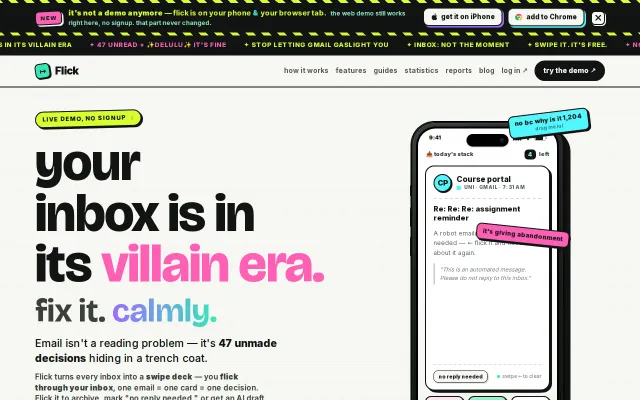
Flick – Swipe Your Email
Treats email like a Tinder deck, but Gmail already has priority inbox and swipe actions.
Crowd PleaserShip It
Belkins
212d ago
Tinder-for-articles UX with custom email; competes against Feedly and email filters.
Newsletter subscribers, content curators, knowledge workers
Feedly · Inoreader · Notion Read It Later
The key insight: the problem isn't the newsletters, its the inbox. Newsletters shouldn't live in your email at all.
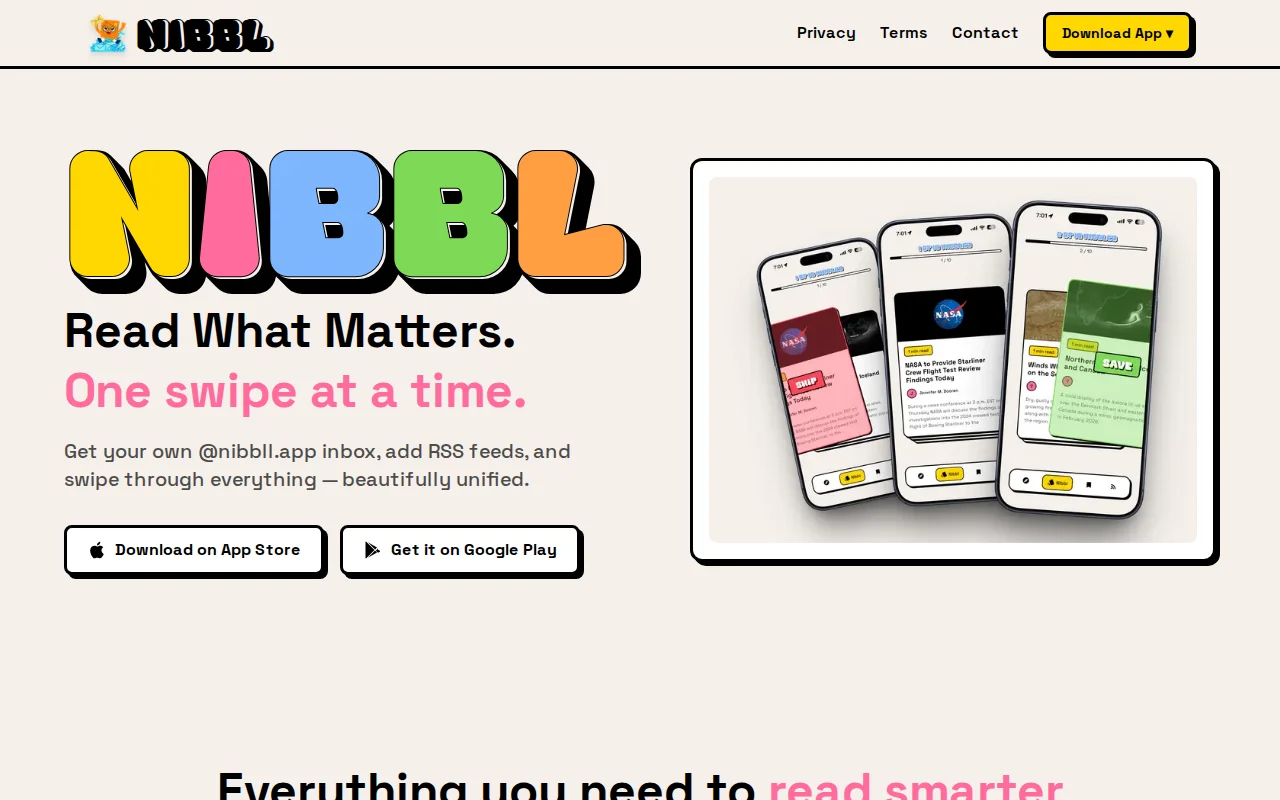
So I built Nibbl. You get a free @nibbll.app email address and subscribe to newsletters with that. They land in the app, not your inbox. You can add RSS feeds too so everything lives in one place.
Articles show up as cards you swipe through. Right to save, left to skip. My partner started calling it "tinder for articles" and honestly thats exactly what it is. Gets through a morning's worth of reading in like 5 minutes instead of 30.
Also added AI summaries (Gemini) for when you just want the key points without reading the full thing. One tap, done.
Treats email like a Tinder deck, but Gmail already has priority inbox and swipe actions.
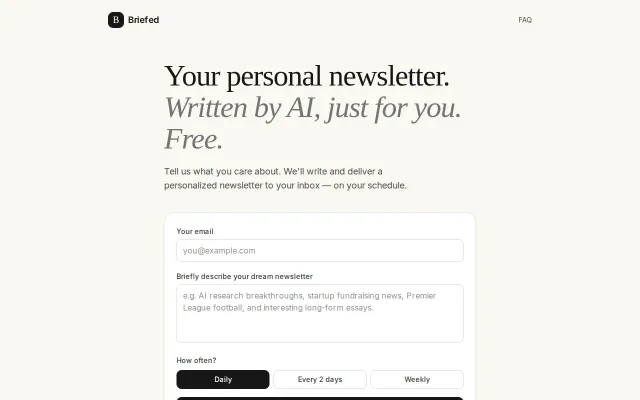
Reply-to-refine is a nice touch, but AI newsletters are a dime a dozen now.
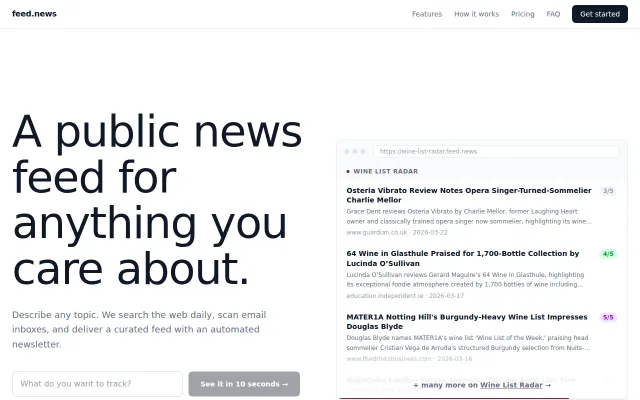
Automated niche news feeds with email ingestion when Google Alerts feels too noisy.
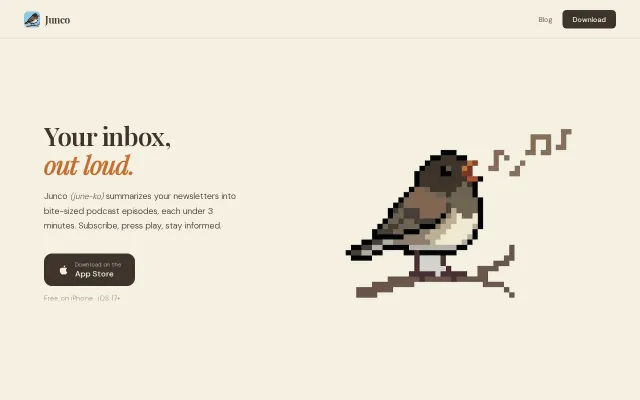
Podcast app for newsletters, not a reader app with a listen button.
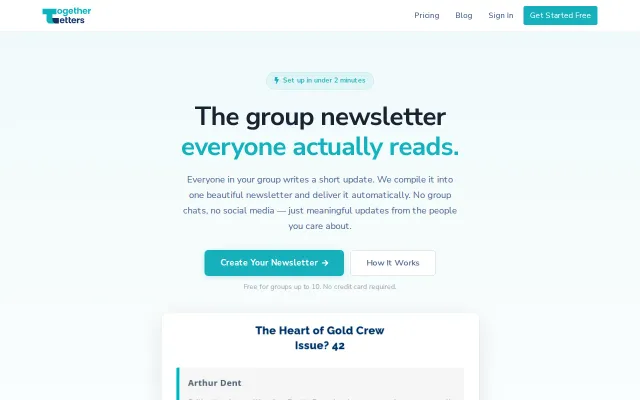
Five-year-old SaaS that replaces group chats with email newsletters.
Pay-per-report pricing beats subscriptions for occasional landlords managing rentals.