Developer Tools●●Solid
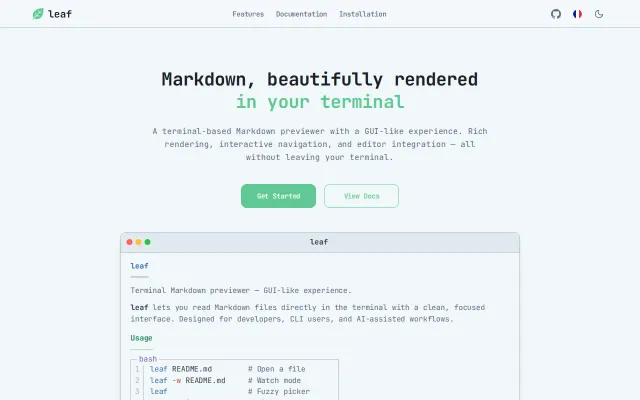
leaf – one month later: website, releases and lots of improvements
Mermaid diagrams and LaTeX math rendered as ASCII in your terminal.
CozyNiche Gem
RivoLink
401mo ago
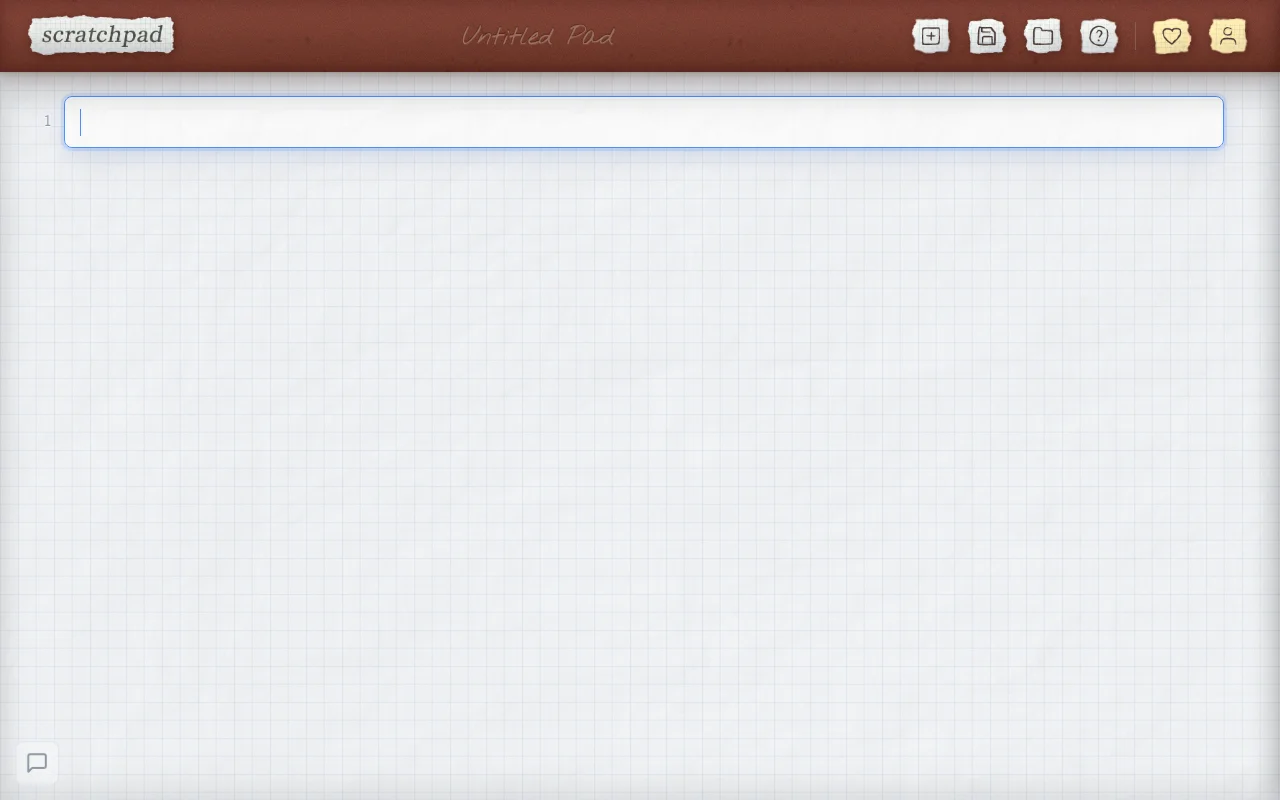
Keyboard shortcuts faster than LaTeX and matrices less clunky than competitors.
Students, researchers, mathematicians preferring keyboard shortcuts over pen-and-paper or LaTeX.
Desmos · GeoGebra · MathType
Every digital math tool, at least for me, has been significantly worse than just pen and paper. LaTeX is far too slow, and most WYSIWYG editors are lacking features.
Scratchpad is my solution to this. You type shortcuts, and they render in real time inline using MathQuill. Stuff that I've added:
- Greek letters, lower and uppercase - Matrices (super clunky in every other editor I've tried!) - Accents like vector arrows and derivative dots - Tons of other useful symbols (set notation, gradients, plusminus, partial derivatives)
In my experience using it while in development, it's been substantially faster than pen and paper. There's a bit of a learning curve with the shortcuts, but I tried to make it as intuitive as possible.
The whole thing is on one index.html file, just open it and start writing. I would really appreciate any notes, especially from anyone who has experience with digital math notes. Thanks!
Mermaid diagrams and LaTeX math rendered as ASCII in your terminal.
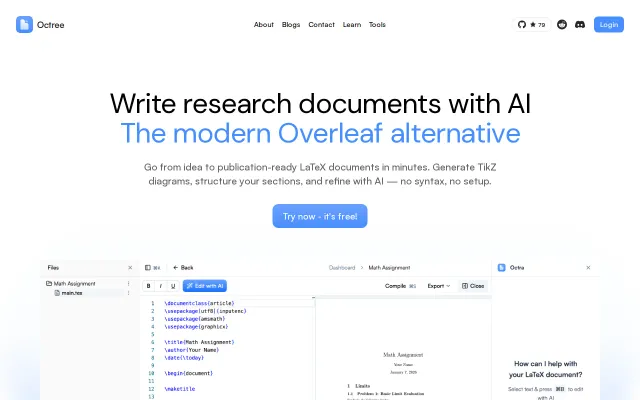
Generate Agent can spit out a complete, compilable LaTeX paper (sections, abstract, citation scaffolding, placeholders for figures/tables) from one prompt and also returns a compiled PDF — that is an unusually concrete AI UX for research writing. It also promises TikZ generation and an inline PDF preview, which are genuinely useful. My caveat: automated citation/text generation risks hallucinations and the real value will depend on model provenance, reproducibility settings, and how well it integrates with existing citation workflows.
LaTeX preview for Python docstrings, but Markdown Preview and Quarto already handle this.
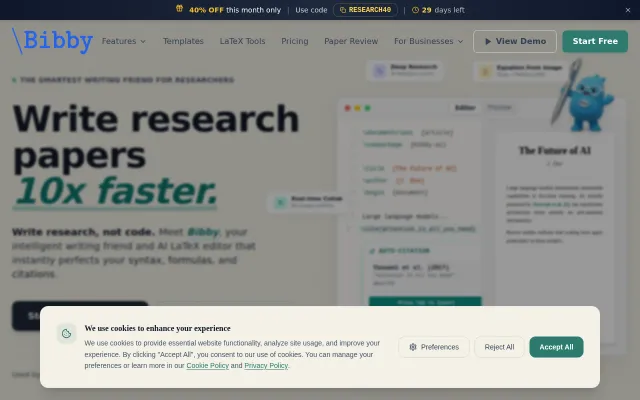
Cursor for research papers—polished LaTeX tooling with real researcher adoption (9920 users).
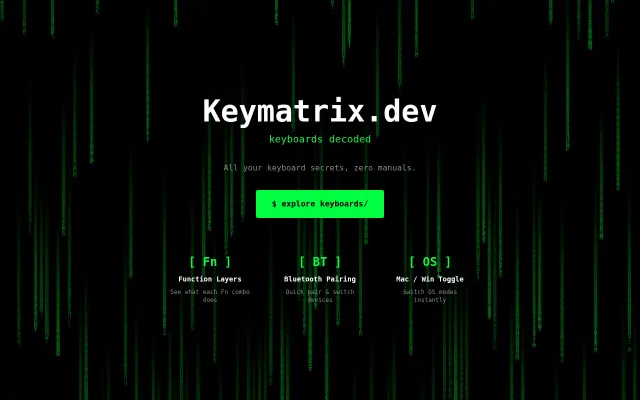
Terminal CLI for keyboard shortcuts when manufacturer PDFs are impossible to search.
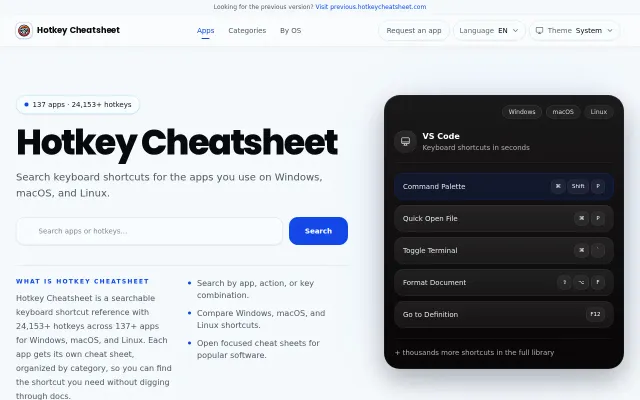
Yet another shortcut reference site when dozens already exist with identical data.