Back to browse
We analyzed 312 landing pages – most navigation flows are broken

We analyzed 312 landing pages – most navigation flows are broken

by epic_ai·Feb 28, 2026·3 points·2 comments

AI Analysis

MidCrowd PleaserEye Candy

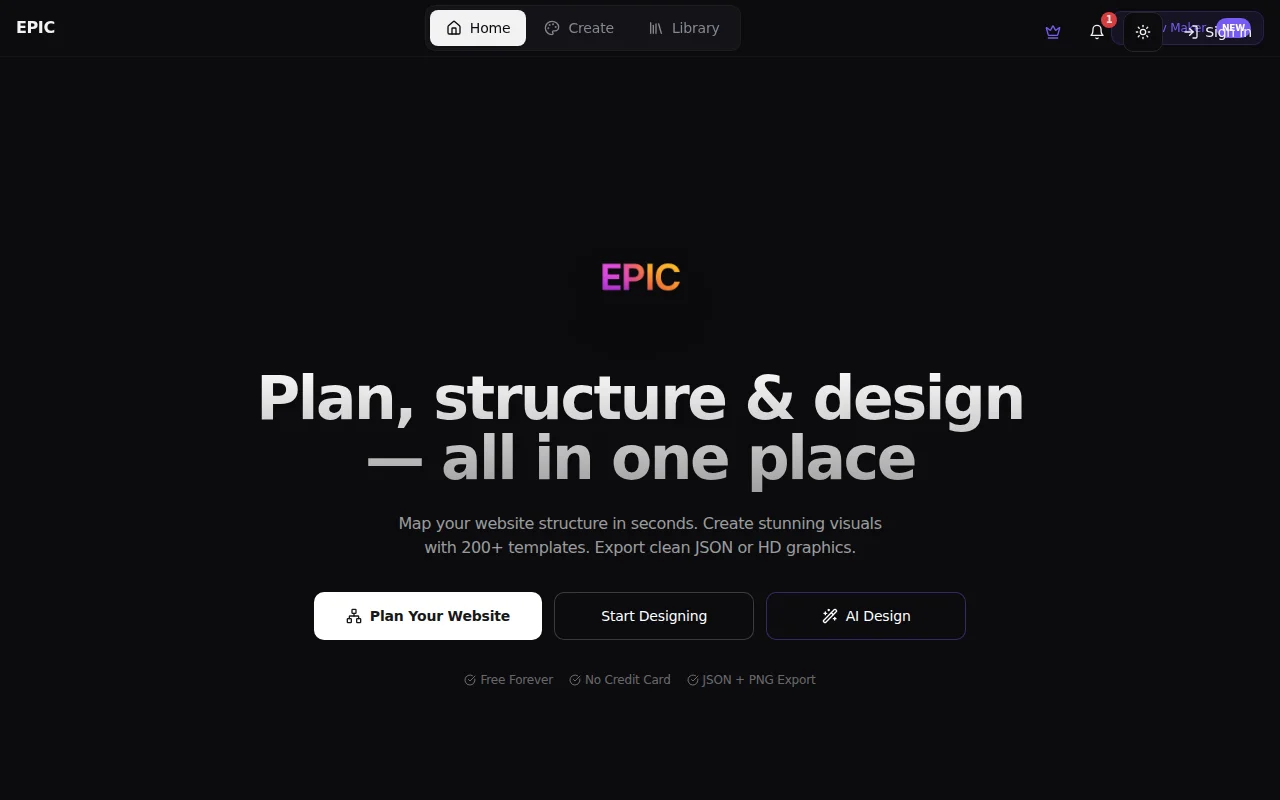
Canva clone with navigation planner; AI generation is table stakes now, differentiation unclear.

Strengths
  • Navigation Maker (drag-and-drop sitemap with JSON export) directly addresses the landing page analysis finding; ships a real solution to stated problem.
  • AI design generation + instant HD export (PNG, JPG, PDF) with no watermarks undercuts Canva on friction for casual creators.
  • Mobile-ready editor and 200+ templates lower the learning curve vs Figma.
Weaknesses
  • Canva, Figma, Adobe Express already dominate this space with stronger brand and ecosystem; EPIC's moat is unclear beyond 'simpler UI'.
  • Landing page analysis (312 sites, navigation patterns) feels like content marketing bait—tool itself has no defensibility from the research.
Category
Target Audience

Creators, founders, students designing social media, websites, and marketing collateral without Figma/Canva expertise.

Similar To

Canva · Figma · Adobe Express

Post Description

We’ve been building a small design + navigation planning tool(https://no-edit.lovable.app) over the last few months, and while testing it, we ended up manually analyzing 312 landing pages across SaaS, indie projects, and AI tools. The original goal was simple: understand how people structure navigation before designing UI. What we found surprised us. 1. 68% of pages had unclear primary navigation Either: Too many items (7+ top-level links) Or vague labels like “Solutions”, “Platform”, “Explore” Users had to think before clicking. 2. Most CTAs compete with each other In 54% of cases: 2–3 primary buttons had equal visual weight. No obvious action hierarchy. Design looked clean. Decision-making wasn’t. 3. Mobile navigation is often an afterthought A lot of responsive menus technically “worked”, but: Important links were buried CTA visibility dropped significantly 4. Information hierarchy ≠ visual hierarchy Several pages looked polished (good colors, spacing, typography), but: Navigation structure didn’t reflect user journey. Sections were ordered for storytelling, not usability. The interesting part: When we restructured some of these flows into simple sitemap-style diagrams first, clarity improved immediately — even before touching UI. It made me think that most tools focus heavily on design layers (fonts, templates, components), but skip structured navigation thinking early on. I’m curious: Do you plan navigation before visual design? Or do you design first and adjust structure later? Would love feedback from people who’ve built and tested landing pages at scale.

Similar Projects