Productivity●Mid
Filling PDF forms with AI using client-side tool calling
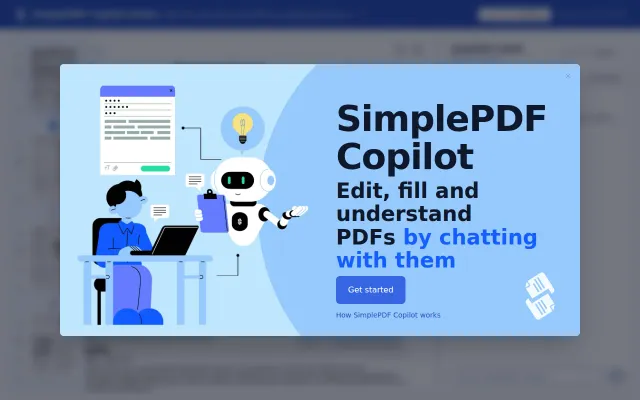
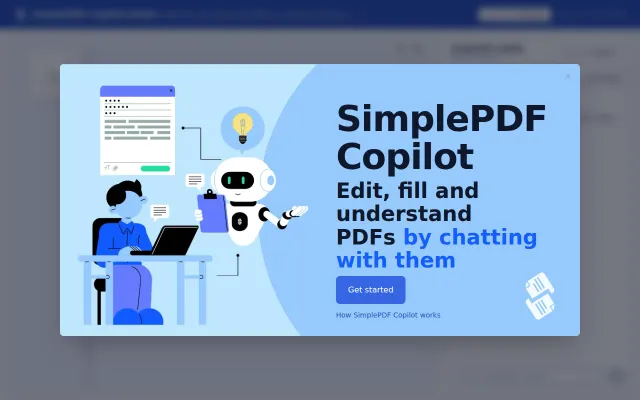
Another chat-with-PDF wrapper, but this one actually fills the form fields.
Solve My Problem
nip
60292mo ago
pdf-lib batch automation for sensitive forms, but ILovePDF and Smallpdf cover this cheaper.
HR professionals, accountants, invoicing teams handling sensitive employee or customer data
ILovePDF · Smallpdf · Adobe Acrobat
I noticed people manually copy-pasting data from Excel into PDF forms, but existing solutions require uploading sensitive data (employee info, invoices) to third-party cloud servers.
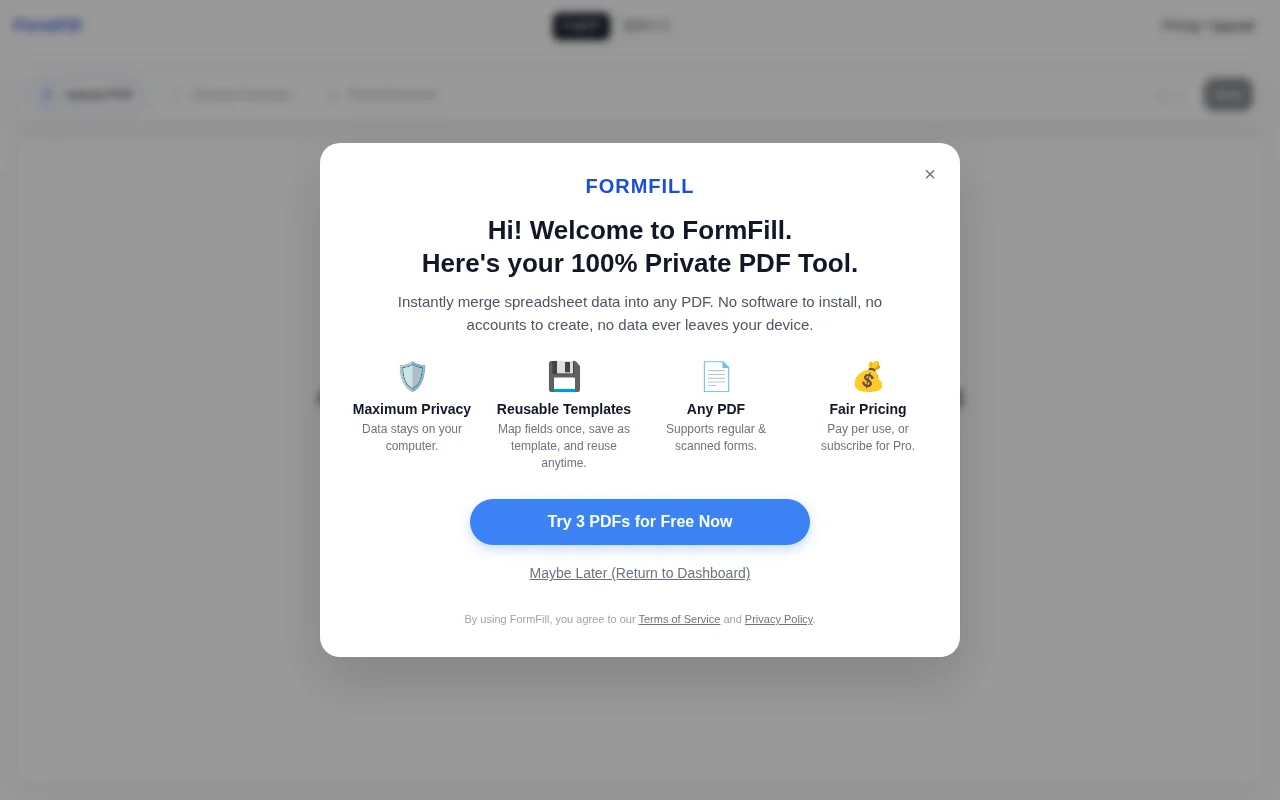
I built FormFill to do all the heavy lifting entirely in the browser using pdf-lib. It parses the Excel file, maps the columns to your created PDF fields, and generates a .zip of filled PDFs locally.
Because it's 100% client-side:
1. User data never leaves their device.
2. Server computing costs are essentially $0.
You get a few free batch exports just by visiting (no sign-up required). I'd love to hear your feedback on the mapping UI and the pure frontend approach!
Another chat-with-PDF wrapper, but this one actually fills the form fields.
Actually fills form fields via tool calling instead of just summarizing PDF text like competitors.
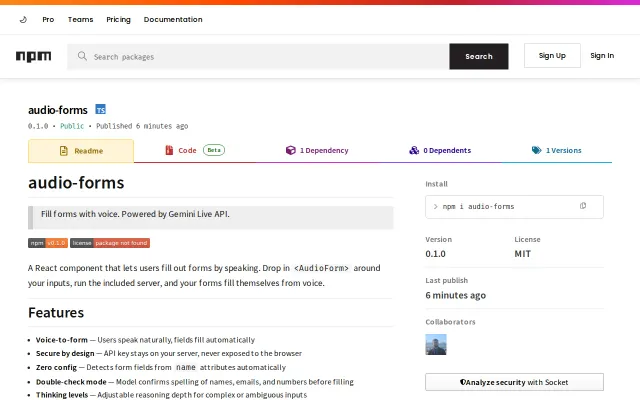
Yet another voice-to-form wrapper, but keeps API keys on your server.
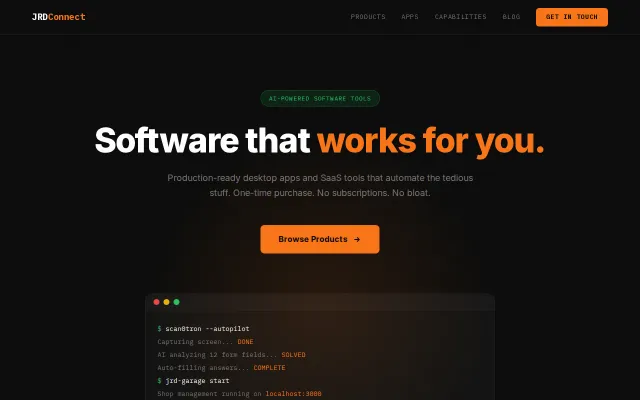
Computer vision + Playwright automation for form filling, but $49 price ties to crowded category.
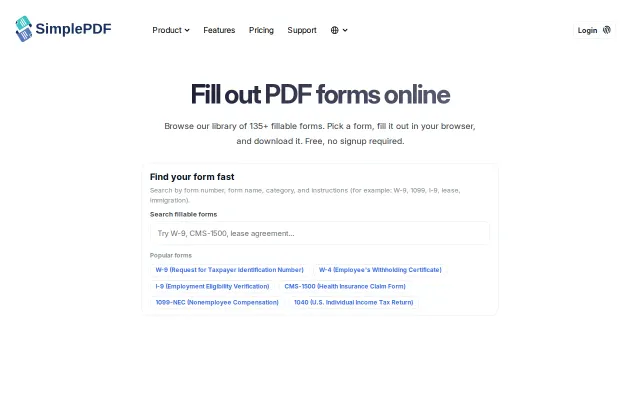
Curated form library beats generic PDF tools, but form-filling SaaS is crowded.
Turns any HTML form voice-accessible with one script, auto-mapping speech to fields.