Productivity●●Solid
Local Hours – Local-first time tracking app (macOS, iOS, open source)
Plain-JSON timesheet app syncs via your cloud folder, no backend, no lock-in.
Solve My ProblemCozy
stinger
103mo ago
Cross-platform time tracking app for macOS, iOS, and Android
Time tracking via local JSON files synced through iCloud—no accounts, no backend, no lock-in.
Freelancers, contractors, and hourly workers who want time tracking without SaaS accounts or data lock-in.
Toggl Track · Clockify · Harvest
I built Local Hours, a simple time tracking / timesheet app that treats your data as plain files instead of rows in someone else’s database.
No accounts, no backend – All time entries and timesheets are JSON files in a folder you pick. Sync happens via iCloud / Dropbox / OneDrive if you want it.
Cross-device by design – The macOS menu bar app and iOS app both point at the same folder, so they “sync” via your storage provider without any server code.
Timesheets, not dashboards – The main job is: track time, then generate a weekly/bi-weekly/monthly timesheet you can actually send to an approver.
Exports that don’t trap you – You can send an email with an embedded summary + CSV, or just open the JSON files yourself.
Privacy – No analytics, no telemetry, no in-app purchases. It’s MIT-licensed and fully open source.
Apps are free on the App Store (iPhone, iPad, Mac): https://apps.apple.com/us/app/local-hours-simple-timesheet/i...
Repo (code, storage format, docs, screenshots): https://github.com/gogrinimish/LocalHours
I’d especially like feedback on: Does the “just files” approach line up with how you’d want to archive or script your own timesheets? Is the UX for picking the storage folder and sharing it across devices clear enough? What’s missing for you to actually use this for client work?
Plain-JSON timesheet app syncs via your cloud folder, no backend, no lock-in.
Yet another fitness tracker, but at least it's free and stores data locally.
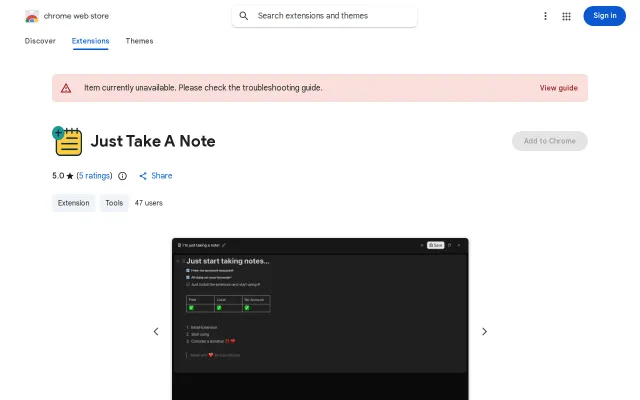
Local notepad in your browser toolbar, but Google Keep and Notion already own this problem.
Decoy Vault and PanicHold features add real spy-movie utility to local storage.
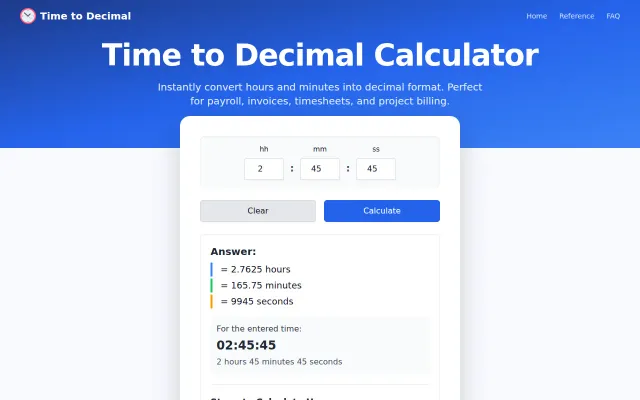
Time-to-decimal calculator when every OS and spreadsheet already does this.
Your own S3 bucket with client-side encryption beats yet another cloud vault.