Productivity●●●Banger
Local Hours – Time tracking that's just files (no accounts)
Time tracking via local JSON files synced through iCloud—no accounts, no backend, no lock-in.
Solve My ProblemZero to OneSlick
stinger
103mo ago
Cross-platform time tracking app for macOS, iOS, and Android
Plain-JSON timesheet app syncs via your cloud folder, no backend, no lock-in.
Freelancers, contractors, and employees needing simple time tracking without SaaS lock-in or privacy concerns.
Toggl Track · Clockify · Harvest
Local Hours stores everything as plain JSON files in a folder you choose. Point it at an iCloud, Google Drive, or OneDrive folder and your data syncs across devices automatically — no docker, no backend, no accounts, no analytics.
How it works: - Start/stop a timer from the macOS menu bar or iOS widgets - Add a short description when you stop - Generate weekly, bi-weekly, or monthly timesheets - Email approvers with an embedded summary or CSV attachment
The storage format is intentionally simple so you can inspect, back up, or migrate your data anytime. Both the macOS and iOS apps point at the same folder, so cross-device sync just works via your cloud storage provider.
It's free on the App Store (iPhone, iPad, Mac): https://apps.apple.com/us/app/local-hours-simple-timesheet/i...
Built with Swift/SwiftUI. MIT licensed. No tracking, no telemetry, no in-app purchases.
I'd love feedback on the UX, the local-first approach, or ideas for what to build next. Android is planned.
Time tracking via local JSON files synced through iCloud—no accounts, no backend, no lock-in.
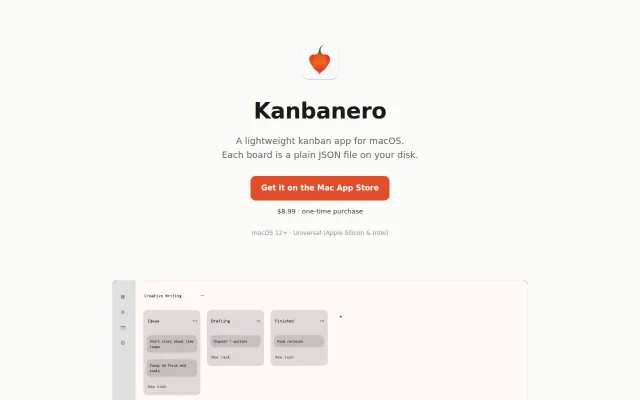
Yet another local Kanban app when Obsidian and Logseq already handle this.
Folder-based agent memory means zero infrastructure, just git-tracked plain text.
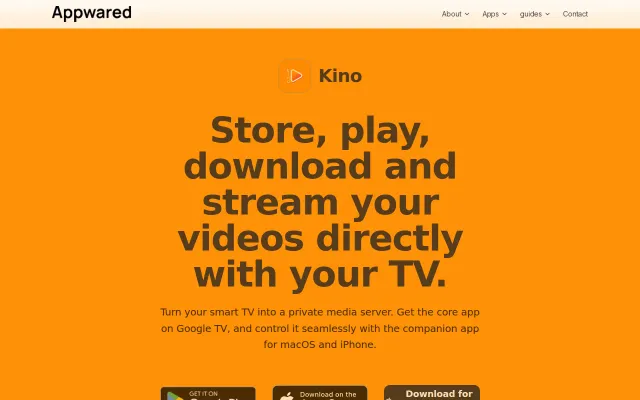
TV-first media server with Apple companion apps, but Plex and Jellyfin already solve this.
Project-scoped aliases with keychain secrets, but macOS-only and niche audience.
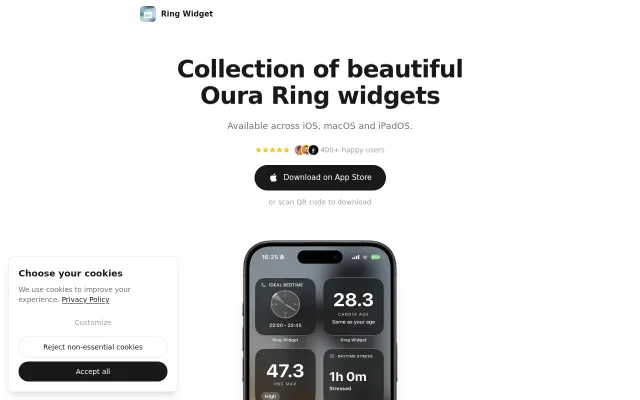
Fills a gap Oura's app left, but it's a widget wrapper with no novel mechanics.