Developer Tools●●Solid
Argus – VSCode debugger for Claude Code sessions
Debugger for Claude Code sessions—niche but solves real frustration with cost visibility.
Ship It
lydionfinance
204mo ago
Reverse-engineers Claude's mistakes into git-tracked rules, but only useful for Anthropic users.
Teams building AI-augmented software with Claude Code or similar models
Continue (IDE agent context management) · Aider (context-aware code generation)
While digging into this we found that Claude has a native rules system that allowed us to target specific parts of our repo with path matching. This was ideal for our use case but trying to manage these rules by hand was already not working and would be even harder with more granular, targeted rules.
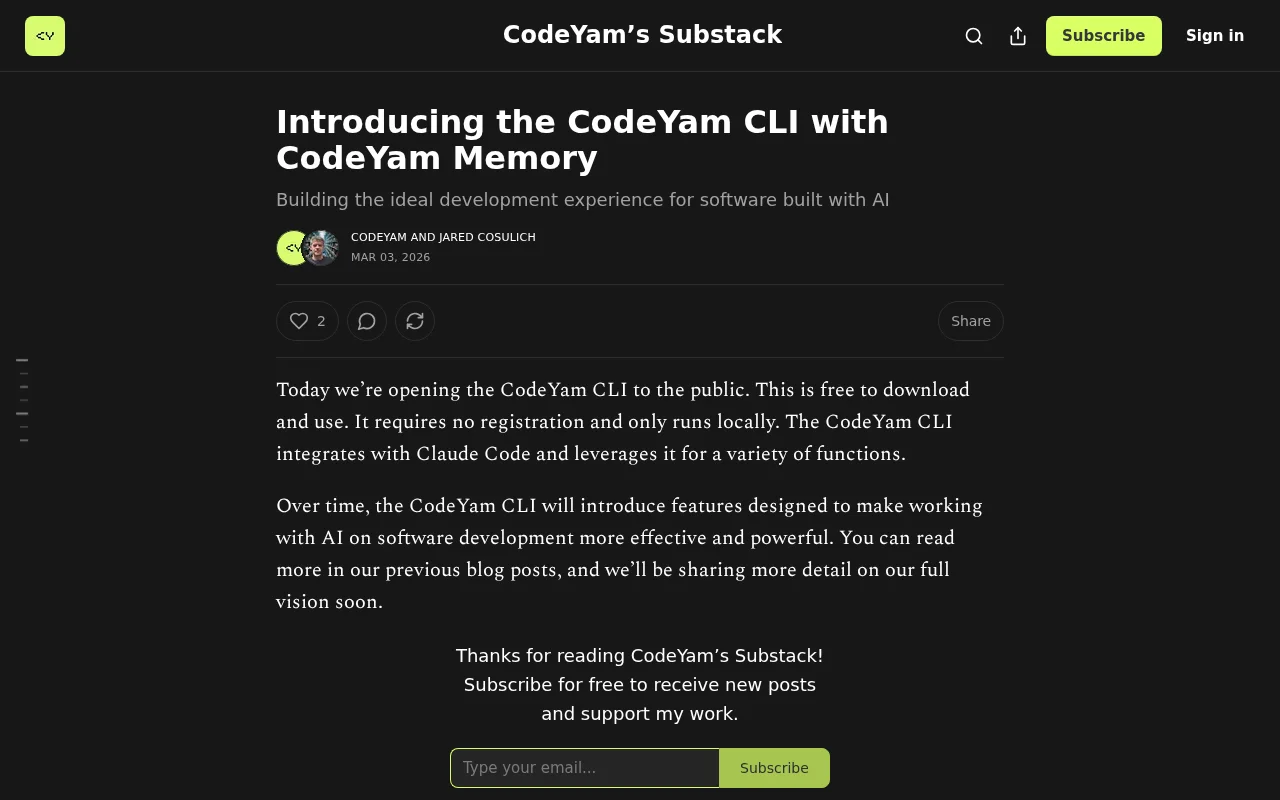
CodeYam Memory uses a background agent to review your coding session transcripts, identifies confusion patterns, and generates targeted rules with proper scoping. You review and approve everything. Dashboard for auditing, a background-agent review process so nothing goes stale as code changes, tracking of everything lives in a simple file in git.
How to Get Started:
Install: npm install -g @codeyam/codeyam-cli@latest
Then from your project root run: codeyam
This will launch a dashboard with further instructions for initializing CodeYam Memory.
Free, runs locally, no login required, and language agnostic. Would love feedback.
More context:
Background blog post: https://open.substack.com/pub/codeyam/p/introducing-the-code...
90 sec demo on our own repo: https://youtu.be/oJ2gTb-lxbE
Demo teaching Claude a real OSS repo (Plane): https://youtu.be/CjOKBwBCcOs
Website: https://codeyam.com/
Debugger for Claude Code sessions—niche but solves real frustration with cost visibility.
Auto-discovers repeated agent instructions from session history, then PRS them.
Finally remembers your architecture decisions between Claude Code sessions — CLAUDE.md couldn't do this.
Yet another coding assessment platform, but this one parses AI agent logs.
Measures exactly where your coding agent starts failing as context window fills.
Injects local RAG memory into spawned Claude sessions so they remember project context.