Productivity●●Solid
A Claude Skill to render resume templates. CV/Resumes are HTML and JSON
JSON content plus Jinja2 templates solves the AI chat one-off resume problem.
Solve My ProblemShip It
farhan0167
4029d ago
An AI coding skill that transforms project planning into visual, interactive HTML decision documents
Visual decision trees beat text prompts for UI/UX choices, but needs multi-agent AI tooling to shine.
Full-stack developers, product managers, teams using Claude Code for project planning
Continue.dev decision logging · GitHub Copilot workspace planning · Cursor project templates
I built a Claude Code skill that generates a self-contained HTML page for each decision point and opens it in the browser. Each page has four options with visual previews (rendered CSS mockups for UI decisions, flow diagrams for interactions, architecture diagrams for technical choices), a comparison table, and a recommendation. You pick one, it records the choice, and moves on. At the end you get a standard implementation plan.
All states live in a .decisions/ folder as HTML files and a JSON manifest. There's a landing page that shows every decision and its status. You can change past decisions and it updates everything.
Tradeoffs worth knowing about: it's meaningfully slower than text-based planning. Each decision is a full HTML file generation. It uses more tokens. The visual previews are CSS approximations, not pixel-perfect mockups. For small projects or projects where you already know what you want, it's overkill.
The source is one file (SKILL.md) that acts as a prompt template. No dependencies, no build step, no runtime beyond the AI itself.
Anyway, give it a try. Hope you all like it.
JSON content plus Jinja2 templates solves the AI chat one-off resume problem.
Prompt wrapper for Grug Brained Developer wisdom, no technical implementation beyond instructions.
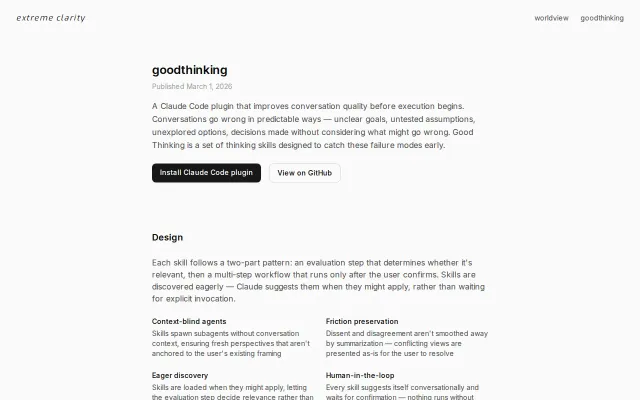
Context-blind auditors catch assumption gaps, but plugin lock-in and single-model limit audience.
Unified tree viz across sklearn, XGBoost, LightGBM when most tools only handle one.
Landing page from one sentence; zero build tools, pure HTML/CSS/JS in one file.
155 decision frameworks in CSV, BM25-ranked for your problem—structured thinking at prompt time.