Developer Tools●●●Banger
Webact – token-efficient browser control for AI agents (GitHub)
Slashes tokens vs Playwright by returning a DOM brief instead of full tree.
Solve My ProblemBig Brain
kxbnb
113mo ago
Ultra-light MCP browser navigation. CDP-free, token-efficient and undetectable. Works on any site (SPAs, shadow DOM, iframes).
Token-efficient DOM-to-list avoids screenshots and vision—works with SPAs, shadow DOM, iframes.
AI engineers, Claude power users, and developers building autonomous AI agents
Playwright CDP · Selenium · Anthropic Computer Use
I use Claude Code daily, and I kept wanting it to interact with pages in my own browser, with my existing tabs, cookies, and logins.
Most browser automation approaches I tried for MCP were based on CDP / Playwright. I wanted something lighter and closer to normal browser behavior, so I tried a different design: the extension scans the DOM and sends the model a compact numbered list of actionable elements over a local WebSocket.
So the model sees something like: Search [input] Books [link] ... and can reply with browse_click(2) or browse_type(...)
That keeps scans very small (usually much smaller than screenshots or ARIA-tree dumps) and avoids screenshots, vision models, and huge accessibility payloads.
It currently handles SPAs, shadow DOM, same-origin iframes, and contenteditable editors. Everything runs locally. Setup is just the npm package plus the extension, and you can already try it by sideloading the extension from the repo and running npx navagent-mcp.
It's intentionally narrow: this is not a replacement for Playwright, CI automation or heavy scraping. It's a passive bridge for everyday browser tasks like opening pages, clicking around, and filling forms from an AI assistant.
It's still early, but it's already useful for my daily workflow. Feedback very welcome, especially on edge cases, security concerns and sites where it breaks.
Slashes tokens vs Playwright by returning a DOM brief instead of full tree.
Numbered action refs beat CSS selectors for token-efficient AI browser control.
3.2x–6x fewer tokens than Playwright/Chrome DevTools MCP via code-first architecture.
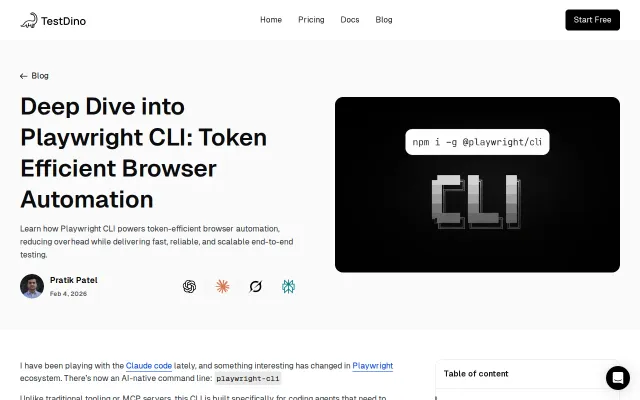
The write-up zeroes in on a concrete, painful failure mode: MCP setups streaming full DOMs and logs into models and burning token budgets. It shows how playwright-cli keeps browser state external and emits compact element references and YAML flows you can replay into npx playwright test — a realistic pattern for long agent sessions. Valuable practical guidance for teams already on Playwright, but it's an explainer, not a new system you can drop in without plumbing.
5.6x token compression with click/type/select interaction beats read-only Firecrawl, Jina.
ASCII rendering cuts tokens dramatically, but browser automation and LLM observation are well-trodden ground.