Productivity●●Solid
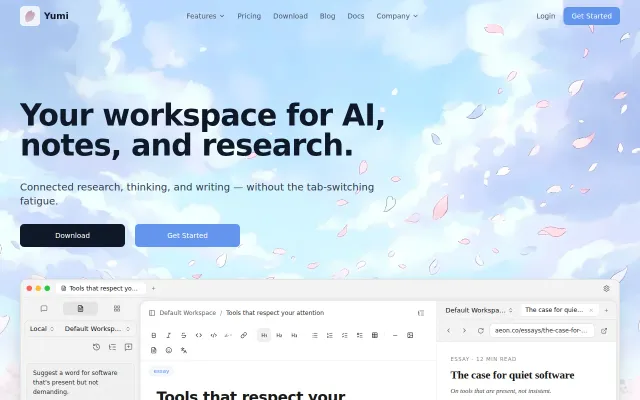
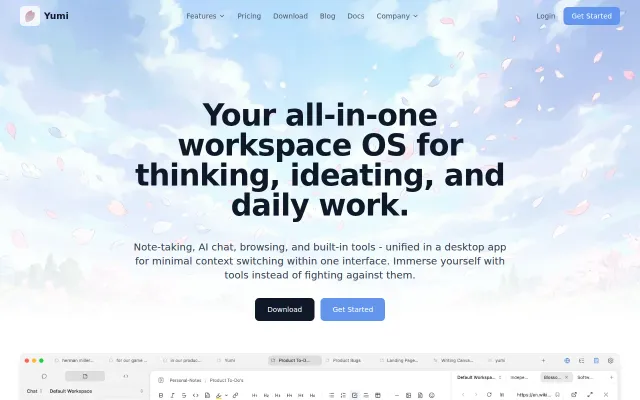
Yumi – Your workspace for AI chat, notes, and research
Beautiful 'quiet software' philosophy, but another AI note app in a saturated market.
SlickCozy
yumi-dev
201mo ago
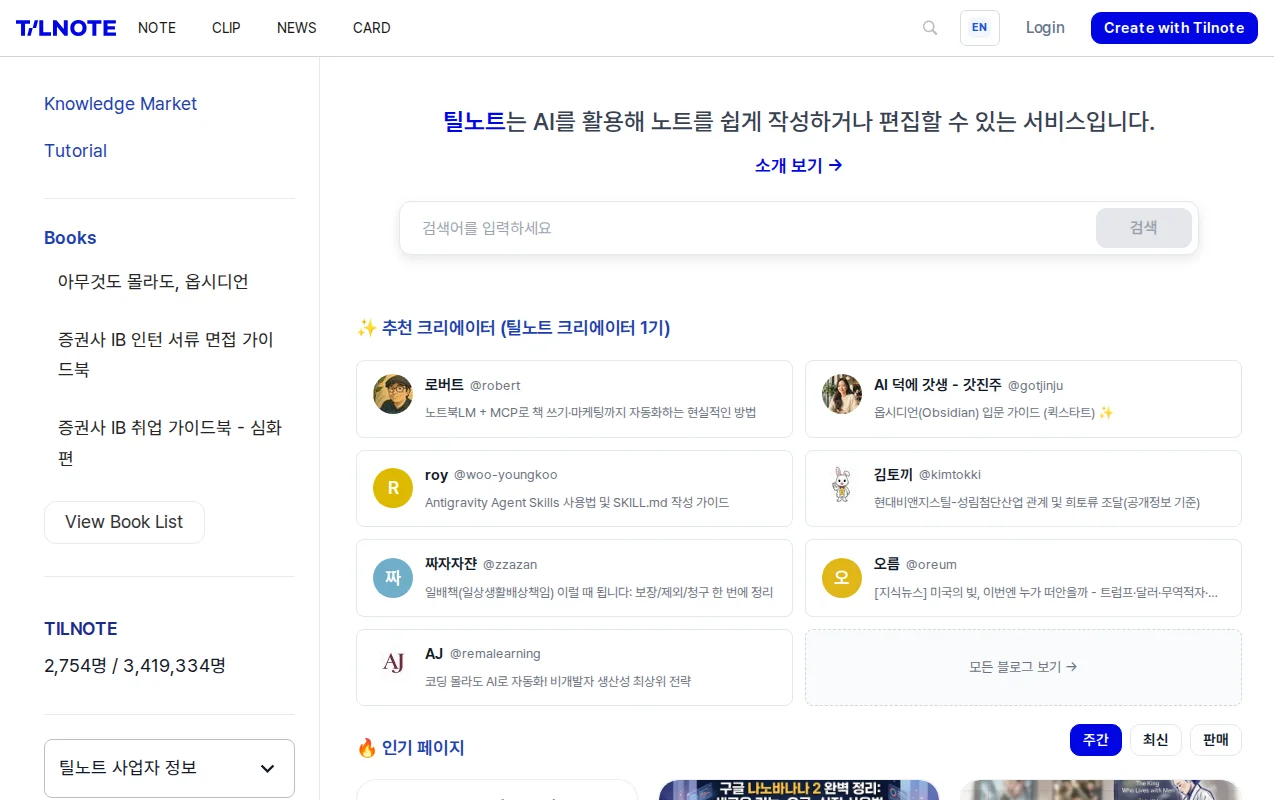
Note-to-content pipeline with AI agents, but Obsidian + ChatGPT already does this for free.
Researchers, writers, and information collectors who struggle to convert notes into finished output
Obsidian · Notion · Apple Notes + ChatGPT integration
I'm building Tilnote, an AI note app for people who collect lots of information but struggle to turn it into usable output.
The workflow I wanted was: collect -> structure -> write -> publish.
What Tilnote currently does:
- AI note agent: start from a keyword/topic, generate a structured draft, then refine it. - Clip extension: save web pages and YouTube content directly into notes. - AI writing help: ask questions about your note, get simpler explanations, and continue writing from cursor context. - Output options: publish/share notes and export them as Markdown.
The core idea is simple: notes should not become a dead archive. They should become reusable content and knowledge assets.
I'm sharing this early to get honest feedback from builders/writers/research-heavy users.
I'd especially love feedback on:
1. Which part of this workflow is most valuable in your real use case? 2. What feels unnecessary or overbuilt? 3. What would make you switch from your current notes + AI setup?
If you try it, please be brutally honest. I'll use feedback to improve onboarding and core UX.
Thanks.
ETC
English writing works in the editor after login. The product is currently Korean-first, and some UI localization is still in progress.
Beautiful 'quiet software' philosophy, but another AI note app in a saturated market.
AI note organizer competing directly with Notion, Mem, and Taskade in a crowded space.
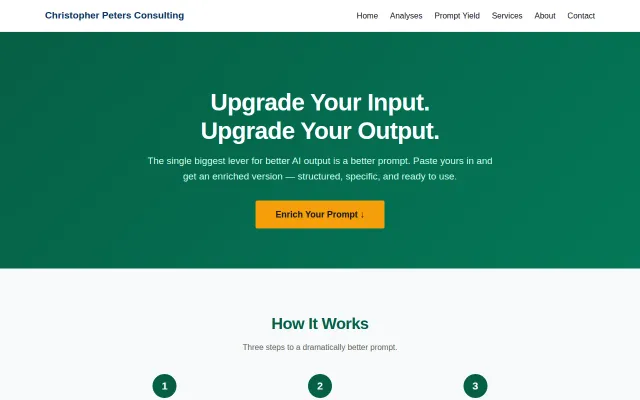
Yet another prompt enhancer when PromptPerfect and dozens of AI wrappers already exist.
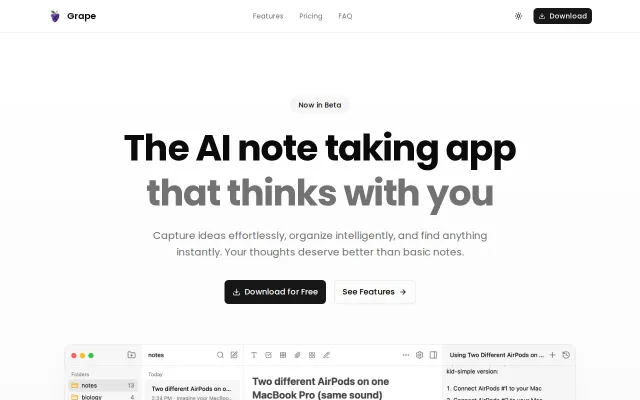
Yet another AI notes app competing with Notion, Obsidian, and Mem without clear differentiation.
Yet another all-in-one workspace when Notion and Obsidian already own this space.
Notepad-like friction-free thinking tool with collapsible sections, no cloud, no auth tax.