Developer Tools●●Solid
Capture context. Give your agent the full picture
Smart context densification for agents, but only macOS and requires agent CLI already installed.
Niche GemSolve My Problem
semihcihan
123mo ago
lurk is watching everything you do and feeding it to your AI
Desktop OCR + activity clustering eliminates AI cold start without cloud telemetry.
Developers and knowledge workers using Claude Code, Cursor, or ChatGPT
Rewind AI · Mem.ai · Superwhisper
lurk eliminates that. It's a local macOS daemon that continuously observes your desktop — window titles, screen content via OCR, git diffs, calendar, input state — and serves a unified context to any AI tool. Not connector-by-connector. Everything at once, automatically.
The difference from connectors: Slack MCP gives you access to messages, but which ones? You have 47 channels. Google Drive gives you docs, but which doc matters right now? lurk knows because it watched you read the pricing doc, switch to Slack to discuss it with Sarah, then open VS Code to implement it. It connects the dots that individual connectors can't.
How it works:
- Swift daemon polls every ~3s (window titles, screenshots, input state) - Python engine enriches events — 30+ app-specific parsers, activity classification, OCR via macOS Vision - Reads your project's README on startup so it knows what the project actually is - Git watcher captures real diffs — the actual code changes, not just file names - MCP server for Claude Code/Cursor, HTTP API on localhost:4141 for everything else - Chrome extension for one-click context injection into Claude, ChatGPT, Gemini - Optional local LLM (Ollama) clusters activity into coherent work threads
What it doesn't do:
- No cloud. Everything stays on your machine. - No telemetry. No accounts. No API keys required. - Doesn't send your screen content anywhere — the consuming AI tool reads it locally.
npx lurk-cli onboard
github: https://github.com/lurk-cli/lurkSmart context densification for agents, but only macOS and requires agent CLI already installed.
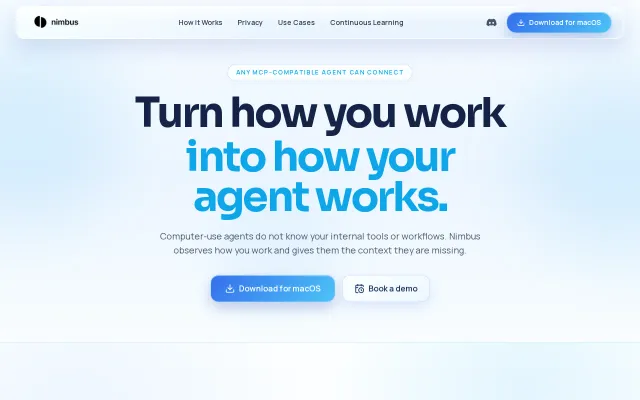
Finally teaches AI agents your internal tools without writing documentation.
Accessibility tree API beats OCR—Claude controls Spotify without screenshots.
Lets agents actually see the screen and act on it by returning OCR text with pixel coordinates and offering commands like click_at, type_text, and press_key. You can run it instantly with npx (it auto-creates a Python venv and hooks into Apple Vision/Quartz), and there are ready-made integration snippets for Claude, VS Code, and Cursor — a pragmatic, technically neat tool for closed-loop agent UI work. It’s limited to macOS 13+ and Apple APIs, but within that niche it removes a lot of friction.
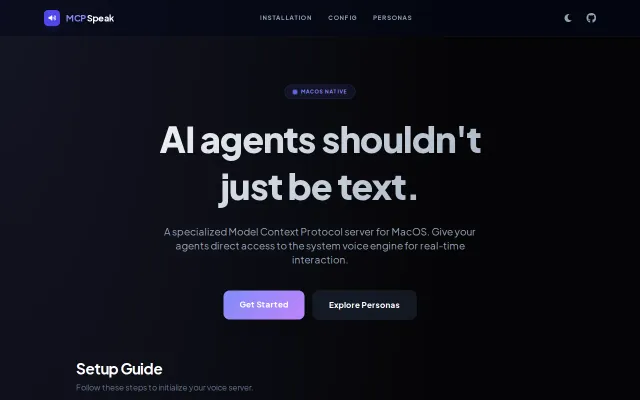
The project is a pragmatic, no-friction way to route MCP client output to macOS TTS — you get a runnable speak_server.py, ready-made CLI snippets for Gemini and Claude, and persona profiles that alter spoken behavior. Small but thoughtful extras like dynamic AGENTS.MD and persona presets make it useful for prototyping voice-first agents. The downside is obvious: it’s macOS-only and targets a narrow audience, but for that audience it removes a lot of friction.
Agents manage their own context window through a transparent local proxy.