Productivity●●Solid
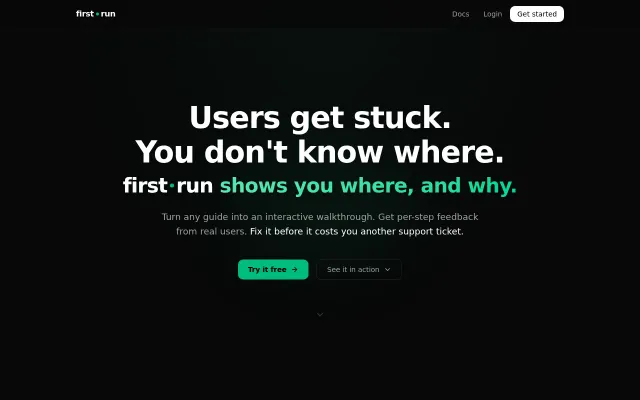
Turn guides into interactive walkthroughs with step analytics
Step-level analytics pinpoint exactly which instruction kills onboarding conversion.
Solve My ProblemEye Candy
mhamda
103mo ago
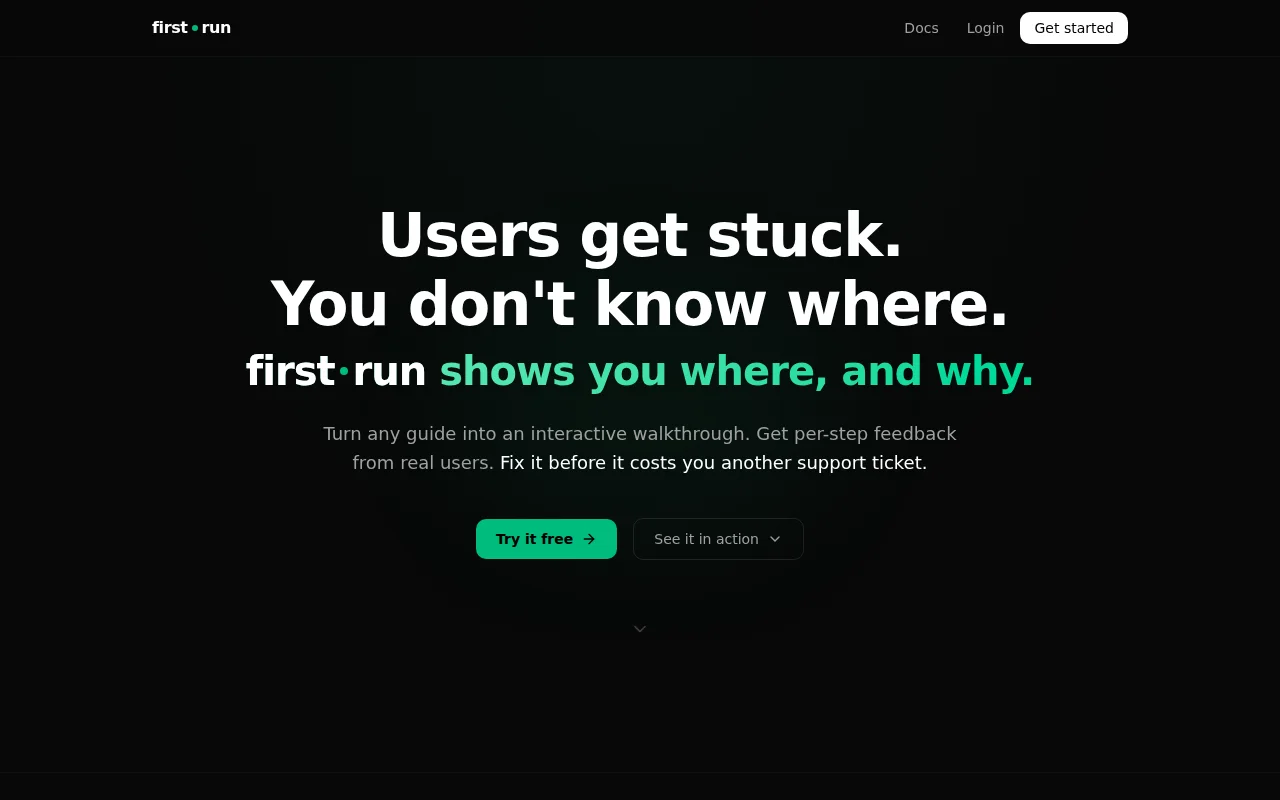
Per-step analytics identify exactly where docs fail, beyond simple page views.
DevRel teams, technical writers, SaaS founders
Walkme · Appcues · GitBook
I’m the builder behind Firstrun (https://firstrun.dev). It’s a tool that takes your static documentation and turns it into interactive, step-by-step walkthroughs that you can embed anywhere.
The Problem:
Every developer knows the pain of spending hours writing great documentation, only for users to skim it, miss a crucial step, and open a support ticket saying "it doesn't work."
Static text and outdated screenshots just aren't great for complex setups or onboarding flows.
What Firstrun does:
I wanted to build the fastest way to create interactive guides without needing heavy engineering time or a bloated enterprise tool.
Create: You add your content (or extract steps from existing docs).
Generate: Firstrun turns it into a clean, interactive step-by-step UI.
Embed: You drop a simple script tag into your docs site or SaaS app.
Track: It gives you analytics on exactly where users are dropping off or failing, so you know which step of your setup is confusing them.
You can try it out here: https://firstrun.dev
I’d love to get your feedback on the UX and the embedded widget. Does this solve a pain point for your SaaS or open-source projects?
How do you currently handle onboarding flows and interactive docs?
Happy to answer any technical questions!
Step-level analytics pinpoint exactly which instruction kills onboarding conversion.
PR review slideshow ordering by dependency, not filename—genuinely rethinks code review UX.
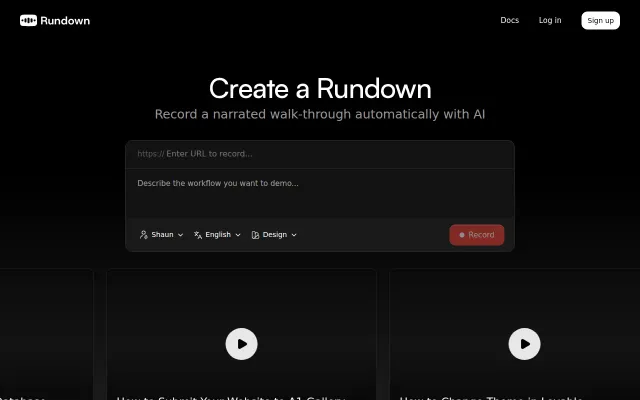
Playwright automation for demo recording, but Loom and Arcade already capture this with less technical setup.
Converts videos and browser sessions into scrubbable static HTML artifacts on Cloudflare.
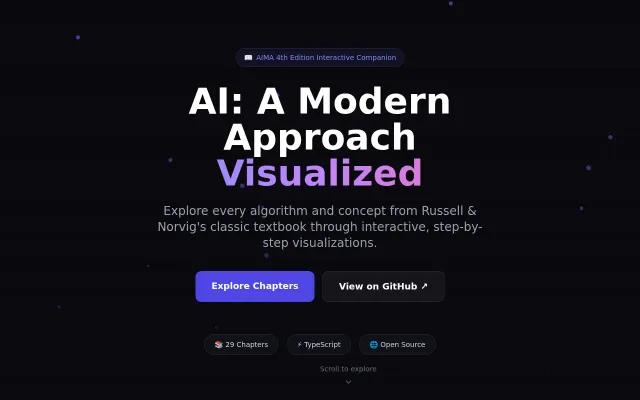
AIMA algorithms come alive—174 interactive visualizations beat static textbook pages.
End-to-end and local-first: point it at PDFs or docs, and it extracts entities/relations with LLMs, proposes merges for you to approve in a terminal UI, then generates an interactive browser viewer and standard graph exports. The human-in-the-loop merge workflow and support for local providers (Ollama/LiteLLM) are smart, practical choices; just remember output quality and scale will still hinge on the LLM you pick.