Hi HN,
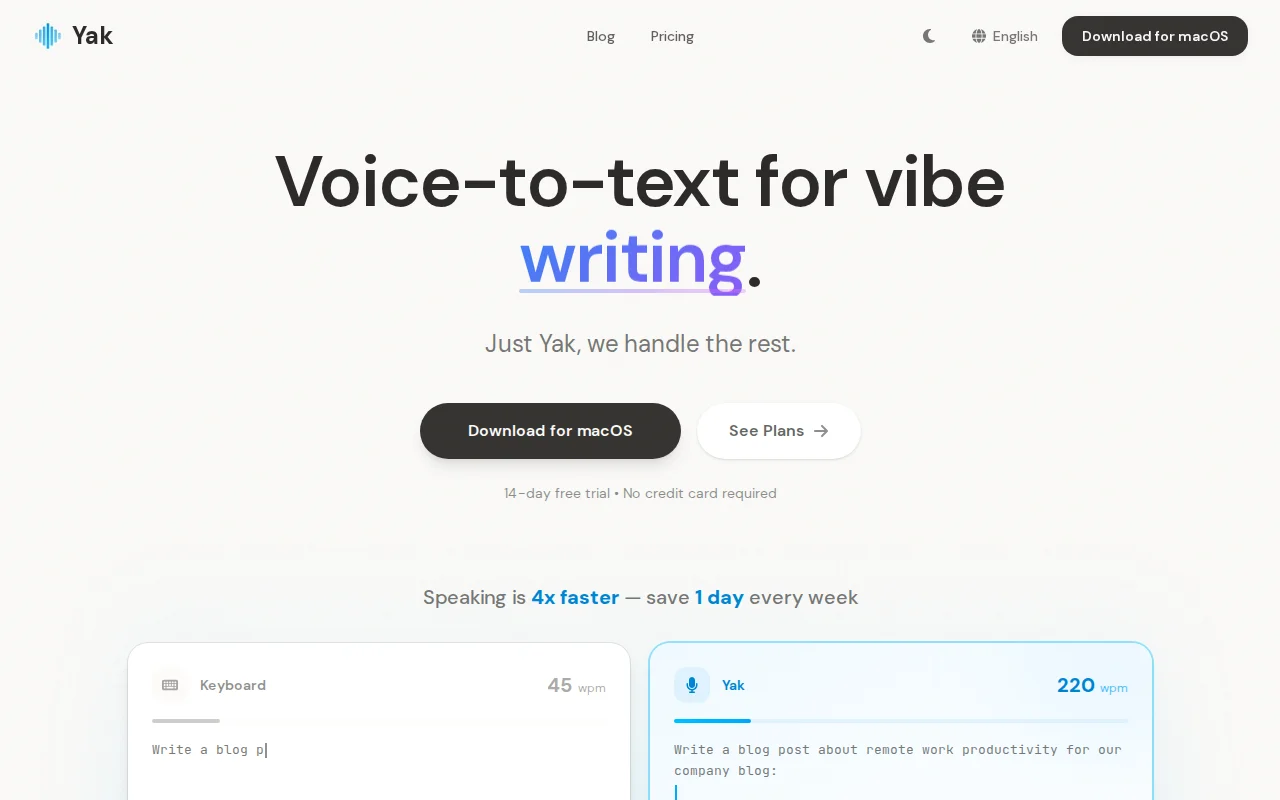
I built Yak (https://getyak.app), a voice typing tool that converts speech into ready-to-use text. I didn't choose a traditional STT-then-edit pipeline, but a multimodal model that transcribes, polishes, and formats simultaneously, which gives it many interesting features:
AI Command:
Select text in any app, press the hotkey(default to fn), speak an instruction — "translate to Japanese", "make it shorter". Yak replaces the selection in place.
Auto-send:
Press Right ⌘ (Command), speak, release — Yak will transcribes and presses Enter for you. Which means saving 10 seconds reviewing each prompt.
I use it myself daily — when prompting my parallel Claude Code sessions. Thanks to gemini's ability and knowledge base, more than 90% of transcriptions do not need any edit at all.
Context Awareness:
Yak can read surrounding text at your cursor via accessibility APIs and send it as context. This makes continuations and mid-paragraph insertions sound natural.(Opt-in, off by default for privacy.)
BTW, yak supports BYOK mode. Users can bring their own API key, or choose to use Yak Cloud with zero data retention.
Tech:
Built with Tauri v2 and Rust. ~20 MB memory footprint.
Development story:
This is my first Rust project. I started in Dec 2025(opus4.5) and did not wrote a single line of code by myself.
My workflow: Claude Code writes a feature → Codex reviews the changes → Claude Code fixes bugs Codex found → repeat until clean → pr and let github copilot review it again
Using this workflow, technical debt grows slowly, thus I can maintain the development speed.
One reason I chose Rust (even for Yak's cloud backend): rust is one of the best languages for vibe coding(at least for me). The compiler catches most mistakes inside the claude code session — cc sees the error, fixes it, tests and pass, and moves on without me involved.
A funny thing: I started on a single git branch, soon waiting for AI responses became the bottleneck. So I switched to git worktrees and ran 5–8 parallel cc sessions. At that point, my prompt typing speed became the real bottleneck — and Yak genuinely helped me ship Yak faster. ^_^
This is indeed my first time building a product from scratch to a real product. It can almost achieve the effect of wispr flow or typeless, which makes me very excited. I hope you will enjoy using yak too.
I'd love your feedback — especially on product features design.
If you are using any voice-typing tools, it can be very helpful if you can share some demands or problems with them. Thanks -.-