AI/ML●Mid
Stoic AgentOS - Open-source operating system for AI agent fleets
Yet another agent orchestrator in a field crowded by LangGraph and CrewAI.
Ship It
bk0
1029d ago
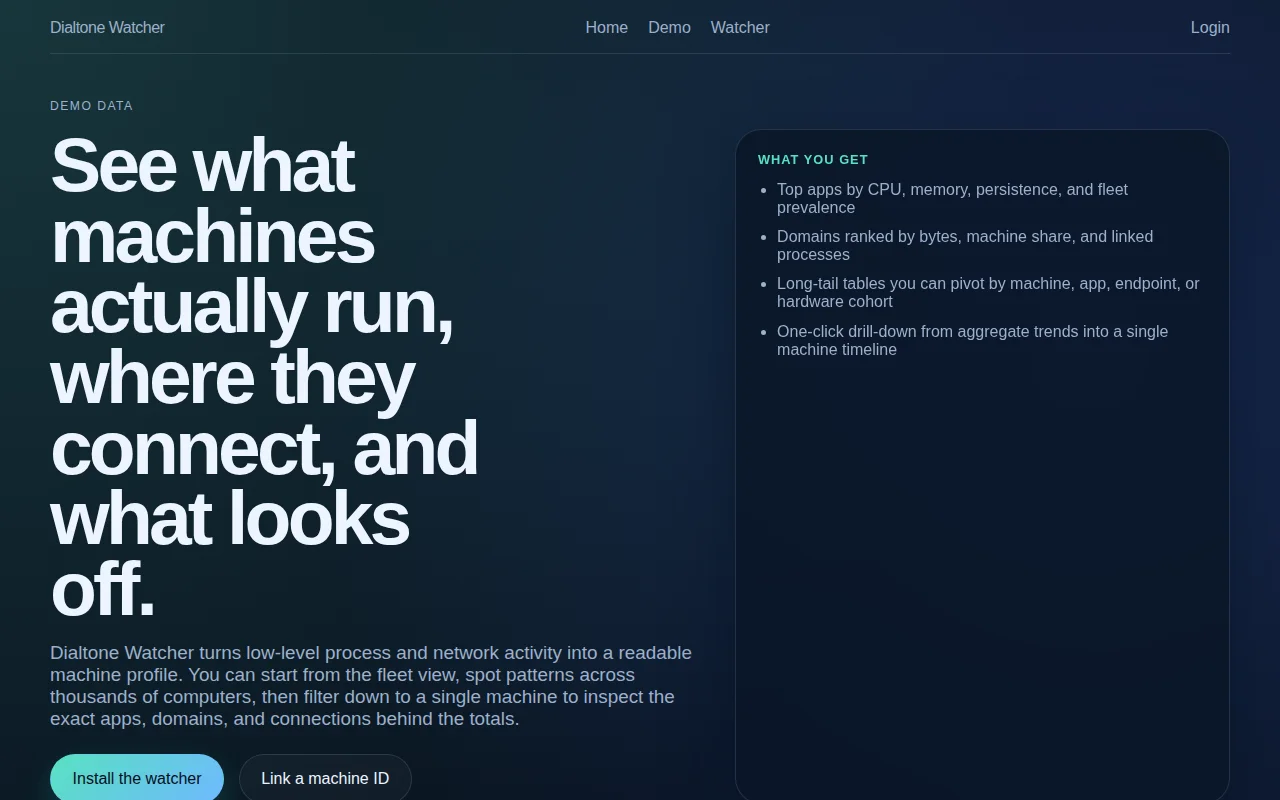
Fleet-wide benchmarking across 20k machines sets this apart from Activity Monitor.
Developers and security-conscious users
Little Snitch · Activity Monitor · Datadog
What it does so far:
- Watches running processes, CPU and memory use, and active network endpoints.
- Groups traffic into human sized summaries by process, domain, and coarse protocol like HTTPS, DNS, QUIC, and Postgres.
- Stores a local summary and can post bounded rollups to the dialtoneapp.com api so enough installs can turn the fleet view into something real.
We kept circling the same question: why is there no simple tool that answers “what does this machine actually spend its day doing?” Activity Monitor shows one slice. Little Snitch shows another. Fleet tools exist, but usually behind a corporate wall. We wanted something more honest and inspectable. The real motivating question was not just "what is my laptop doing?" but "am I normal?"
Say I have a MacBook Pro with 14 cores and 36 GB of memory and I run Docker all day. Why is Docker chewing so much more CPU and RAM on my machine than on similar developer machines? Why do I have some weird helper process that keeps hanging around? Why is my laptop talking to domains I do not recognize? You cannot answer those questions from one machine alone. You need a baseline from many machines with comparable hardware and comparable work.
Open source MIT License: https://github.com/andrewarrow/dialtone-watcher
Andrew and I kept a history of our conversations in:
https://github.com/andrewarrow/dialtone-watcher/tree/main/pr...
The big idea is crowdsourced threat intelligence. Every installed agent becomes a sensor. Each one reports process to domain connections, DNS activity, connection frequency, bytes transferred, and basic IP context like ASN and country. On one machine that data is mildly interesting. Across thousands of machines it becomes powerful very fast.
Security companies like CrowdStrike and SentinelOne do exactly this. But those products are enterprise-only, expensive, and opaque.
If some unknown helper suddenly starts talking to the same odd domain on 27 machines in an hour, it's a pattern. If a so called PDF viewer is uploading 18 MB to a domain almost nobody has seen before, that starts to look like exfiltration. If a new VSCode release is the only build talking to some random domain, that starts to smell like a supply chain problem. If Slack or Docker suddenly behaves nothing like the baseline for similar developer machines, you can flag that too.
We think there is room for something more open, inspectable, and useful for normal developers. If you try this, feedback should focus on readability of the summary, correctness of process and domain attribution, whether the upload payload feels proportionate, and what comparisons would actually help you decide "am I normal?" If enough people install it, run it, and send data, the demo becomes real and the real product gets much smarter.
I'll leave you with the following question. Should modern software projects include a prompts directory like this? It takes so little effort to capture the prompts used and they tell a story like git history does.
Yet another agent orchestrator in a field crowded by LangGraph and CrewAI.
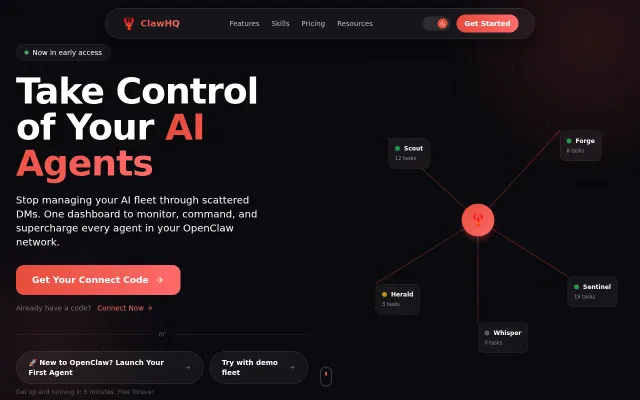
Real-time fleet view with heartbeat monitoring, drag-and-drop task kanban, and a unified agent chat paired to a one-click skill store and 80/20 creator split — that combo is useful and not something you see everywhere. Practical execution looks solid from the UI, but the product’s reach depends on OpenClaw adoption and how comfortable folks are exposing gateway URLs and installing third-party skills.
Unified CLI for OpenClaw and ZeroClaw when SSH chaos is the alternative.
Cyberpunk visuals are fun, but LangSmith and Helicone already do agent monitoring better.
Htop for AI agents tracks tokens, tools, and sessions locally.
inotify + sliding-window anomaly detection, but early-stage and competing against established tools.