Hi everyone,
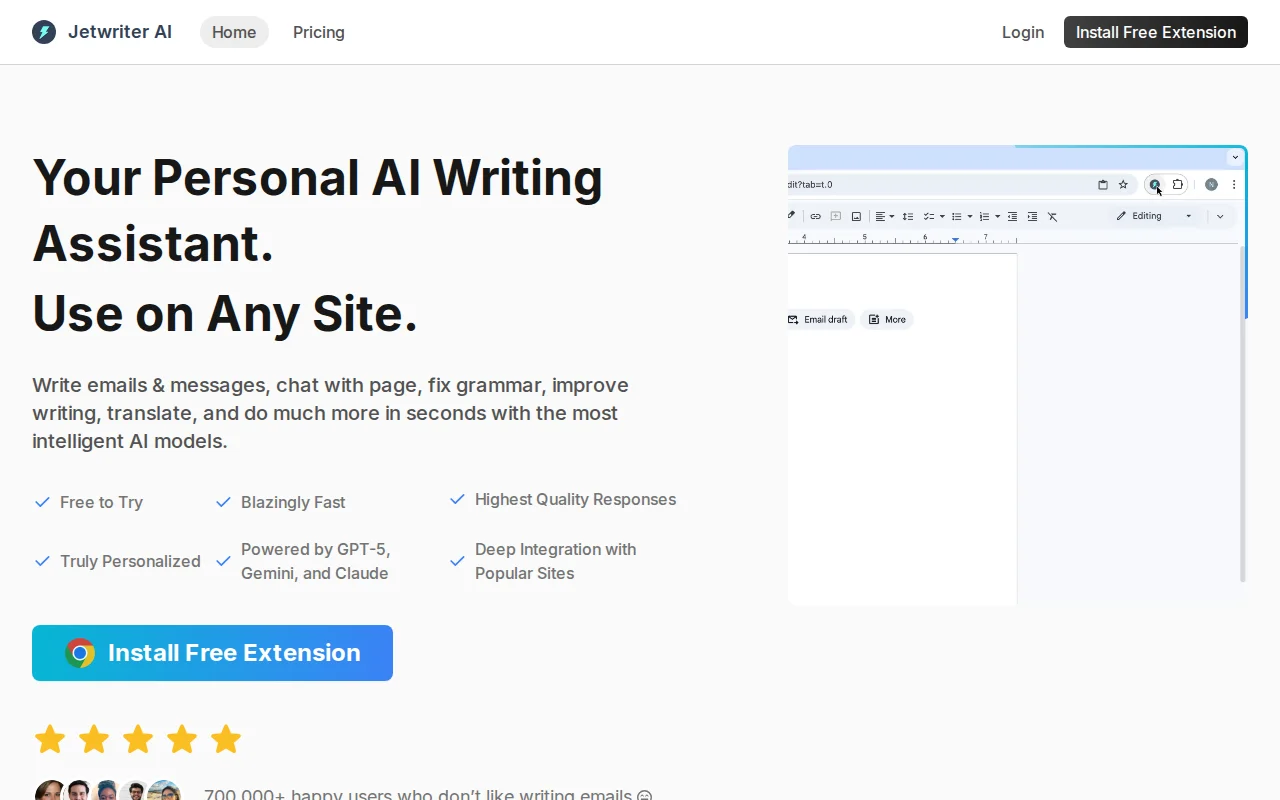
For the last 3 years, I’ve been willingly chained to my keyboard working full-time on my writing assistant Chrome extension, Jetwriter AI (https://jetwriter.ai). It has grown a lot, which is terrifying but also great. One thing many users have been asking for is API key support.
I’ve added a feature so you can use your own API key. Now you can pay your AI overlords directly based on your actual usage.
You can add keys from OpenAI, Gemini, and Anthropic. If you need support for any other API providers, let me know. :)
It goes without saying that your API keys are stored locally in your browser. I don't want them on my servers; I have enough of my own problems to deal with.
Learn more about API Key support: https://jetwriter.ai/api-key
What kind of sorcery can Jetwriter do?
- Chat with any page: As the AI has access to the current tab, you can ask it to get summaries, key info, instant answers, generate replies, etc. It personally saves me a lot of time, as I don’t have to switch tabs.
- Deep Gmail integration: It integrates into the Gmail reply toolbar and has context of the entire email thread. You can optionally give access to your past sent emails, and the AI will refer to past emails to understand your unique style and fetch key info.
- Integration with popular sites like WhatsApp Web, Outlook, LinkedIn, Twitter, Slack, Zoho, etc., to generate context-aware replies.
- Highlight any text to fix grammar, translate, improve writing, etc. Unlike Grammarly, which shows distracting red squiggly lines, I prefer a minimal approach.
- - What’s cool is that you can also create your own custom actions, like “convert this to angry tweet,” etc.
- Personalized Profile: Tell the AI about yourself and how you would like it to respond, and it will always remember that when generating responses.
- Custom Writing Styles: Other writing tools have a fixed set of writing styles like formal, casual, friendly, etc, but I don’t think these fit everyone, as everyone's writing style is different. So, you can create different writing styles like “desperate sales pitch,” “passive-aggressive,” etc.
There are a bunch of other features I spent way too much time building. Go look at them: https://jetwriter.ai/home
How does Jetwriter differentiate itself from other AI extensions?
- Lightweight extension (less than 1MB!), so it doesn’t slow down your browser. While other AI extensions are several MBs (Grammarly is 41MB, Monica is 27MB), I intentionally made sure to keep the code quality very high and avoid using bulky third-party libraries. I have over 8 years of experience building Chrome extensions, and Jetwriter is the fruit of that. If you use Notion, you might be aware of my extension for Notion: Notion Boost (https://gourav.io/notion-boost).
- Overlay modal instead of a sidebar: To be honest, I find sidebar extensions annoying, as they change the layout of the whole page. I prefer to have an overlay modal, which I can summon and drag around the page without changing the page structure.
- Purpose-built for writing needs: While other AI extensions try to do it all, like generating images, deep research, etc., I focus solely on writing problems and solve them properly.
How to get started:
- Download the Chrome Extension (https://jetwriter.ai/extension)
- Get your API key
- Open the extension settings and enter your API key.
- Start using Jetwriter.
If you have any feedback or complaints, let me know here or shoot an email to [email protected] :)