AI/ML●●Solid
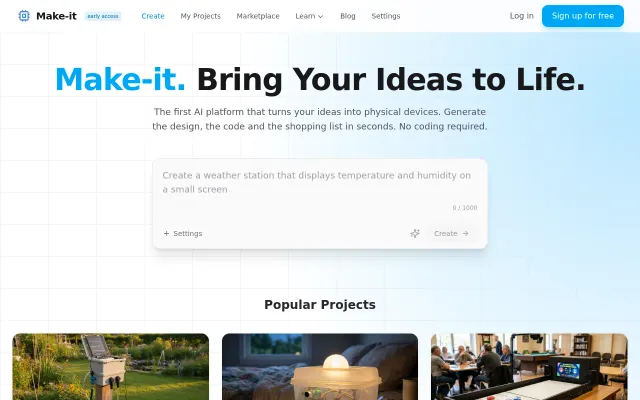
Make-it – Describe a device, get wiring diagram and code
Generates Arduino code and shopping lists from text when most AI tools only write software.
Ship ItNiche Gem
gal_ofel
102mo ago
Tiered budget carts are nice, but Google AI Overviews already does situational shopping.
Gift givers, new parents, travelers
Google AI Overviews · Amazon Inspire · Pinterest
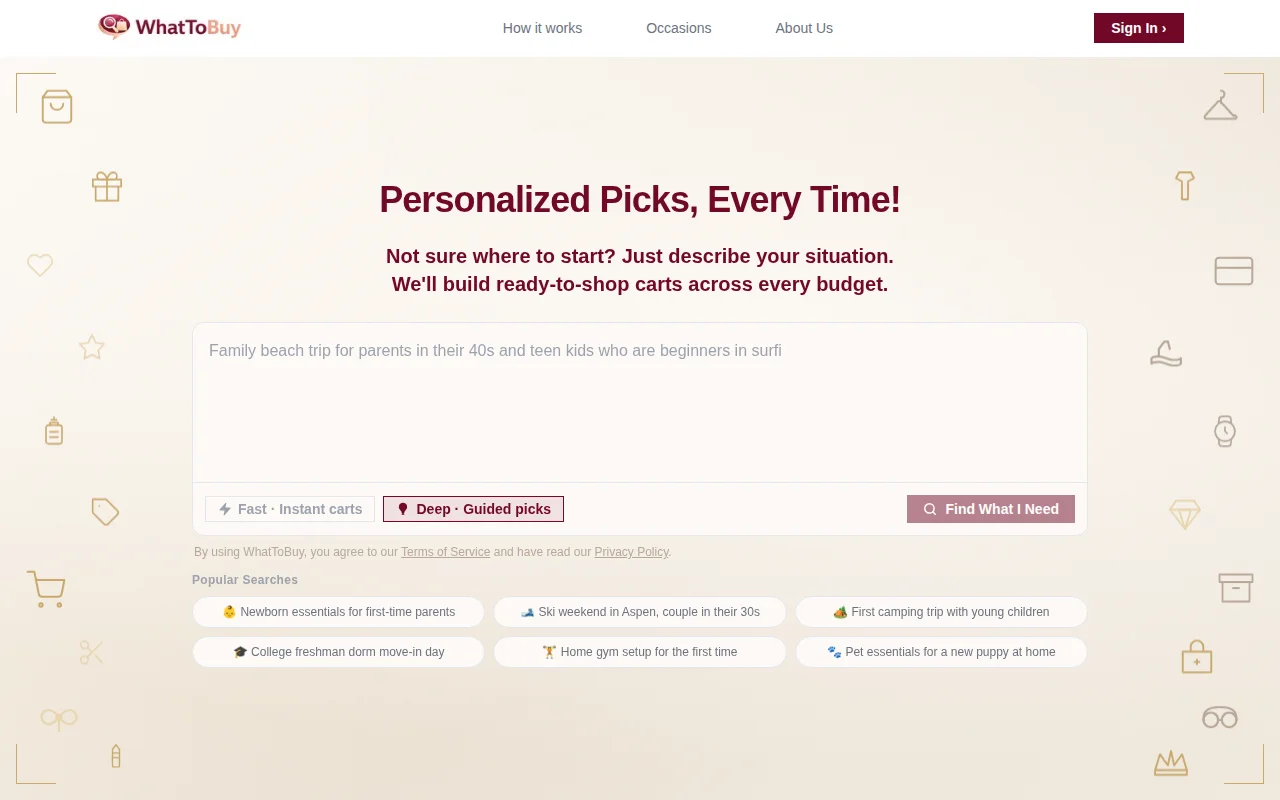
Shopping research is one of the most challenging tasks and people spend 30-60 min before buying an item. We developed a platform called “WhatToBuy” to save people time. In some cases shoppers are not super aware of what to really order for a trip or occasion. Our app helps them to get a range of products needed for each use-cases hence saving time and money.
App workflow: Describe your situation in plain English. In Fast mode, you get three ready-to-shop carts: Budget, Balanced, and Premium with real products, real prices, and direct buy links. In Deep mode, AI assistant has a conversation with you first and builds a single cart tailored specifically to your answers.
How it works: * You type something like "camping weekend with two young kids" or "setting up a home office on a tight budget" * AI assistant (powered by Claude) parses the scenario and generates a list of specific product search queries. For example, in the above query for camping, product search will be "tent 4-person easy setup" instead of simply "tent". * Those queries hit Shopping API and return real-time results. * A scoring layer ranks by price, rating, and review count to pick one winner per product category per tier.
Two modes: * Deep (default): AI assistant asks a few follow up questions before building a single personalized cart. We default to this because more context means dramatically better picks. Sign in is required for this mode, but you can always drop back to Fast mode with one click. * Fast: Instant three-tier carts, no sign in needed, works right away.
Please take a look: https://www.whattobuy.app No account needed to try the fast mode. Would love feedback on where the recommendations miss or where the UX feels off.
Generates Arduino code and shopping lists from text when most AI tools only write software.
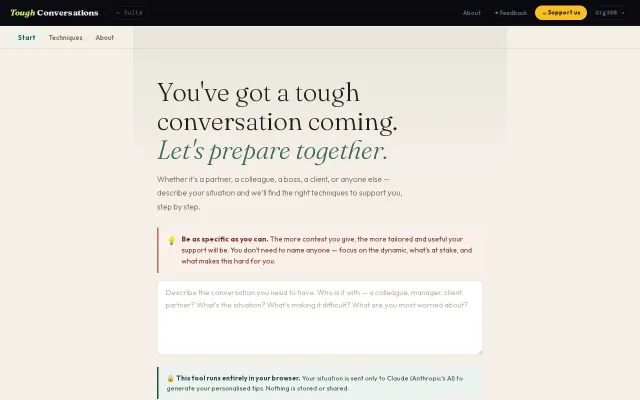
Fifteen-method conversation prep bank, but simpler tools already do this free.
Well-reasoned three-tier architecture, but lacks reference implementations and adoption proof.
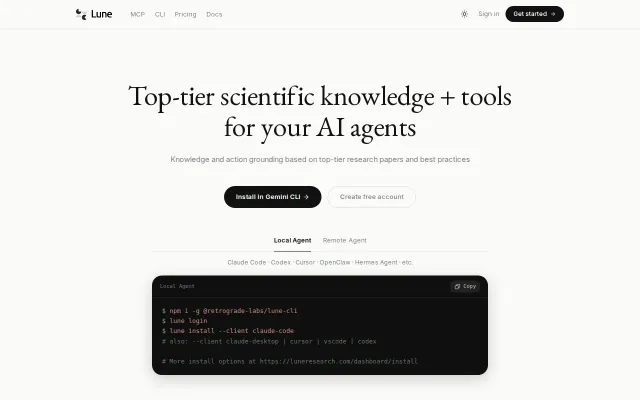
Filters out SEO bait and vendor whitepapers to feed agents only top-tier venue papers.
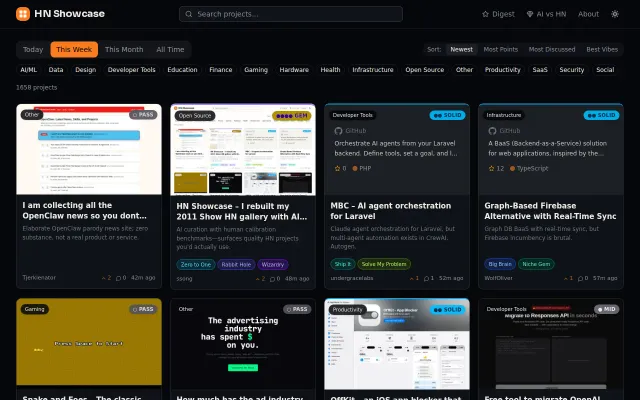
AI curation with human calibration benchmarks—surfaces quality HN projects you'd actually use.
Filters side hustles by capital needed, but directories churn faster than content.