AI/ML●●Solid
SecLaw – Self-hosted AI agents on your machine, Docker-isolated
OpenClaw but in a container—fixes security by default, ships Docker isolation instead of promises.
Dark HorseSolve My Problem
mksglu
223mo ago
Localhost service isolation and orchestration for git worktrees.
Git worktree + docker isolation solves the AI agent localhost port collision nightmare.
AI agent developers, full-stack engineers with complex local stacks
Docker Compose profiles · Tilt · DevSpace
Agents can make code changes in different worktrees in isolation, but it's hard for them to test their changes without multiple localhost runtimes that are isolated and scoped to those worktrees as well. You can do it up to a point with port hacking tricks, but it becomes impractical when you have a complex docker-compose with many services and multiple volumes.
We started playing with Codex and Conductor in the beginning of this year and had to come up with a bunch of hacky workarounds to give the agents access to isolated runtimes. After bastardizing our own docker-compose setup, we came up with Coasts as a way for agents to have their own runtimes without having to change your original docker-compose.
A containerized host (or “coast” for short) is a representation of your project's runtime, like a devcontainer but without the IDE stuff—it’s just focused on the runtime. You create a Coastfile at your project root and usually point to your project's docker-compose from there. When you run `coast build` next to the Coastfile you will get a build (essentially a docker image) that can be used to spin up multiple Docker-in-Docker runtimes of your project.
Once you have a coast running, you can then do things like assign it to a worktree, with `coast assign dev-1 -w worktree-1`. The coast will then point at the worktree-1 root.
Under the hood the host project root and any external worktree directories are Docker-bind-mounted into the container at creation time but the /workspace dir, where we run the services of the coast from, is a separate Linux bind mount that we create inside the running container. When switching worktrees we basically just do umount -l /workspace, mount --bind <path_to_worktree_root>, mount --make-rshared /workspace inside of the running coast. The rshared flag sets up mount propagation so that when we remount /workspace, the change flows down to the inner Docker daemon's containers.
The main idea is that the agents can continue to work host-side but then run exec commands against a specific coast instance if they need to test runtime changes or access runtime logs. This makes it so that we are harness agnostic and create interoperability around any agent or agent harness that runs host-side.
Each coast comes with its own set of dynamic ports: you define the ports you wish to expose back to the host machine in the Coastfile. You're also able to "checkout" a coast. When you do that, socat binds the canonical ports of your coast (e.g. web 3000, db 5432) to the host machine.
In your Coastfile you point to all the locations on your host-machine where you store your worktrees for your project (e.g. ~/.codex/worktrees). When an agent runs `coast lookup` from a host-side worktree directory, it is able to find the name of the coast instance it is running on, so it can do things like call `coast exec dev-1 make tests`. If your agent needs to do things like test with Playwright it can so that host-side by using the dynamic port of your frontend.
You can also configure volume topologies, omit services and volumes that your agent doesn't need, as well as share certain services host-side so you don't add overhead to each coast instance. You can also do things like define strategies for how each service should behave after a worktree assignment change (e.g. none, hot, restart, rebuild). This helps you optimize switching worktrees so you don't have to do a whole docker-compose down and up cycle every time.
OpenClaw but in a container—fixes security by default, ships Docker isolation instead of promises.
Single Go binary: Telegram → Claude agents in isolated Docker with swarms, memory, Nix.
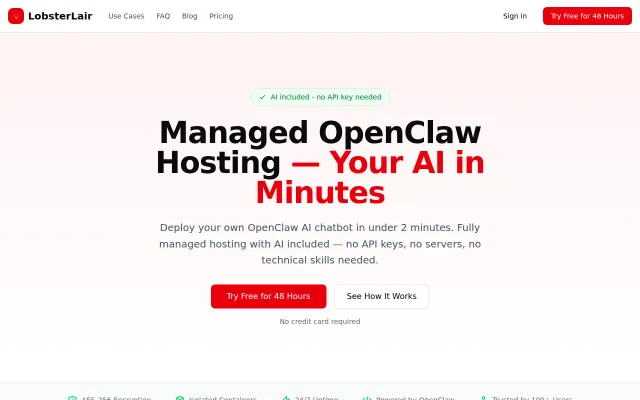
Paid wrapper around open-source OpenClaw that charges for Docker management and API access.
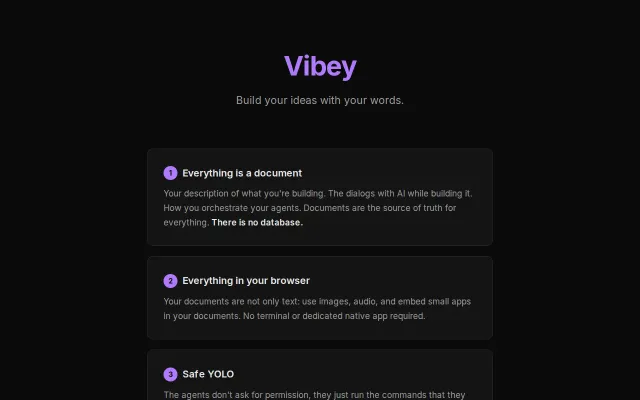
Markdown orchestrates AI agents in isolated Docker containers with auto-commit safety.
MCP sandbox isolation for agents; E2B/Modal/Docker/WASM backends already exist separately.
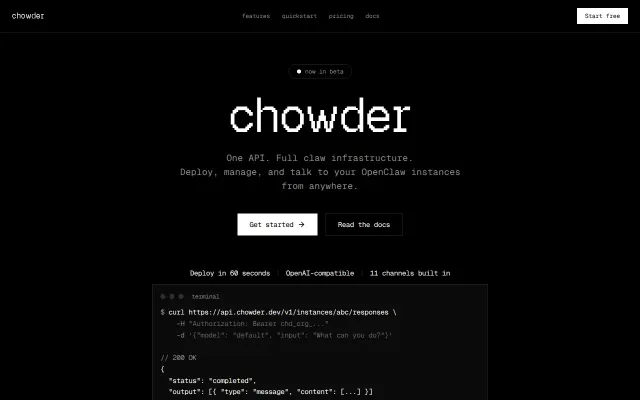
Chowder gives you one API call to spin up sandboxed OpenClaw instances with built-in channels (Telegram, Slack, WhatsApp, Signal) and session memory — plus a Skills marketplace for browsing, file access and code execution. The OpenAI Responses-compatible surface and scoped org/instance keys with rotation are the practical wins: less infra to manage and an easy migration path for tools that already speak that API. It’s a sensible, developer-friendly stitch of agent orchestration and multi-channel routing, not a radical re-think of the space.