Productivity●●Solid
macOS Kokoro-TTS powered document reader – listen to any text
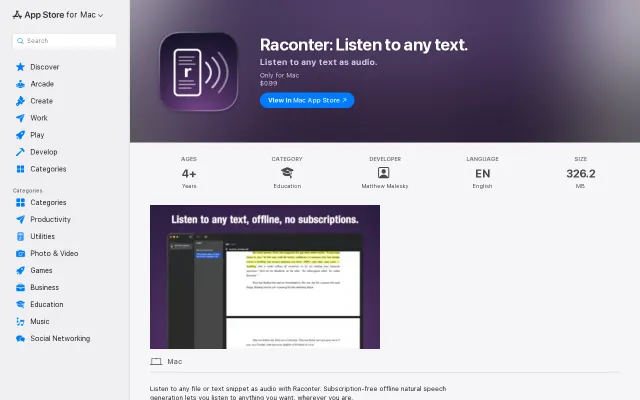
Runs Kokoro TTS offline for $0.99, undercutting subscription readers like NaturalReader.
CozySolve My Problem
mattcheston
102mo ago
Listen to anything. TTS for documents, papers, and web pages.
Vision-LLM preprocessing fixes math and layout garbling that breaks Speechify.
Researchers, students, and developers who read academic papers
Speechify · NaturalReader · ElevenLabs Reader
Every TTS tool I tried broke on complex formatting. Papers with math, citations, figure references, page numbers in the middle of sentences. You either get garbled output or you're listening to raw LaTeX.
Yapit converts everything to markdown as a common format. For web pages, defuddle (https://github.com/kepano/defuddle) handles the extraction and strips clutter from web pages, presenting the main article content in a clean, consistent format. For PDFs, a vision LLM rewrites each page into markdown with annotation tags that separate what you see from what gets read aloud. Math is rendered visually but gets spoken alt text. Citations like "[13]" or "(Schmidhuber, 1970)" are silently displayed. Page numbers and headers are removed entirely.
Both extraction and audio are cached by content hash, so the same content is never processed or synthesized twice.
Self-hosting works with any OpenAI-compatible TTS server (vLLM-Omni, ...) and any OpenAI-compatible vision model for PDF extraction:
git clone --depth 1 https://github.com/yapit-tts/yapit.git && cd yapit cp .env.selfhost.example .env.selfhost make self-host
Kokoro TTS also runs in the browser via WebGPU on desktop.Try it on Attention Is All You Need (all voices cached, no account needed): https://yapit.md/listen/3bde213b-3a5a-465f-9198-be65430b699e...
Or paste any URL: https://yapit.md/https://arxiv.org/abs/1810.04805 https://yapit.md/https://x.com/karpathy/status/2039805659525...
GitHub: https://github.com/yapit-tts/yapit (AGPL-3)
Runs Kokoro TTS offline for $0.99, undercutting subscription readers like NaturalReader.
CPU-only OCR with clipboard in/out beats Tesseract for modern screenshots.
CPU-only VLM OCR beats Tesseract accuracy without sending data to the cloud.
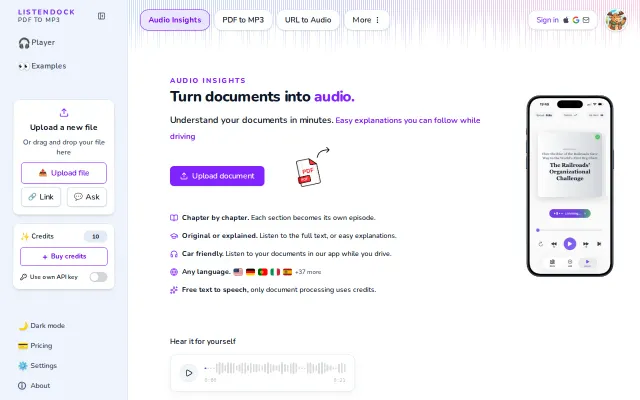
Google TTS + Firecrawl + Haiku cleanup is solid execution, but text-to-speech is crowded.
Free TTS with BYO API key is nice, but Speechify and NaturalReader already do this.
Markdownload exists, but direct File System Access API write avoids cloud sync.