Design●●Solid
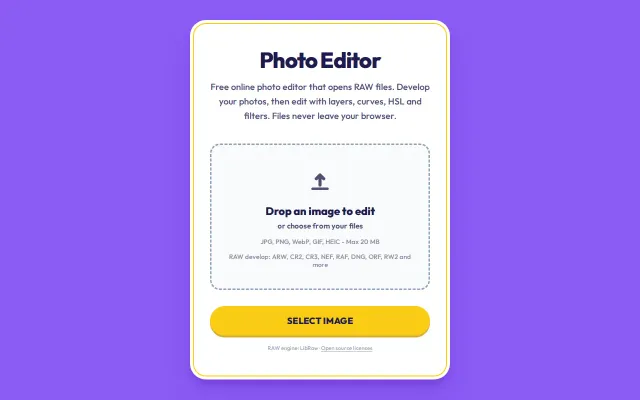
A photo editor that develops RAW files in the browser
LibRaw in the browser handles RAW formats Photopea struggles with.
Solve My ProblemDark Horse
trivsamt
204d ago
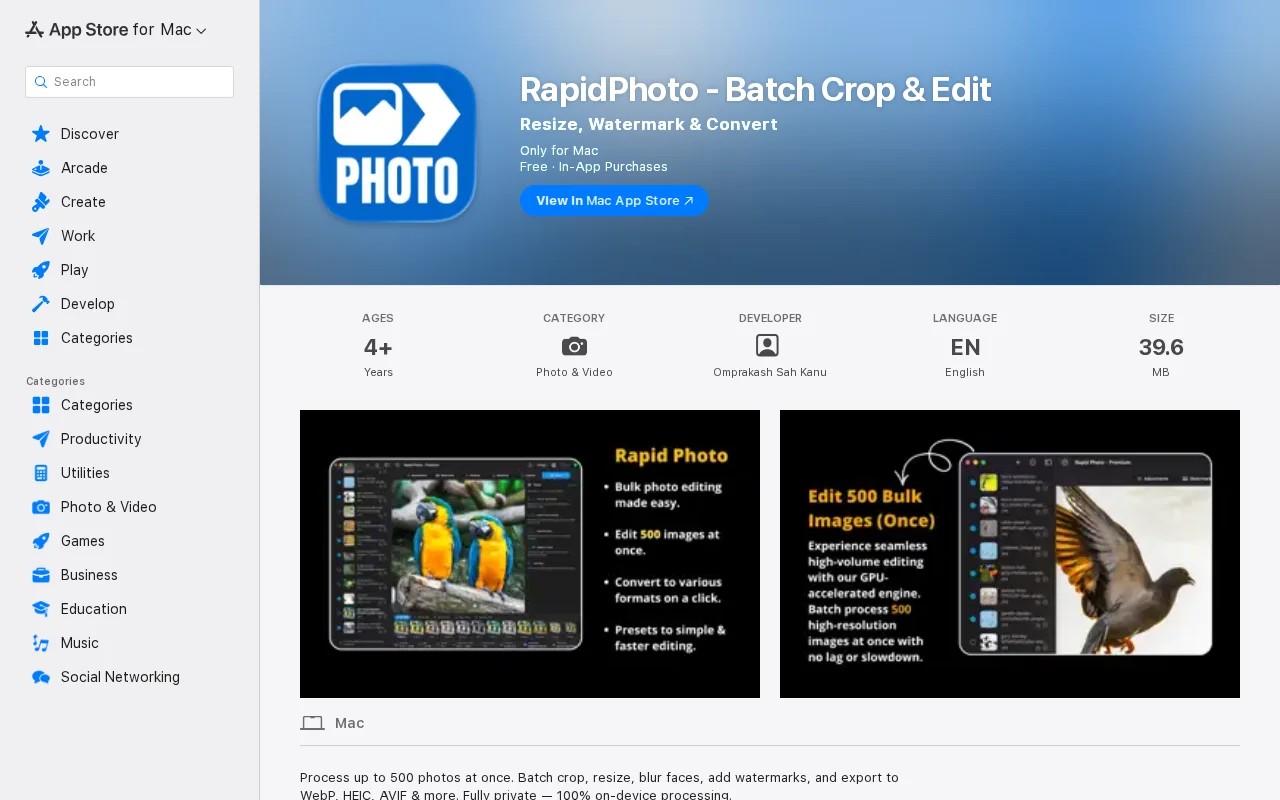
Native Mac batch editor that keeps 2000 wedding photos off the cloud.
Photographers, Mac users with large photo libraries
Lightroom · Pixelmator Pro · PhotoBulk
I tried using Lightroom. I would copy the settings from one photo and paste them to the next, then adjust it, and repeat. This was very slow. If I used a simple batch edit on all photos, it looked bad because the lighting changed in every shot. After 40 minutes, I was not even halfway done. I had to choose between bad quality batch edits or fixing 2K photos one by one.
I also did not want to upload my private wedding photos to a website or pay for a monthly subscription.
I wanted a way to edit fast but still have control over each photo. I also wanted everything to stay private on my computer.
So I built a Mac app called RapidPhoto.
It lets you set the look once and apply it to the whole wedding set. The important part is that you can still quickly tweak individual photos that look a bit different without starting over. I also added a feature to change the metadata for many photos at once, which is helpful for organizing big events.
The work that took me 40 minutes now takes about 90 seconds. It runs locally on your Mac with no uploads and there is no subscription.
LibRaw in the browser handles RAW formats Photopea struggles with.
CUDA pipeline hits 60 FPS on 45MP RAW files, competing with Darktable.
Yet another AI image wrapper, but this one supports Nano Banana.
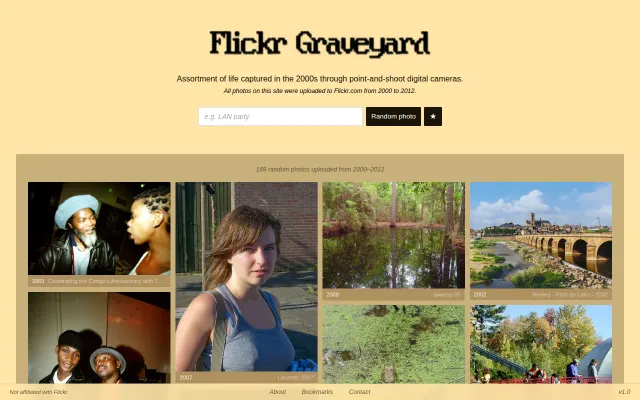
Browsing forgotten 2000s digicam photos from Flickr before smartphones took over everything.
HDR/EDR video grading on macOS, but explicitly not daily-driver ready yet.
Finally converts Motion Photos to Live Photos without uploading your photos to the cloud.