Education●Mid
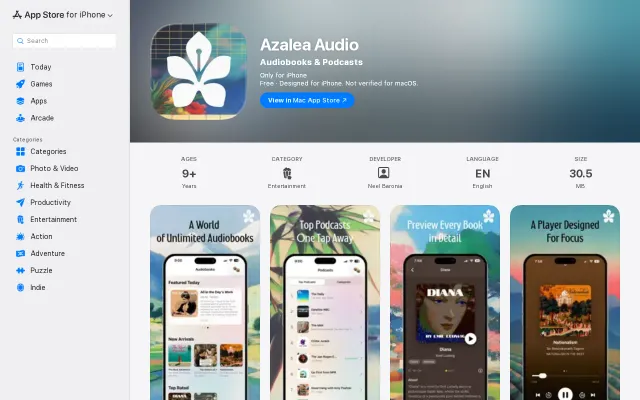
Public Domain Audiobooks with AI (Azalea Audio)
Another LibriVox player in a saturated market, AI claim remains vague in description.
CozyShip It
nbaronia
112mo ago
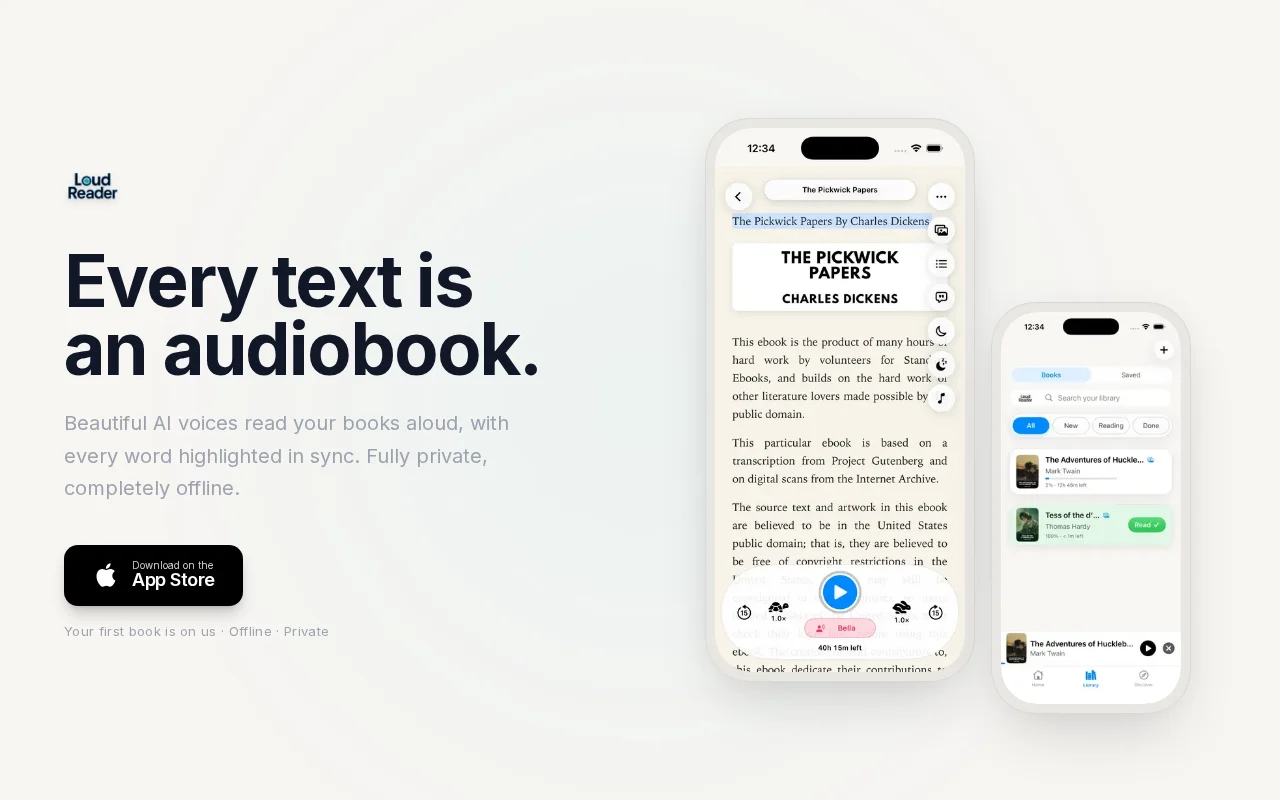
Kokoro TTS fully offline on iPhone—no cloud, no accounts, works on flights.
iOS users who want offline text-to-speech for books and articles
Superwhisper · Wispr Flow · Speechify
LoudReader is what came out of it - an iOS app that reads essays, articles, and books aloud, fully on-device. No account, no network after install.
The model running once reading a sentence was the easy part. Making it not feel like a demo was the rest: streaming synthesis so playback starts before the sentence finishes, porting misaki to swift because I could only find python releases, thermal monitoring and strategy was a tough one as well. Runs well on iPhone 14 Pro(what I have) and newer. Tested on my mom's iPhone 12 Pro and it chokes sometimes, so I ported KittenTTS as a lighter fallback for older devices. The whole project took around 2-3 months on the weekends with claude code and codex.
Smooth TTS was the hard part but the app around it grew larger than I expected with EPUB/PDF import, Gutenberg browsing, a saved-articles queue, multi-week reading campaigns. Happy to dig into any of it in comments.
PDFs, especially academic papers and scanned docs, still annoy me. I built an OCR flow that handles regular documents, but scientific papers with two-column layouts, equations, and fine print are still messy. Curious if anyone here has shipped PDF extraction on mobile that actually handles this well.
This was my first time designing a user-facing product - I'm more of a deep-engineering person so any feedback is welcome too. I'll post a write up on the biggest hurdles in the comments as well.
If you've ever tried to listen to something long on a plane, you get why this exists.
Another LibriVox player in a saturated market, AI claim remains vague in description.
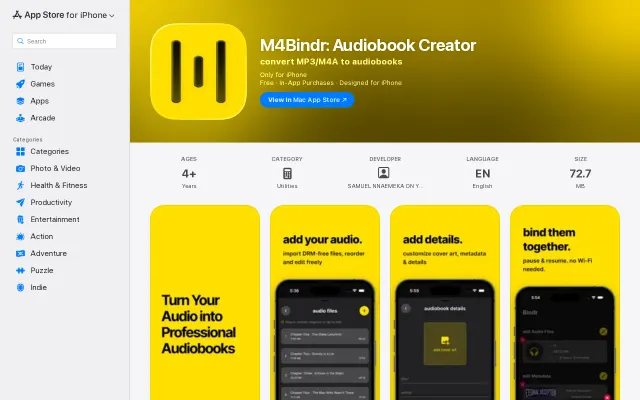
On-device M4B packager for DRM-free files, but iOS-only and narrow scope.
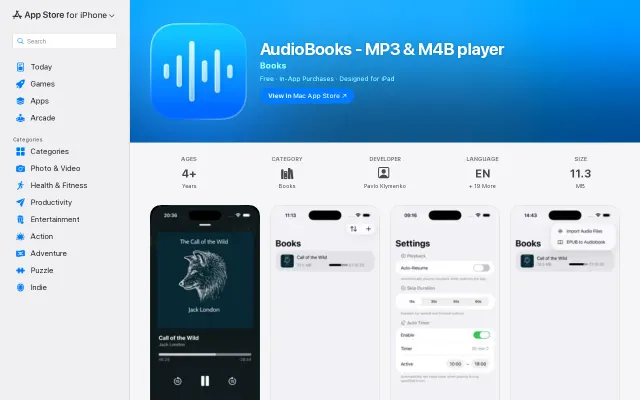
EPUB-to-audiobook converter, but AudioBooks app and Findaway already handle this.
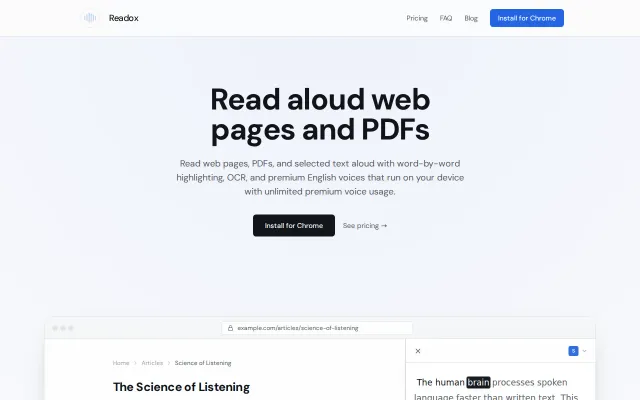
Read-later queue with on-device TTS and OCR beats standard tab readers.
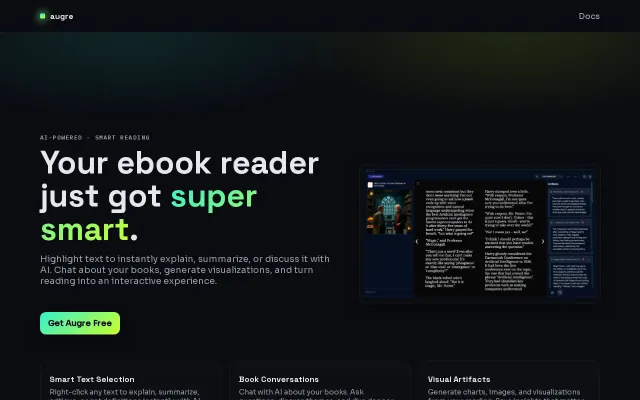
AI ebook reader when Readwise Reader and LiquidText already dominate this space.
Runs Gemma 4 E2B and Kokoro TTS locally with barge-in and vision.