AI/ML●●Solid
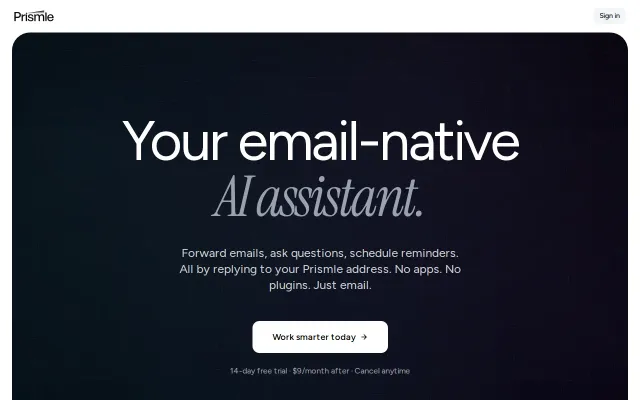
Prismle – I built an AI assistant you use by forwarding emails to it
No OAuth inbox access required — forward-only model beats Copilot's permissions.
Big BrainSolve My Problem
b1tsoup
422mo ago
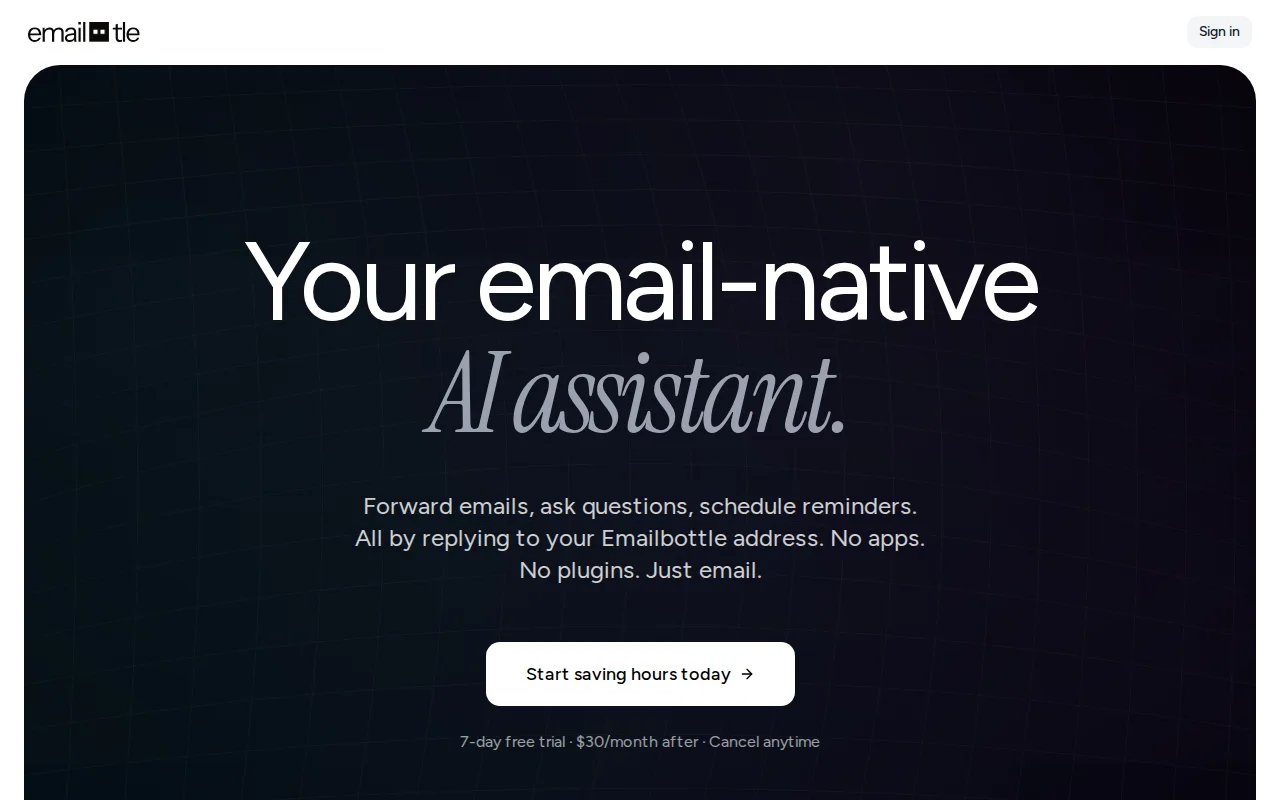
AI email help without OAuth permissions—just forward messages to a private address.
Privacy-conscious professionals, enterprise users
Superhuman · Shortwave · Gmail AI
Since it’s just email, it works with Gmail, Outlook, Apple Mail, or whatever you use. No plugins, no extensions, no OAuth permissions. And because you forward individual emails rather than connecting your inbox, Emailbottle only ever sees what you explicitly send it. It also supports conversation threads. You can reply to Emailbottle’s response to ask follow-up questions or refine what it gave you, and it remembers the context.
Would love any feedback on the product or the approach.
(Disclaimer: This is a relaunch with improvements based on earlier feedback.)
No OAuth inbox access required — forward-only model beats Copilot's permissions.
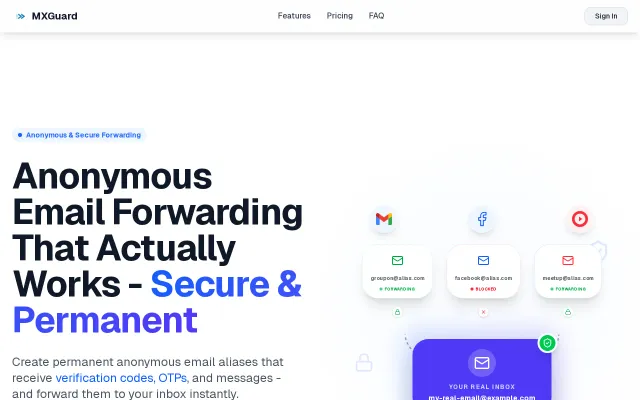
Yet another email alias service in a category dominated by SimpleLogin and Relay.
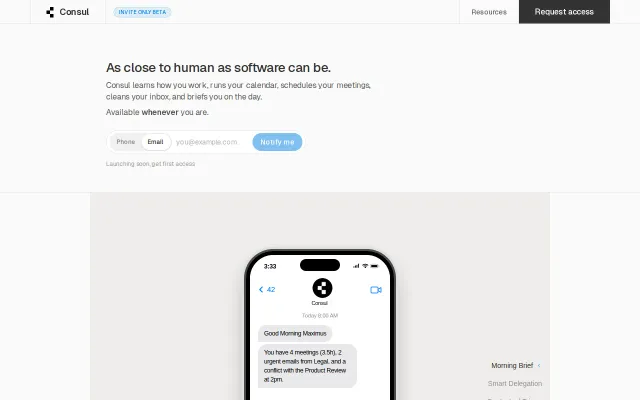
Another AI EA at $50-200/mo competing with Motion and Reclaim.
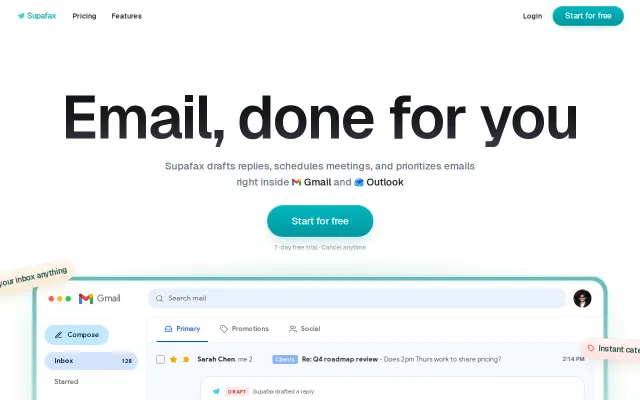
Another AI email wrapper in a sea of Superhuman and Shortwave clones.
Dedicated inboxes per agent beat shared Gmail accounts for attribution and deliverability.
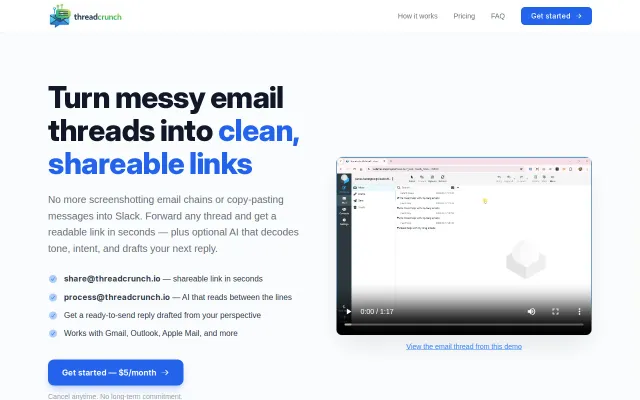
RFC 3676 thread parsing handles Gmail/Outlook quirks; solves a real sharing friction point.