Developer Tools●●Solid
Madari: CLI tool to install, sync and manage local MCP servers
One-command MCP server install for Claude Desktop, but ecosystem is still nascent.
Solve My ProblemShip It
rajma
104mo ago
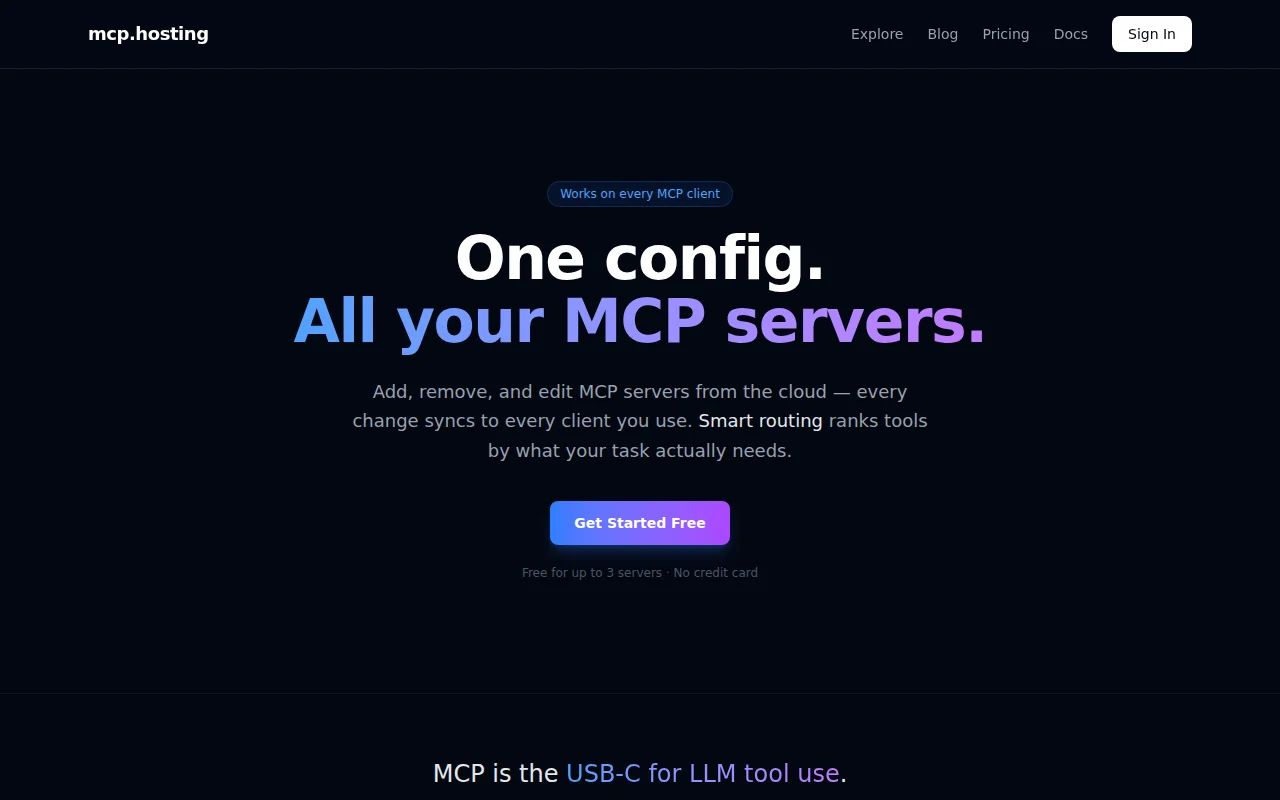
Cloud-synced MCP configs beat hand-editing JSON across multiple machines.
Developers using MCP-enabled AI tools like Claude Code and Cursor
Add mcp servers by clicking to add from the Explore page. Or click on github repo badges. Or manually add as well. It's easy to add a bunch in your online account and then they're immediately available in your mcp client of choice. There is also Smart Routing built in to make sure it's fast and uses the best mcp tool for the job.
Free tier covers 3 active servers, Pro is $9/mo for unlimited, and self-host is available if you want to run the whole stack.
Happy to answer questions about the compliance suite (coming soon), the registry, or the stack (Fastify + Postgres + Caddy on EKS).
One-command MCP server install for Claude Desktop, but ecosystem is still nascent.
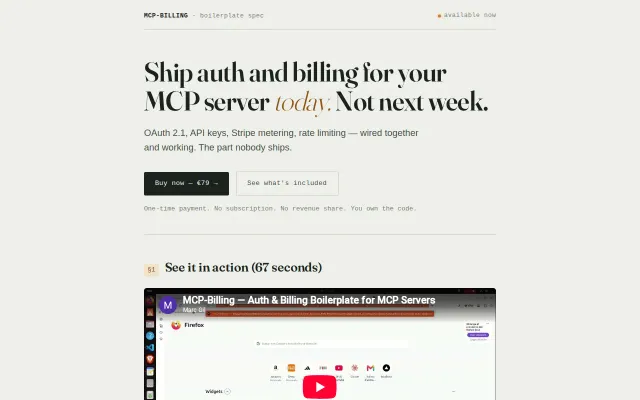
Idempotent usage billing that never double-charges on retries or partial failures.
Pre-warmed Julia workers kill the 2-minute compile wait for PySR.
NixOS wrapper for homelab when CasaOS and Umbrel already simplify this.
Multi-client MCP orchestration with health checks; solves real fragmentation pain.
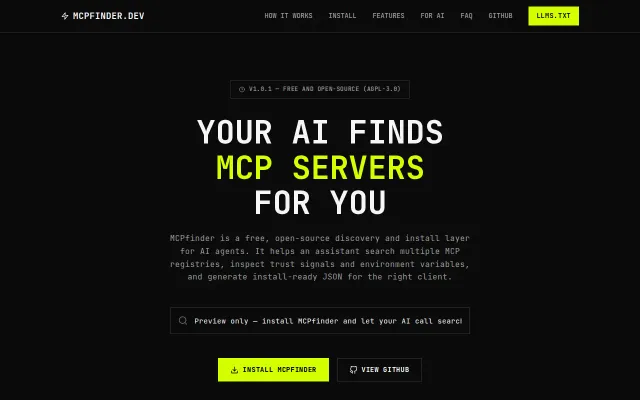
Meta MCP server for discovering MCP servers — clever but registry aggregation is expected.