Infrastructure●●Solid
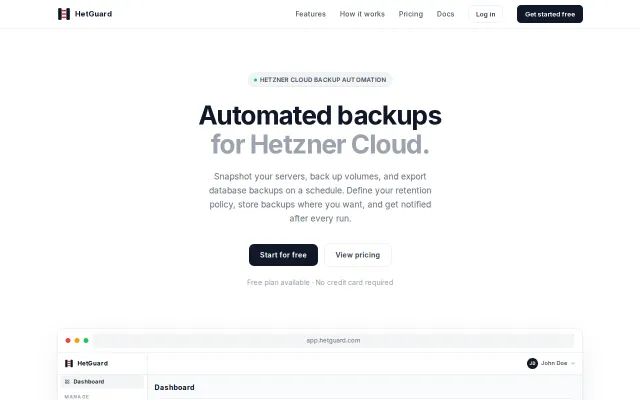
HetGuard – Automated backup scheduling for Hetzner Cloud
Hetzner-native backup automation with encrypted volumes and database exports to S3.
Solve My ProblemSlick
therov
509d ago
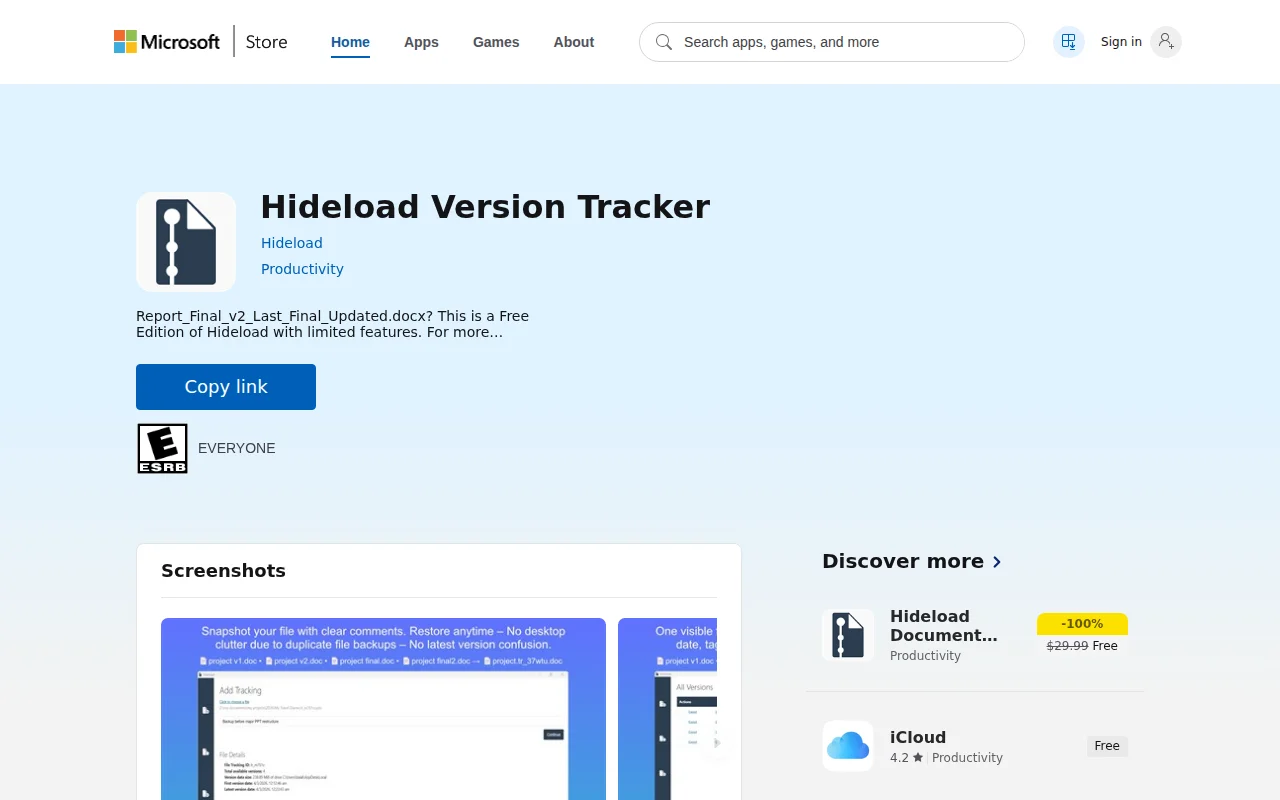
Windows-only document versioning when OneDrive and Google Docs already do this.
Windows users managing document versions
OneDrive Version History · Google Docs Version History · Time Machine
My document snapshot solution (Hideload Version tracker) allows user to manually take document snapshots before editing a document.
• Snapshots are hidden, and there is only one visible file in the desktop. • Snapshots are compressed saving a lot of storage space. (Around 50-60% compression) • You can add Unique comment to each snapshot to understand the contents of it in future. • Snapshots can be opened and viewed in respective app anytime for comparison. • Original document can be restored to any snapshot, any time. • You can move the original document anywhere. Hideload still identifies all the associated snapshots with the tracking ID appended to the file name.
Open the link to view screenshots or download Hideload for free.
Hetzner-native backup automation with encrypted volumes and database exports to S3.
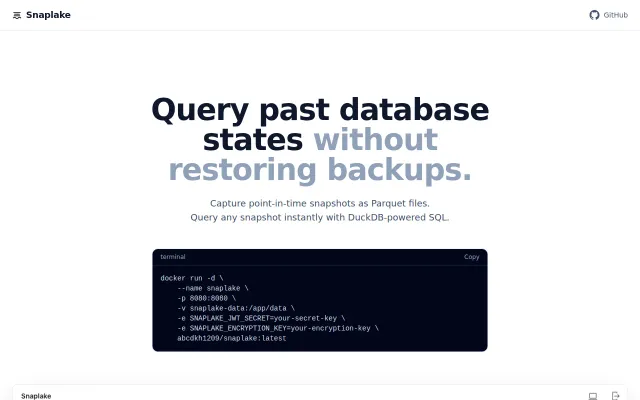
Skip the restore—query old database states from snapshots in seconds instead of hours.
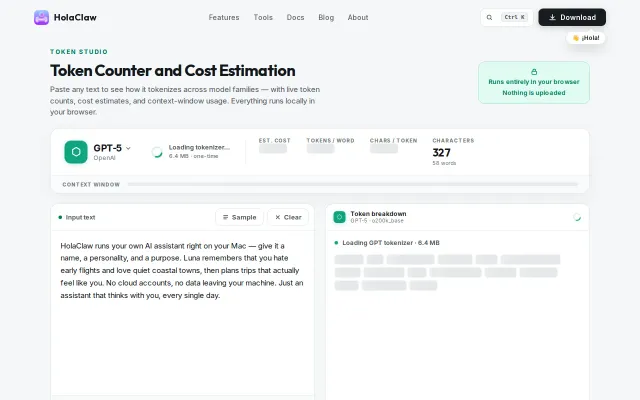
Local tokenizer execution beats sending text to external counters.
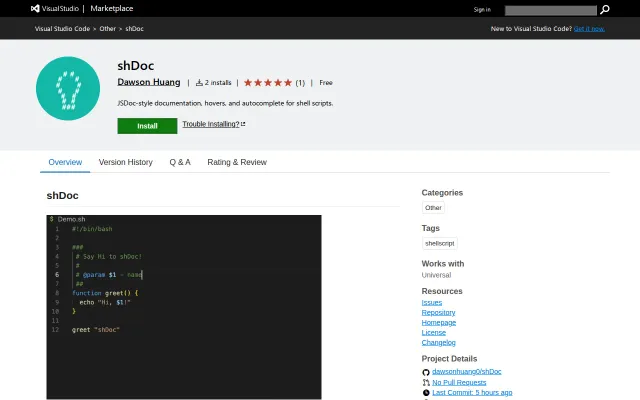
JSDoc for shell is clever, but shdoc and bashdoc already exist.
Git-native C4 docs in early POC stage competing with Structurizr and IcePanel.
Named failure modes for AI agents, but it's markdown files—not an actual tool or implementation.