Developer Tools●●●Banger
I made Codex work as a Claude Code teammate
Speaks Claude Code's native agent protocol, not a chat wrapper around external APIs.
WizardrySolve My ProblemZero to One
rosadoft
321mo ago
AgentCall lets AI Agents join meetings with voice, video & screen-share to build together. Supports Google Meet, Teams, Zoom (Beta)
Claude Code joining your Zoom call and coding live while you talk is genuinely wild.
Developers using AI coding agents who collaborate in meetings
Fireflies.ai · Otter.ai · Read.ai
The pitch: your existing Claude Code, Codex, OpenClaw, or Cursor session joins a Google Meet, Teams, or Zoom call as itself. Same session, same context, same file access. It speaks, listens, screen-shares a localhost webpage, and can code live while you all talk about what it's building.
What's actually on the call:
• Voice in, voice out. Two modes — collaborative (sub-second via a voice intelligence layer tuned for latency) or direct (~2s, your coding agent itself doing the talking, with full reasoning).
• Screen share that is not a desktop grab. It's a URL or local port rendered into the meeting through a per-call tunnel (temp subdomain + secret token, dies when the call ends). The agent chooses what to expose, nothing else leaks.
• Shareable webpage links that participants open in their own browser — live dashboards, diffs, forms — served from the agent's localhost, tunneled only for the call.
• Meeting chat: the agent reads incoming messages (great for dropping in URLs, error logs, code snippets that sound terrible over TTS) and sends them back — your agent can paste a PR link while still talking.
• Participant awareness: the agent knows who's in the room, who joined, who left, and who's actively speaking. It can raise its hand to speak politely, toggle its own mic, and change voice/interruption/barge-in settings on the fly.
• Leave and rejoin on command. Ask mid-call ("leave for two minutes and come back") and the agent does it.
• TS/STT run on our own servers (several voices, English STT today, multi-language TTS). No data to third parties in direct mode.
Everything above is controlled by your coding agent through the skill. There are no hardcoded meeting behaviors — the agent decides when to speak, when to chat, when to raise a hand, what to share.
What we don't do: we don't run the coding agent. The agent's model calls, file I/O, tokens, and tools all happen on your machine or your cloud. We don't store recordings or screen captures by default — everything streams to the agent in real time and the agent decides what to keep. Transcripts are in-memory for crash resilience and wiped on disconnect unless you opt into retention (up to 7 days).
We bundle TTS + voice + tunneling, start at $0.35/min (drops with volume), and store nothing by default. We join existing meetings — we're not a new video platform.
Get AgentCall Running — 2 Minutes Works with Claude Code (best), Codex, and Cursor.
1. Install the skill install join-meeting skill from https://github.com/pattern-ai-labs/agentcall
2. Get your API key Sign up at https://agentcall.dev , copy your key from the dashboard, and paste it when the skill asks.
3. Invite the agent to a meeting Paste any Google Meet / Zoom / Teams URL into your agent:
Give it 30–60 seconds for the bot to spin up. Once it joins, start talking.
Demo: https://www.youtube.com/@pattern-ai-labs
Would love feedback on the voice latency in direct mode, the privacy model, and where the "joining existing meetings" framing breaks for your workflow.
Speaks Claude Code's native agent protocol, not a chat wrapper around external APIs.
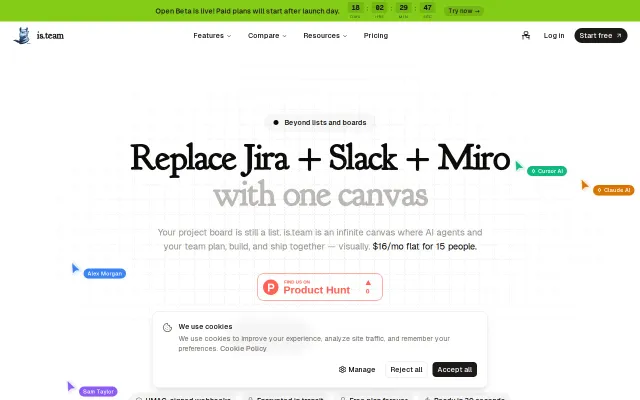
Flat $16/mo for 15 seats undercuts Jira and Slack combined pricing significantly.
Another AI meeting assistant when Fireflies and Otter already dominate.
Finally see Claude Code's decision tree instead of guessing what went wrong.
Finally makes Claude Code's black box execution visible with real-time node graphs.
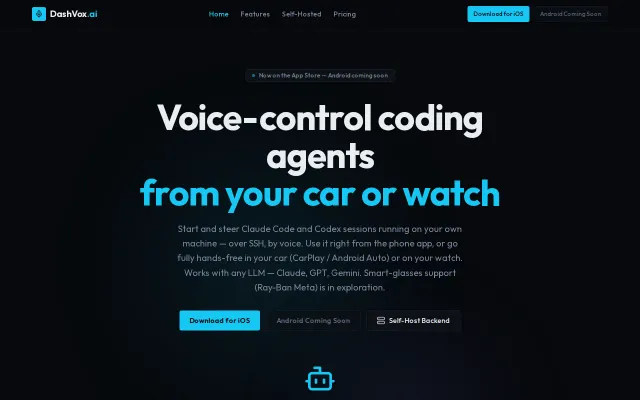
CarPlay coding sessions over SSH is a commute workflow nobody else is tackling.