Productivity●●Solid
Chunk – macOS menu bar time-blocking app with Claude AI integration
Menu bar time-blocking beats dashboard apps, but faces stiff competition from Sunsama.
SlickCozy
dudleyspence
212mo ago
Local MCP server lets Claude plan your day — native Mac app in a crowded time-blocking space.
Mac users who practice time-blocking and want AI-assisted scheduling
Sunsama · Motion · Akiflow
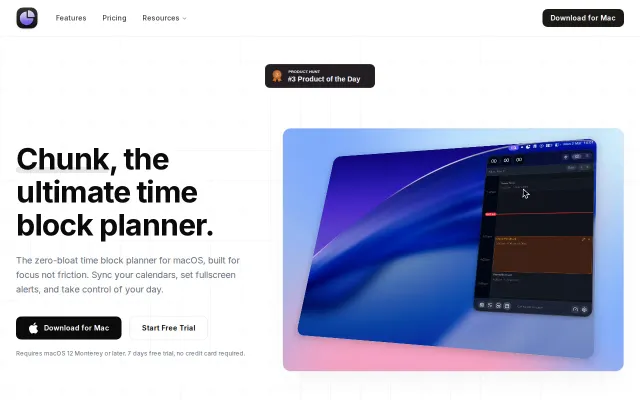
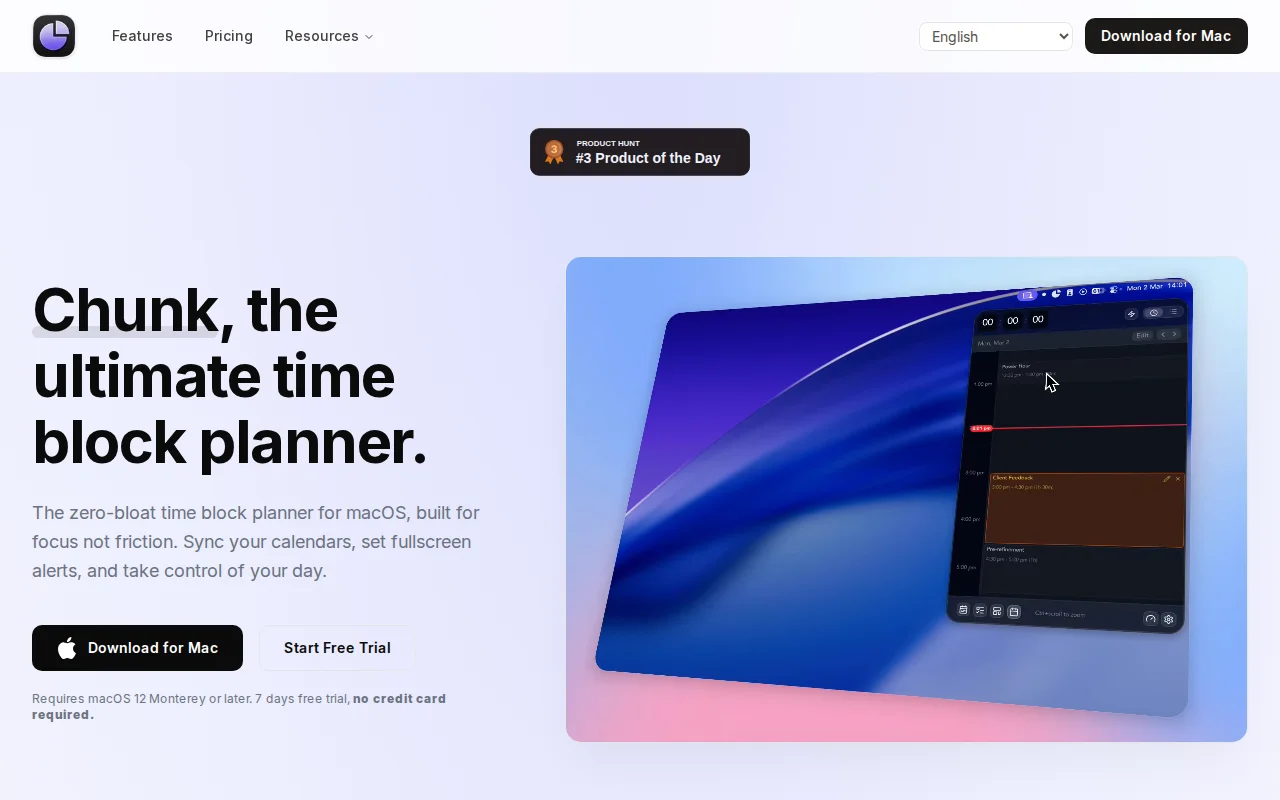
Chunk is a macOS menu bar app for time-blocking. It opens with Cmd + / and slides down over whatever you're doing - including fullscreen apps. There's also a live countdown in the tray for the current block.
Click-and-drag to create blocks, day/week views, Google/Outlook/Apple Calendar sync, Apple Reminders integration, and a Todo mode where tasks can be dragged onto the timeline. Templates and Routines let you build an ideal day once and auto-apply it on chosen weekdays.
There's a local MCP server, so you can ask Claude Desktop to plan your day and it reads/writes blocks directly.
Native macOS, not Electron. One-time lifetime licence, 7-day free trial, no card. We use it every day — happy to answer anything.
Menu bar time-blocking beats dashboard apps, but faces stiff competition from Sunsama.
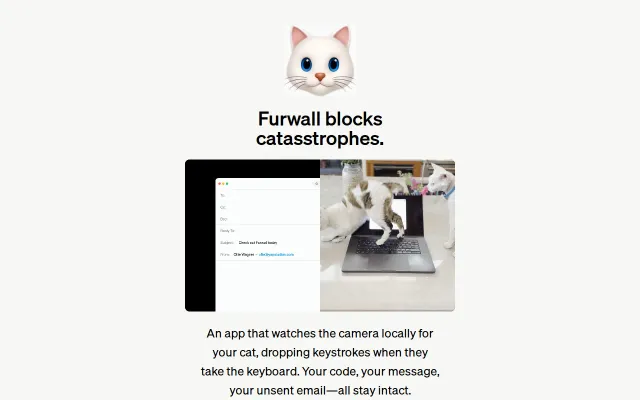
CGEventTap at .defaultTap drops keystrokes when cats walk on your keyboard.
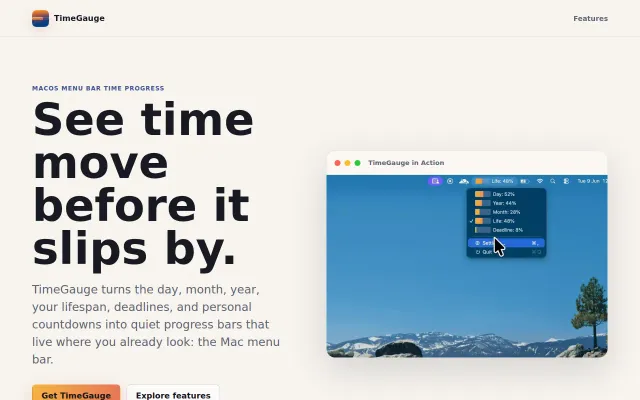
Native Swift menu bar timers with App Sandbox privacy and negligible battery footprint.
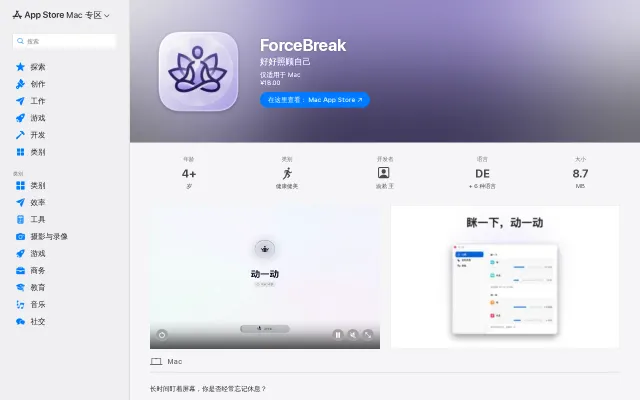
Full-screen break enforcement with skip cooldown—obvious idea, genuinely harder to ignore.
Menu bar terminal when iTerm2 and Warp already have this.
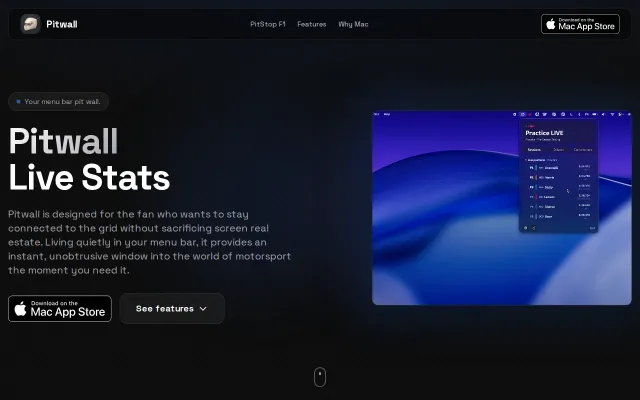
Native macOS menu bar for live F1 timing when browser tabs eat your RAM.