Developer Tools●Mid
Speed up taking macOS promo screenshots
Batch screenshot tool for Mac App Store when Screenshot Pro already exists.
Solve My ProblemCozy
webwielder2
408d ago
macOS CLI tool that captures screenshots, performs OCR to find text, and highlights or redacts matches
Screen OCR search with redaction in a single Swift CLI—no dependencies beyond macOS.
Developers, technical writers, and support engineers who share screenshots
It also handles batch processing (overwrites in-place, preserves mtime), enhanced OCR for degraded images (Zoom calls, transparent terminals) with `-e` flag, and Levenshtein fuzzy matching to catch OCR misreads with the `-d N` flag.
It includes: screenshot and file-glob modes, exact/fuzzy whole-word matching, redact/blur/outline annotation, multi-monitor, multi-term search, list mode, and output control.
Free, open source, written in Swift. Single file, no deps beyond macOS itself.
brew install jftuga/tap/mac-screen-search
https://github.com/jftuga/mac-screen-searchDisclaimer: Vibe coded with Claude Opus 4.6.
Batch screenshot tool for Mac App Store when Screenshot Pro already exists.
Screenpipe alternative with ripgrep redaction for passwords, API keys, and SSNs.
macOS screen-capture exclusion keeps the overlay invisible to Zoom and interviewers.
Finally a privacy screen that doesn't kill your AI agents with macOS sleep.
Wraps macOS screencapture with JPEG compression—CleanShot X already does this.
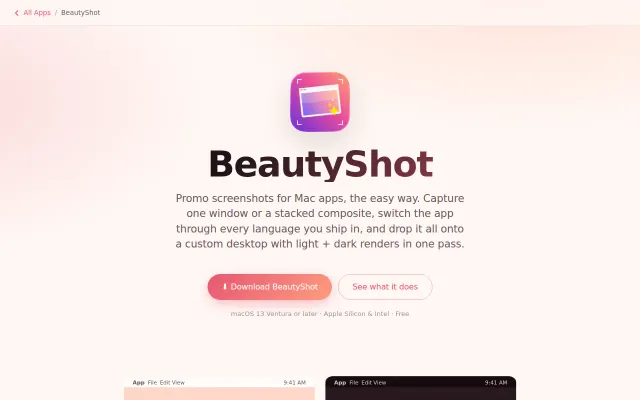
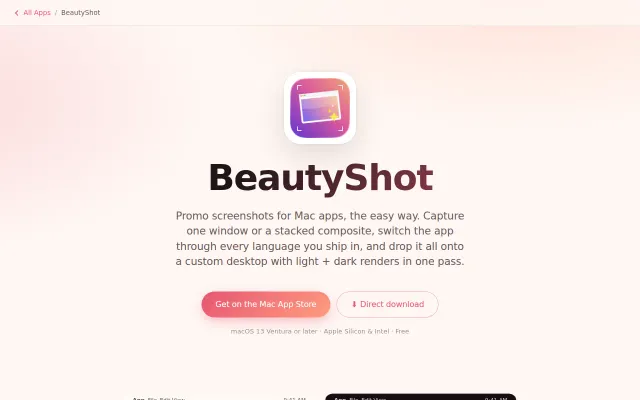
Captures localized App Store screenshots in one pass, light and dark.