Open Source●Mid
DD Photos – open-source photo album site generator (Go and SvelteKit)
Static photo gallery generator when Immich and PhotoPrism already handle this server-side.
CozySlick
dougdonohoe
71223mo ago
Static photo gallery with Docker mode removes Go and Node dependency hell.
Photographers, privacy-conscious users, self-hosters
Photoview · Immich · Lychee
However, I feel two significant additions are worth sharing (Docker and Surge).
Using DD Photos directly from source is very developer-heavy. You have to clone the repo and install Go, Node, libvips and all the dependencies. It's a lot to get started.
I thought why not pre-package everything all set to go? So DD Photos now has "Docker mode". An init command does the scaffolding, installing a 'ddphotos' wrapper script, and then there are a handful of simple commands to build the site.
mkdir ~/my-ddphotos
docker run --rm -v ~/my-ddphotos:/ddphotos dougdonohoe/ddphotos init
cd ~/my-ddphotos
./ddphotos photogen # resize images and create index files
./ddphotos run # run dev server at http://localhost:5173
./ddphotos build # build static site
./ddphotos serve # serve static site via Apache at http://localhost:8000
The second barrier is deploying a site. I use AWS s3/CloudFront/Route53 - which again is non-trivial to setup. I then discovered surge.sh, a free and easy way to deploy static sites in minutes. So I added support for it:
./ddphotos export --copy
surge --domain my-unique-site.surge.sh export/my-photos
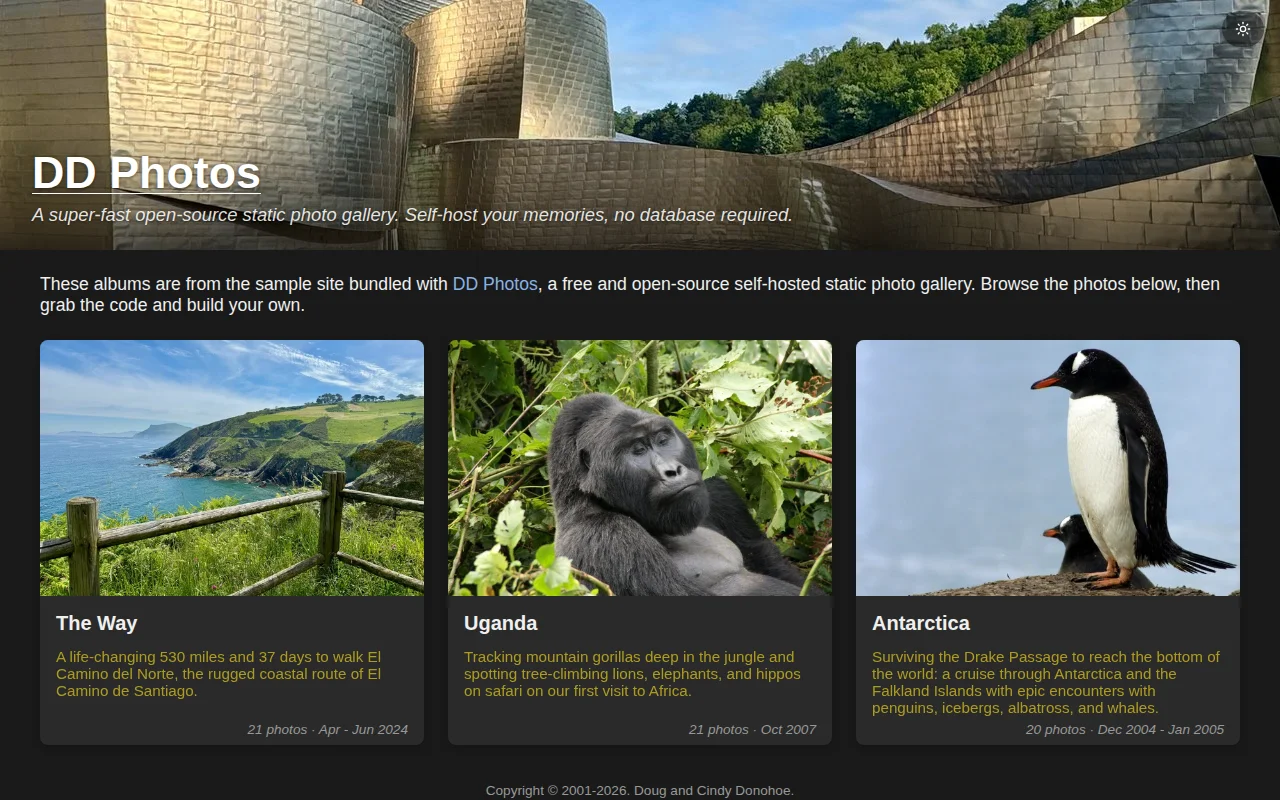
Result of above: https://ddphotos-test-docker.surge.sh/
Anyway, the simplicity of this feels like a game-changer, which is why I wanted to share.
Static photo gallery generator when Immich and PhotoPrism already handle this server-side.
Apple TV screensavers get a surrealist upgrade via Claude stories and Gemini image generation.
E2EE albums and Rust backend are nice, but Immich dominates this crowded space.
Yet another one-command AI stack when Ollama and Jan already exist.
Folder-native manifests plus a global SQLite index let you keep originals untouched while getting album features and very fast queries — smart trade-offs for large local libraries. Live Photo pairing/playback, a map view, and GPU-accelerated browsing show real engineering focus; it's not reinventing the genre (digiKam/Lightroom exist), but this is a tidy Photos-to-Windows port with thoughtful implementation details.
Hand-designed templates beat AI layouts, but Canva already owns this space.