Developer Tools●Mid
Mac menu bar app for Claude Code rate limits
Menu bar wrapper for terminal statusline data — only updates when Claude Code runs.
CozyNiche Gem
elliotykim
501mo ago
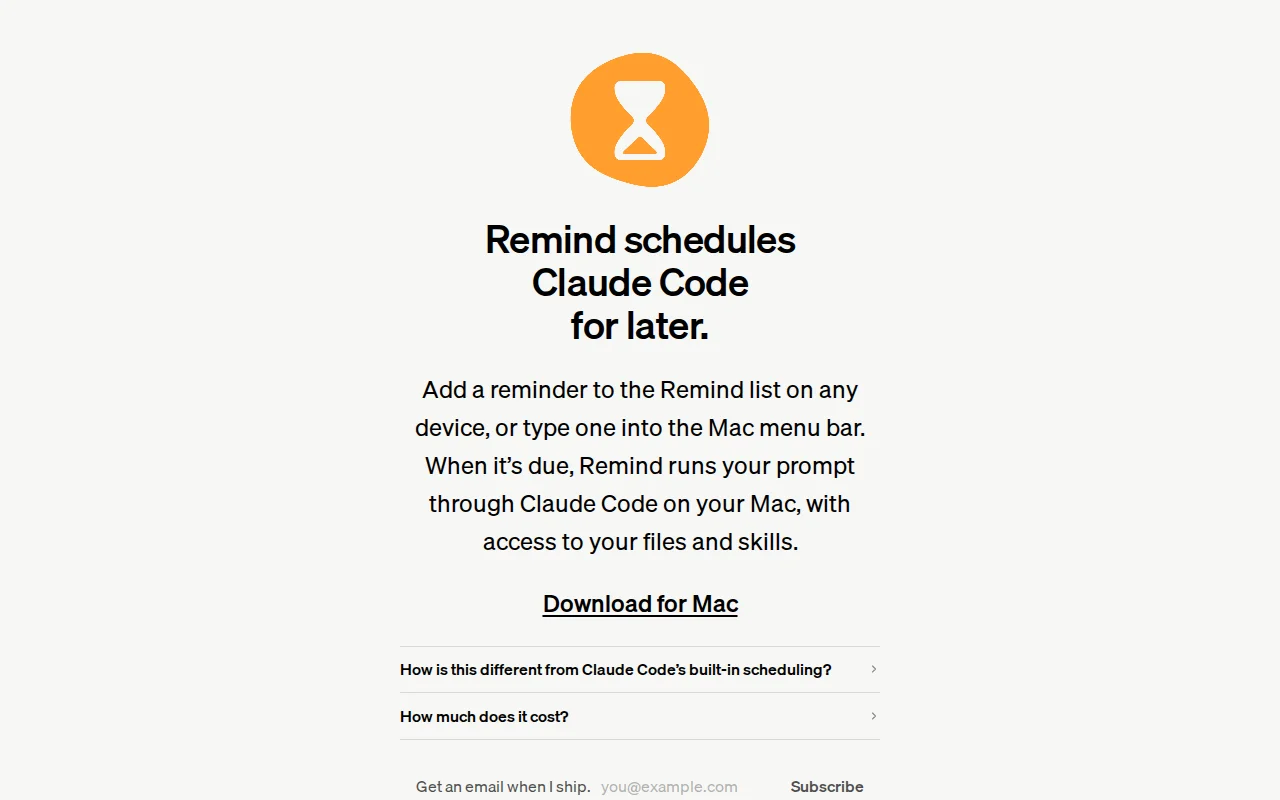
Clever use of Apple Reminders as a cross-device trigger for local CLI agents.
Mac users running local AI agents
Cron · Shortcuts · LaunchAgents
Some cool things:
- The "Remind" list lives with your other Reminders, so adding from your phone or watch (or another Mac) just works.
- Frontmatter in the Reminder lets it continue an existing Claude session. A Stop hook captures the session id, so the next time it runs it can pick up where the last left off.
It's free, updates itself with Sparkle, and requires that you have `claude` on your $PATH running on macOS 15+.
Remind has become sticky in my personal workflow so I thought I'd share it here. Let me know if you have any suggestions or questions.
Menu bar wrapper for terminal statusline data — only updates when Claude Code runs.
Menu bar battery monitor is useful, but macOS already shows this natively now.
Read-only Keychain access means zero token management overhead for multi-account users.
Scrapes Claude's undocumented API to put usage in your menu bar—fragile but useful.
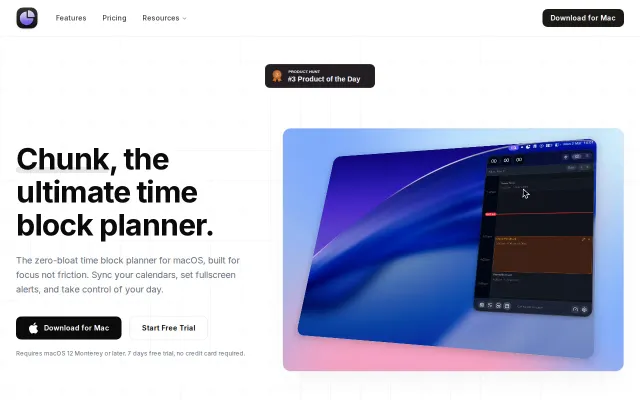
Menu bar time-blocking beats dashboard apps, but faces stiff competition from Sunsama.
Notch pet that lives in your MacBook notch while tracking Claude token usage.