AI/ML●●Solid
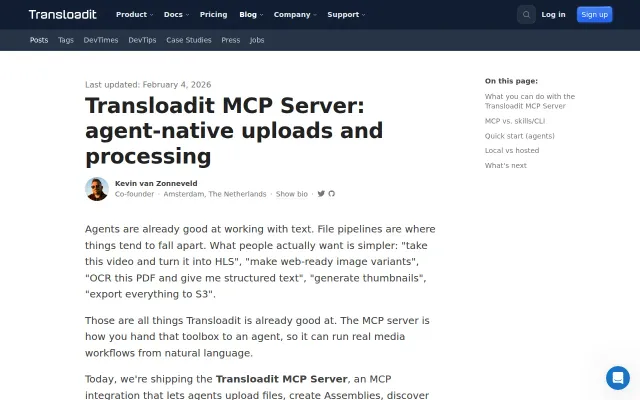
Transloadit MCP Server and Agent Skills – Media Pipelines for AI
Gives agents tus resumable uploads and Assembly validation without inventing endpoints.
Solve My Problem
kvz
102mo ago
MCP server turns your AI into a personalized newsletter scheduler.
Newsletter readers who use AI assistants like Claude or ChatGPT
Zapier · Make · n8n
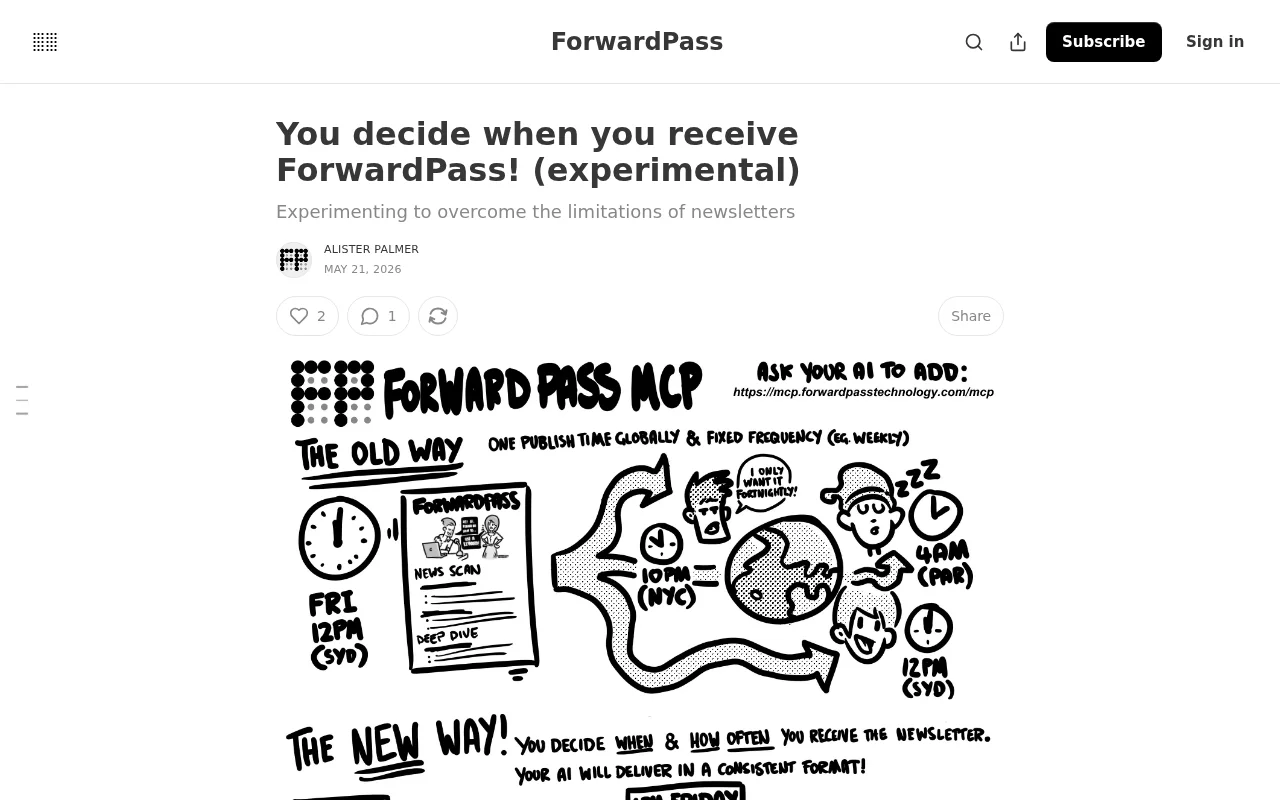
1) The author publish each post simultaneously across the globe, so an optimal moment for one time-zone is middle-of-the-night for another and subscribers have no say on this time!
2) Your subscribers are locked into a frequency of receiving newsletters the author decides (ie weekly or monthly). This does not cater to subscribers who are keen on your content, but prefer a a different cadence (ie fortnightly instead of weekly)
So, I have developed an experimental delivery method for ForwardPass that addresses both of these limitations - the ForwardPass MCP, which you can add to your AI of choice right now!
URL: https://mcp.forwardpasstechnology.com/mcp
Setup Instructions for Claude:
Select "Customize" on the left-hand sidebar → Connectors → Press "+" -> Add Custom Connector → toggle Developer Mode ON → Create App → Type Name: ForwardPass MCP & paste in Remote MCP server URL: https://mcp.forwardpasstechnology.com/mcp → Click "Add" -> In a new chat, press "+" -> Connectors -> Toggle ForwardPass MCP to ON
Setup Instructions for ChatGPT (must be paid subscription):
Settings → Apps → Advanced Settings → toggle Developer Mode ON → Create App → paste MCP URL: https://mcp.forwardpasstechnology.com/mcp → App name: "ForwardPass MCP" → Description: "ForwardPass AI Update" → Save/Create App.
Please let me know your experience and thoughts!
Gives agents tus resumable uploads and Assembly validation without inventing endpoints.
Bundles yt-dlp and ffmpeg automatically so agents can finally triage watch-later lists.
AI-powered newsletter toolkit, but core features exist in Notion + ChatGPT already.
Novelty premise masquerading as a product—zero issues, zero subscribers, zero substance.
Drift detection validates mocks against real APIs daily — MSW and Nock don't do this.
Auto-fetch subscriptions beats manual URL paste but YouTube summary tools already exist.