Back to browse
I made a vi-like modal keyboard plugin for Figma

I made a vi-like modal keyboard plugin for Figma

by virgil_disgr4ce·May 28, 2026·2 points·0 comments

AI Analysis

●●SolidNiche GemCozy

Vi-style modal keybindings for Figma Auto Layout—configure everything without touching the mouse.

Strengths
  • Modal command layer mirrors vim's efficiency paradigm for design operations
  • Left-hand optimized key sequences minimize hand movement during workflows
  • Free, open-source, and dogfooded by the author for muscle memory development
Weaknesses
  • YouTube demo only—no interactive preview or documentation site
  • Narrow audience limits adoption to Figma keyboard enthusiasts
Category
Target Audience

Figma power users who prefer keyboard-first workflows

Similar To

Figma Auto Layout · Vim

Post Description

I live in Figma, and I’m constantly creating autolayouts, and I tend to know as I’m going what parameters each new autolayout is going to need. Figma gives you shift+a to frame objects into an autolayout, but that’s it.

So I built Figmode, which gives you a vi-like modal command layer. So you can type `w` to go into `width` mode and change it to fill/hug/fixed, then ` to back out, then h for height, then spacing, padding, and more. The default keys are optimized such that you can do it all with your left hand, and in nearly all cases without moving your hand.

It’s easiest to see it in action: https://www.youtube.com/watch?v=35yQikx1XNs

And the plugin itself is here: https://www.figma.com/community/plugin/1638937084194831846

It’s free and open-source, and I’ve been using it for a little while now and have developed a muscle memory that makes it super productive. I’d love to hear any feedback, and hope it’s as useful to y’all as it is to me :)

Similar Projects

Productivity●●Solid

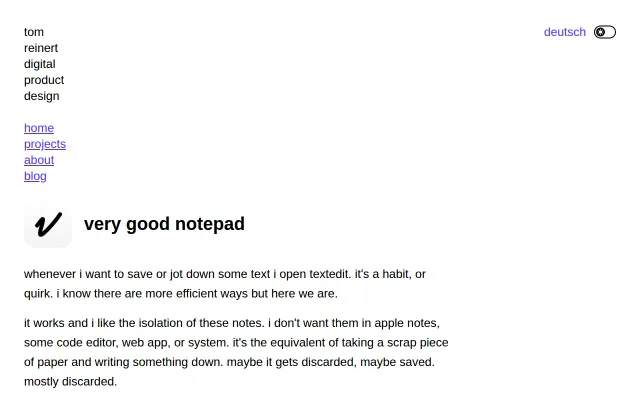
Scratchpad app that auto-saves notes as .txt files

It removes the small but annoying friction of TextEdit — auto-saving notes to a preset folder and auto-naming them by timestamp, first line or a counter so you never face a save/delete dialog. Keyboard shortcuts, a hideable sidebar and plain .txt storage keep the tool brutally simple and predictable. Not novel, but sharply focused: if you want a local scrap-paper workflow on macOS, this does that exact job without drama.

Niche GemCozyShip It
tom2948329494
103mo ago