AI/ML●Mid
MCP for the ChatGPT Ads API – Query ChatGPT Ads from Claude and Codex
Yet another MCP wrapper, but at least the OpenAI Ads API is genuinely new.
Ship ItNiche Gem
cionut
311mo ago
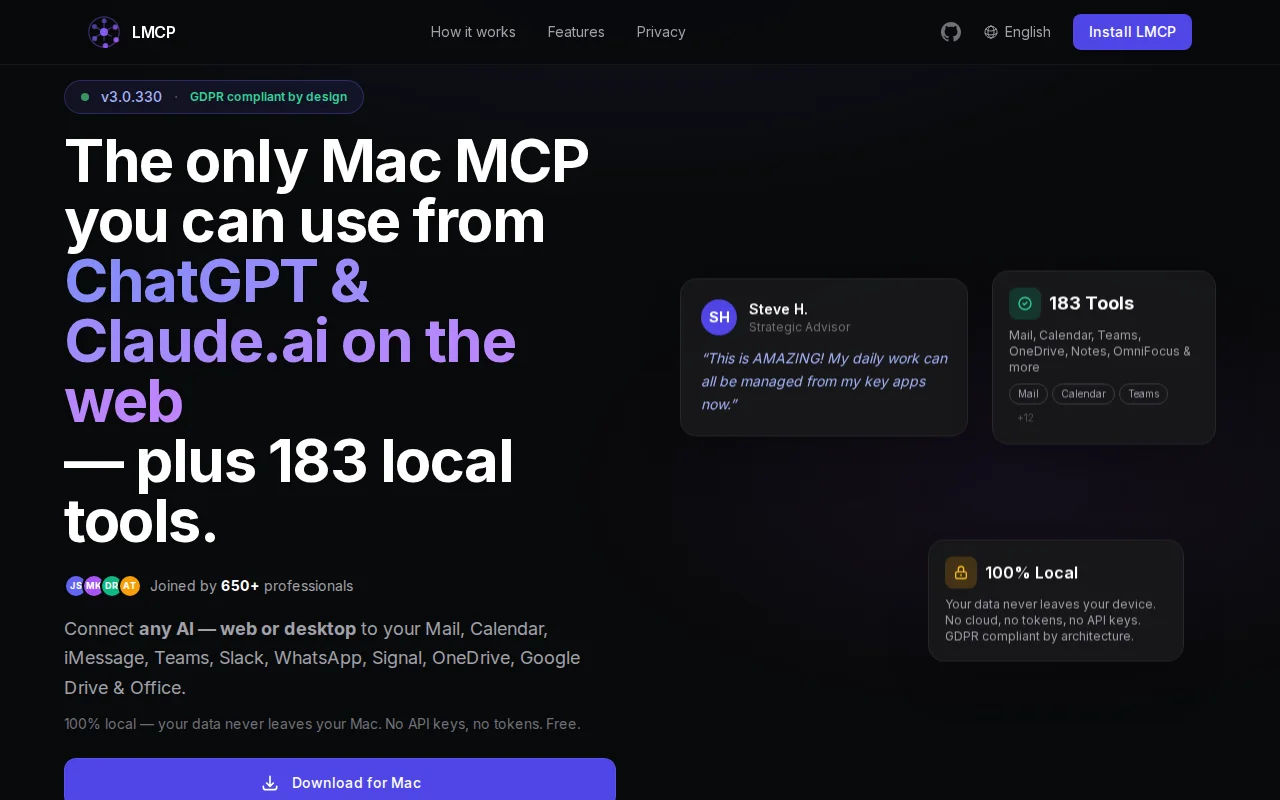
So I built Local MCP — a native macOS app that connects Claude Desktop, Claude Code, Cursor, and ChatGPT to your real local apps over MCP: Mail, Calendar, Contacts, iMessage, Microsoft Teams, Slack, WhatsApp, Notes, Reminders, OmniFocus, OneDrive/Google Drive, Office docs, and local files. ~180 tools.
The part I care about most is where the data goes:
- Desktop/CLI clients (Claude Desktop, Cursor, Claude Code): everything runs on localhost — nothing leaves your Mac, no API keys, no OAuth to us.
- Web AIs (ChatGPT, Claude.ai) that can't reach localhost: there's an optional, opt-in encrypted relay you turn on yourself. It's off by default and it's the only path anything leaves the machine. I flag this explicitly because "100% local" gets thrown around loosely.
How it reaches the hard stuff: Calendar/Contacts via EventKit; Mail/Notes/Messages via AppleScript/JXA against the running apps; Teams/Slack/WhatsApp by reading their local on-disk stores (IndexedDB/LevelDB) rather than any Graph API — so it sees history a cloud integration can't. Destructive actions (send email, delete event) always preview and ask first.
It's past the experiment stage — a few hundred people run it and the heavy users do thousands of operations a day. It's free, no paid tier yet. macOS-only for now (closed-source today).
Install: signed .app at https://local-mcp.com, or `curl -fsSL 'https://local-mcp.com/install?ref=show-hn' | bash`
Happy to go deep on anything — the local-store readers, the JXA/TCC permission model, the opt-in relay design, why macOS-only.
Yet another MCP wrapper, but at least the OpenAI Ads API is genuinely new.
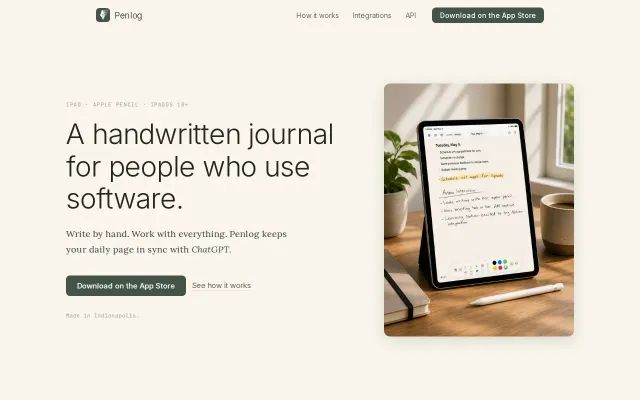
Handwriting that AI agents can read via MCP — analog meets agent infrastructure.
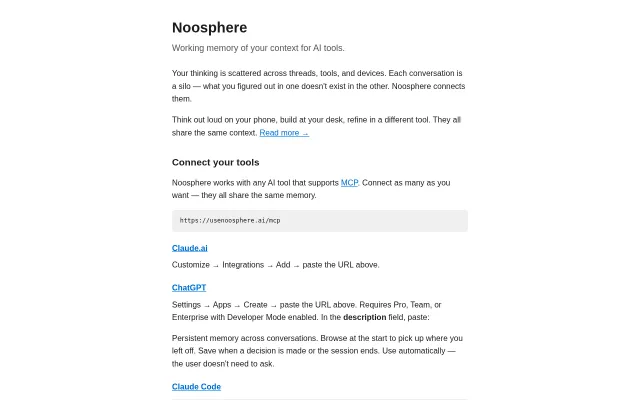
MCP memory server for AI context bleed across tools when Claude Code and Cursor work independently anyway.
Local semantic search over your full AI conversation history, MCP-integrated, zero cloud.
Basic Google Calendar MCP wrapper when dozens of similar calendar tools already exist.
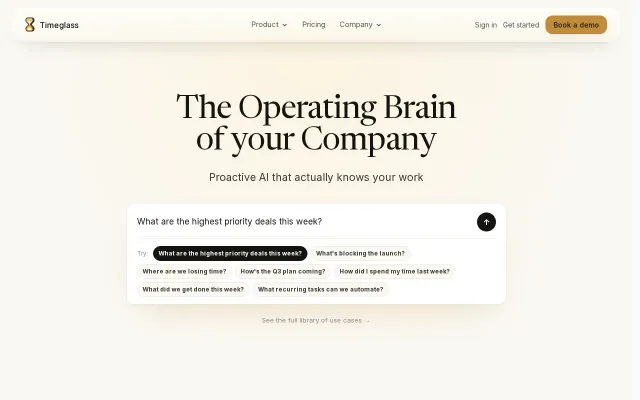
Another AI memory platform when Mem, Rewind, and Superhuman already own this space.